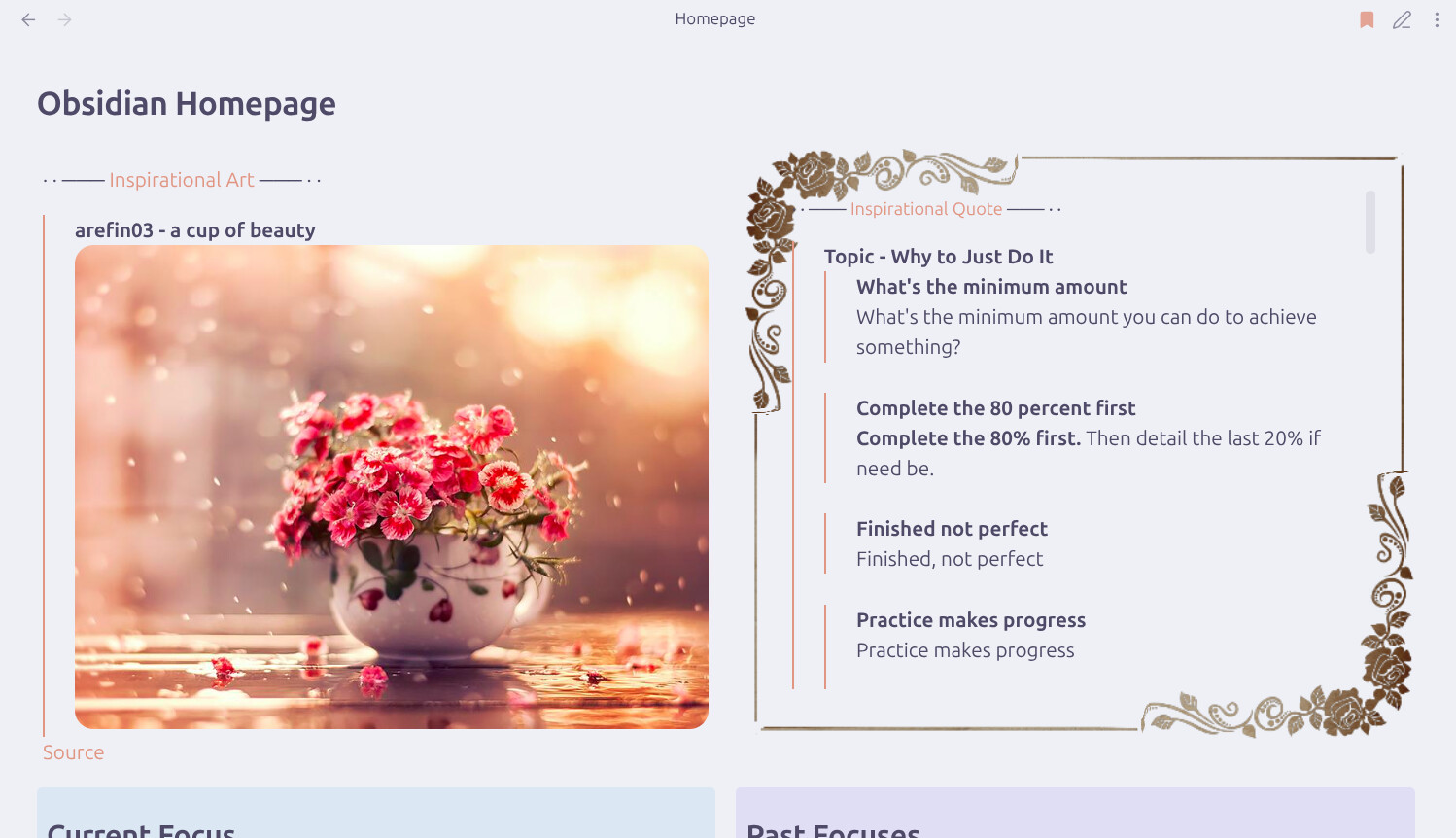
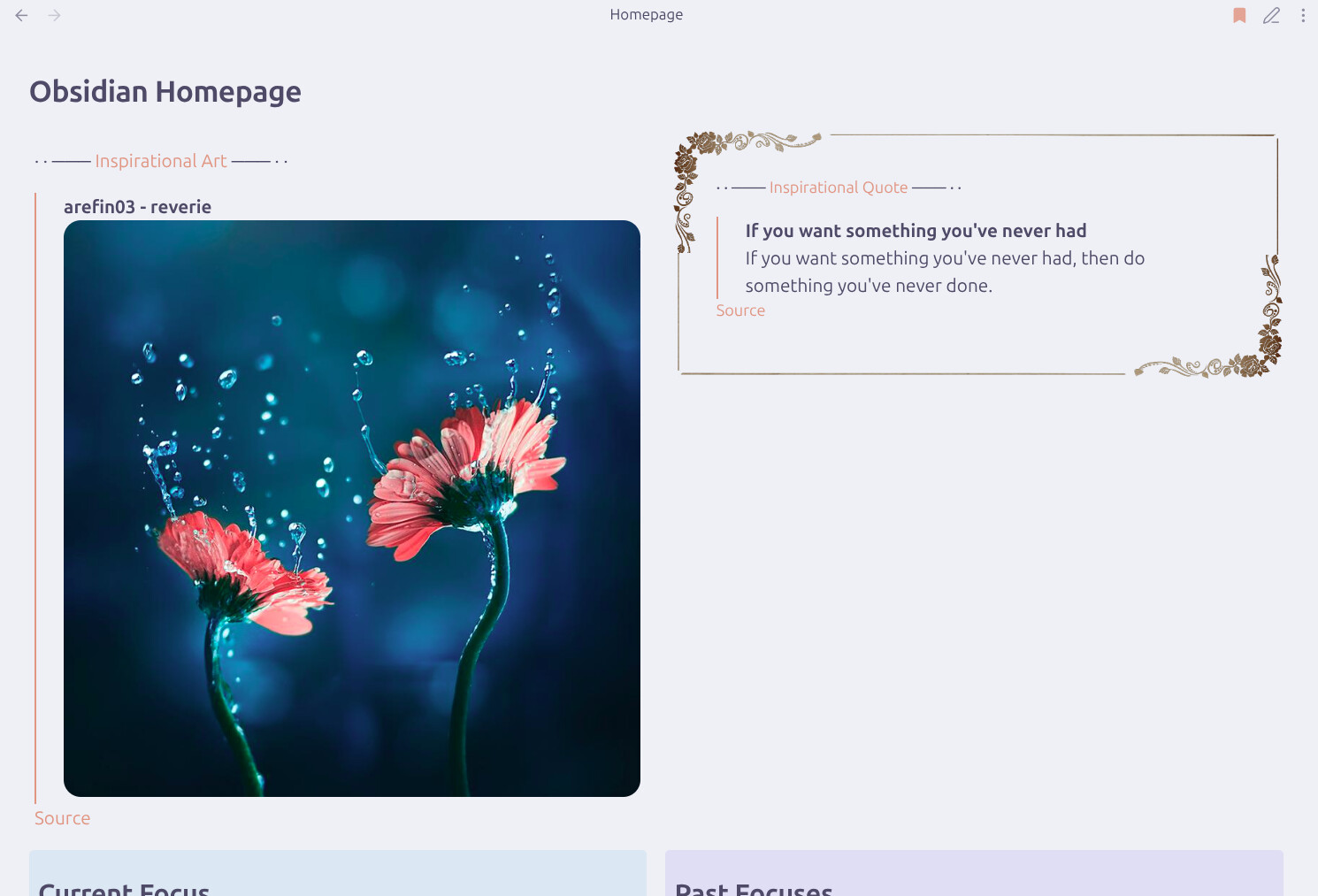
Hello, I would like to rewrite my dataviewjs script to pull only from a subfolder, not any notes from the main folder or other subfolders. I have this setup for inspirational quotes to randomly appear on my homepage and I thought I’d like to see art appear as well (on another page I’ll have in the sidebar). Here’s my current setup, with examples of the random output.
“Homepage” file has a custom callout that has an imaged Wikilink to the “Inspirational Quote” file which has a dataviewjs script that pulls random notes from my “Inspirational” folder, except the “Inspirational Quote” file itself, and now two subfolders (might be convoluted but works for me!).
I had written this script using AI, begrudgingly, because I don’t know Javascript well and Google is not what it used to be… (I think I referenced this forum at the time, too.) I still had to use multiple prompts from a couple AIs, and frankenstein the result to this (and look up how to use span since neither OpenAI nor DeepSeek gave that).
Things I have tried
Now I want to rewrite this script to pull only from the “Inspirational/Art” subfolder. I messed around the first line and I just can’t seem to do it myself, I don’t know where I’m going wrong to only get errors. And AI is no longer free to prompt over and over, and Google is still as frustrating as ever now.
I’m in the process of learning to pull a random note as well, and before i move to pure javascript in Templater instead of dataview (will share my method when done), let me share here a simple dataview implementation that may work for you :
(```dataview)
LIST quote
FROM "Inspirational/Art"
FLATTEN hash(dateformat(date(today), "YYYY-MM-DD"), file.name, date(now).hour + date(now).minute + date(now).second) AS hash
SORT hash
LIMIT 1
(```)
In order to output more than one random note, you could either :
use LIMIT X where X is the number of random notes you want to see
or import this dataview more than once but make each hash variable unique, like hash1 and hash2 for example
Apologies for such the late response! I thank you for your time in helping me with this issue.
I tried your script and it’s cool, I’ll keep it for use elsewhere, but it’s not what I’m currently looking for. I need a javascript dataview so images can display in the output.
Deepest apologies for such a late reply. Life happened, then distractions, then more life, then my laptop charging port shorted on me so I couldn’t access my notes and certain accounts for a while, and I’m just now getting back with you on my Steam Deck
I tried out your script and it does give a nice output! I’m thinking to clean up my original script with yours a bit. However, I think the problem is I didn’t have the right expectations for dataview outputs. I thought I could be lazy and somehow get it to display direct image files I dump in a folder anytime, but that’s looking like it’s not possible. So I will just have to create multiple notes that each link to one displayed image, then have the dataview pull those notes.
At least this approach will ensure I’m mindful of each curated inspirational image, and I could even add notes or other images under the main one for further appreciation.
I like it! Currently, some of the functions are are not working. The 50-length scrollable metadata is not working for the Art container, only for the rose frame. Might be a fault of the blank callout.
For some reason the folder and file exclusions don’t work for the Art side and stopped working for the Quotes side… Not sure if I put one too many exclusions? Or messed up the syntax a tad? Perhaps rearrange quotes or commas some more? Not sure. So at the moment the quotes box is pulling from the art subfolder as well…
Maybe I’ll give up and throw all the quotes in a subfolder as well, so I can erase the “.where” exclusions altogether… That sounds like best for now.
Lastly, this layout does look more janky when the size of each side doesn’t match up.
Okay, I should’ve had quotes in a subfolder ages ago. Much neater for a few of my overhead files to be separated from them, too! Here’s the resulting script:
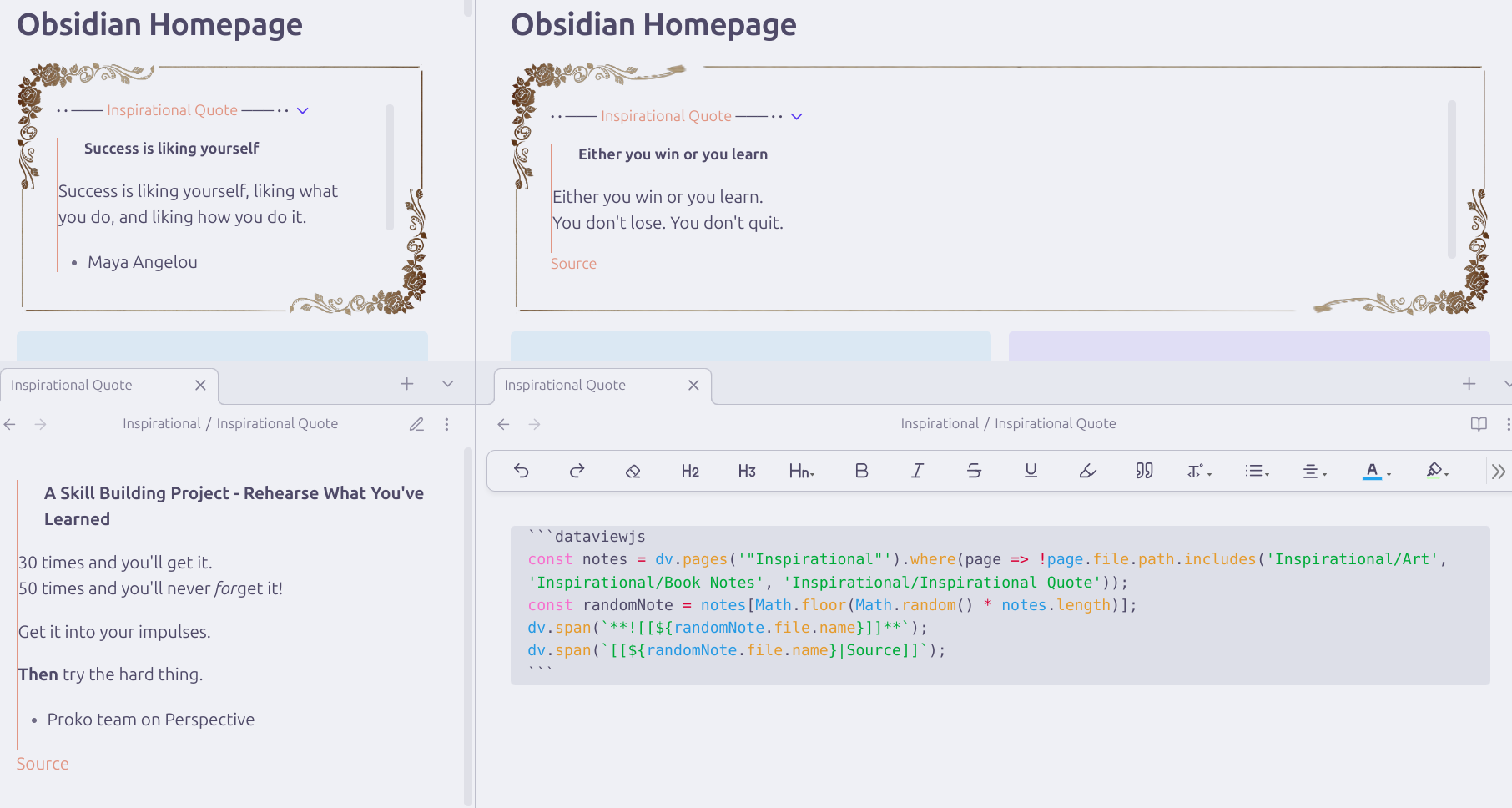


 :
: