Steps to reproduce
- Open a new note
- Type the following text
Backtick
=
=
Backtick
Space
Space
Sorry, showing the backtick in the steps is a nightmare due to the fact that it’s interpreted here as well
Expected result
The code between the backticks, `==`, must be displayed as code, and not crash.
Actual result
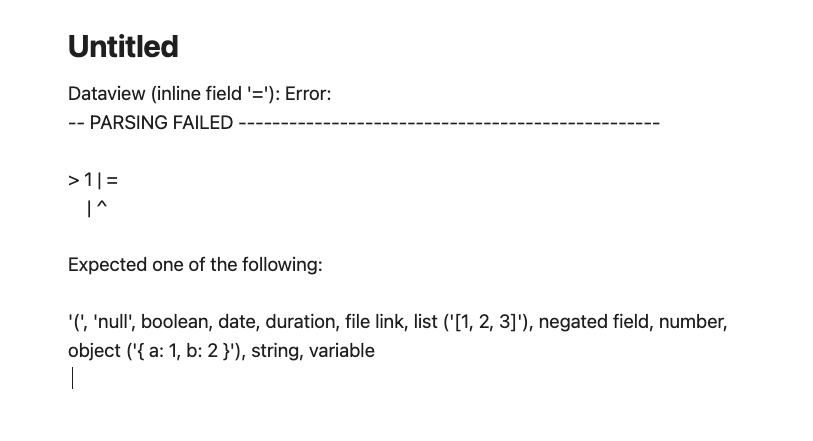
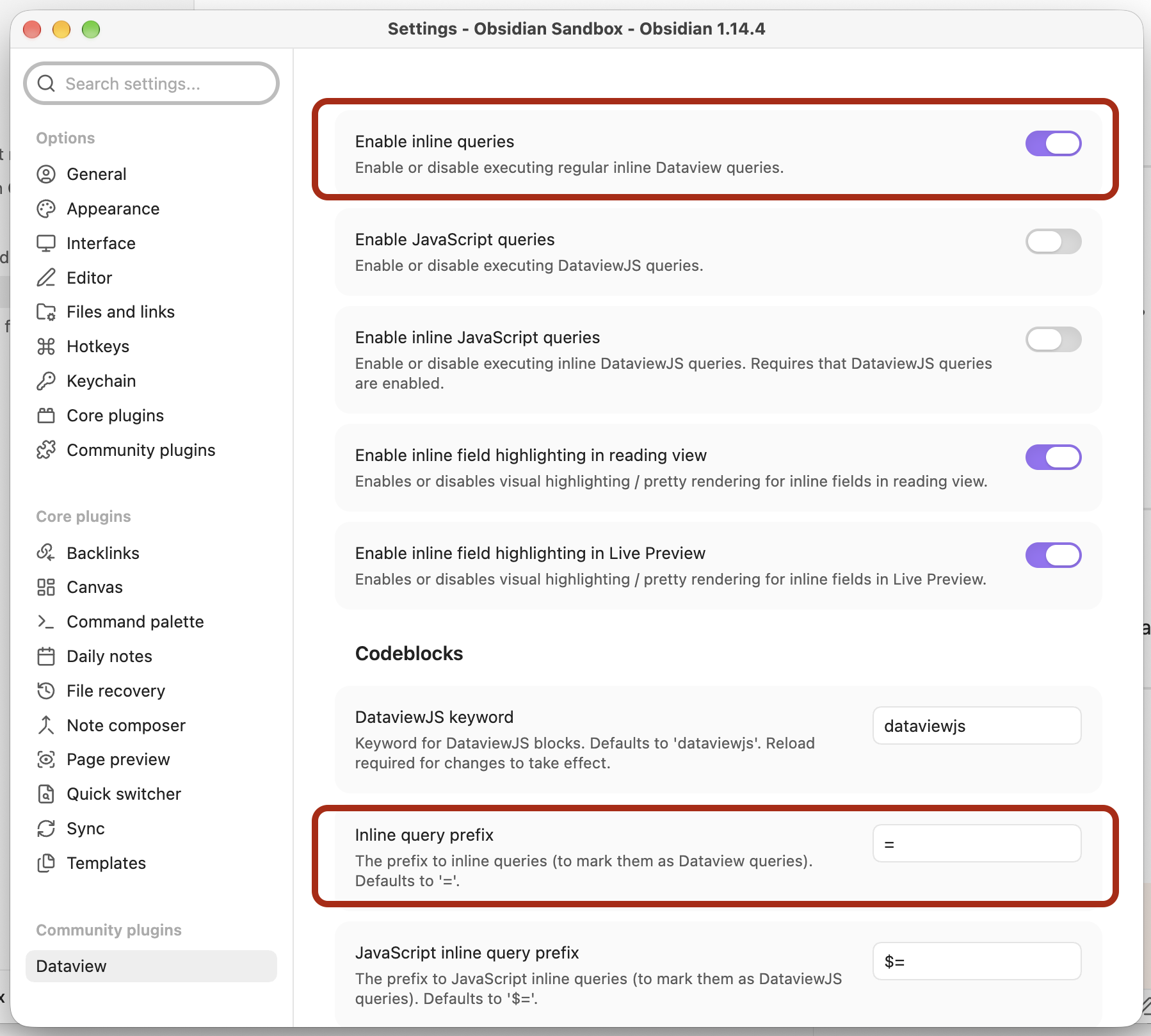
When not focusing the `==` text, I got a Dataview (inline field '='): Error" message (see screenshots in Additional information section)
Environment
SYSTEM INFO:
	Obsidian version: 1.14.4
	Installer version: 1.14.4
	Operating system: Darwin Kernel Version 25.6.0: Tue Aug 18 17:51:58 PDT 2026; root:xnu-12377.161.15.700.19~2/RELEASE_ARM64_T8122 25.6.0
	Login status: not logged in
	Language: en
	Insider build toggle: off
	Live preview: on
	Base theme: light
	Community theme: none
	Snippets enabled: 1
	Restricted mode: off
	Plugins installed: 4
	Plugins enabled: 4
		1: Relay v0.7.12
		2: Dataview v0.5.68
		3: AI Providers v1.9.2
		4: Local GPT v4.0.0
RECOMMENDATIONS:
	Custom theme and snippets: for cosmetic issues, please first try updating your theme and disabling your snippets. If still not fixed, please try to make the issue happen in the Sandbox Vault or disable community theme and snippets.
	Community plugins: for bugs, please first try updating all your plugins to latest. If still not fixed, please try to make the issue happen in the Sandbox Vault or disable community plugins.
Additional information
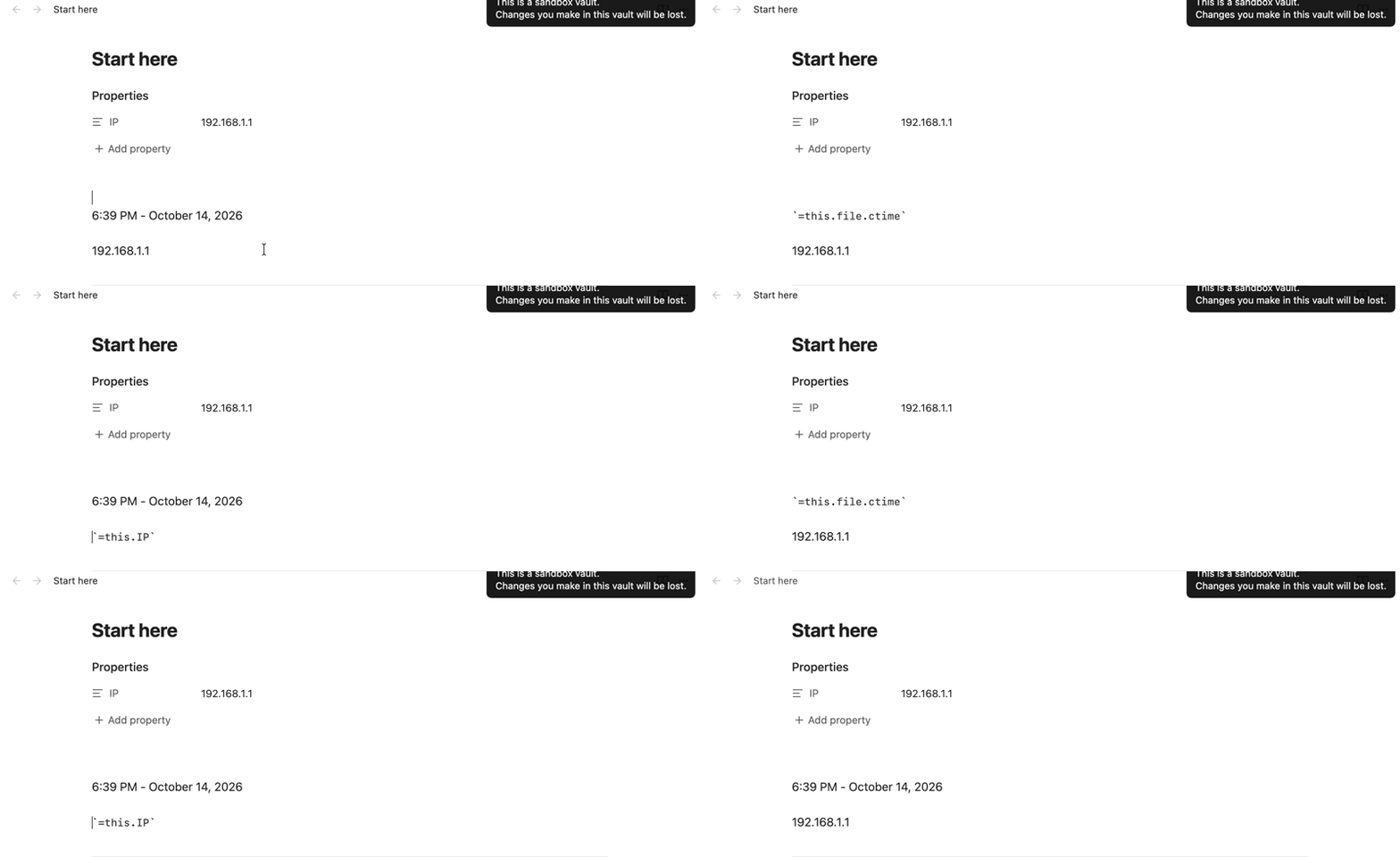
When clicking on the content in edit mode:
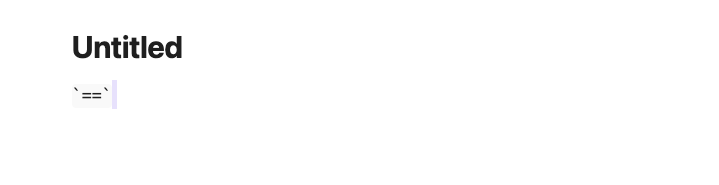
When clicking somewhere else in the note: