Dataview glossary (Help?)

What I’m Trying to Do

I use dataview to collect terms across notes and store them in one place index/glossary style using this code:

 Dataview
TABLE WITHOUT ID Method, Process as "Quick definition", file.link as "Instance"
WHERE contains(tags, "Method") AND Method != null AND Process != null
SORT Term ASC

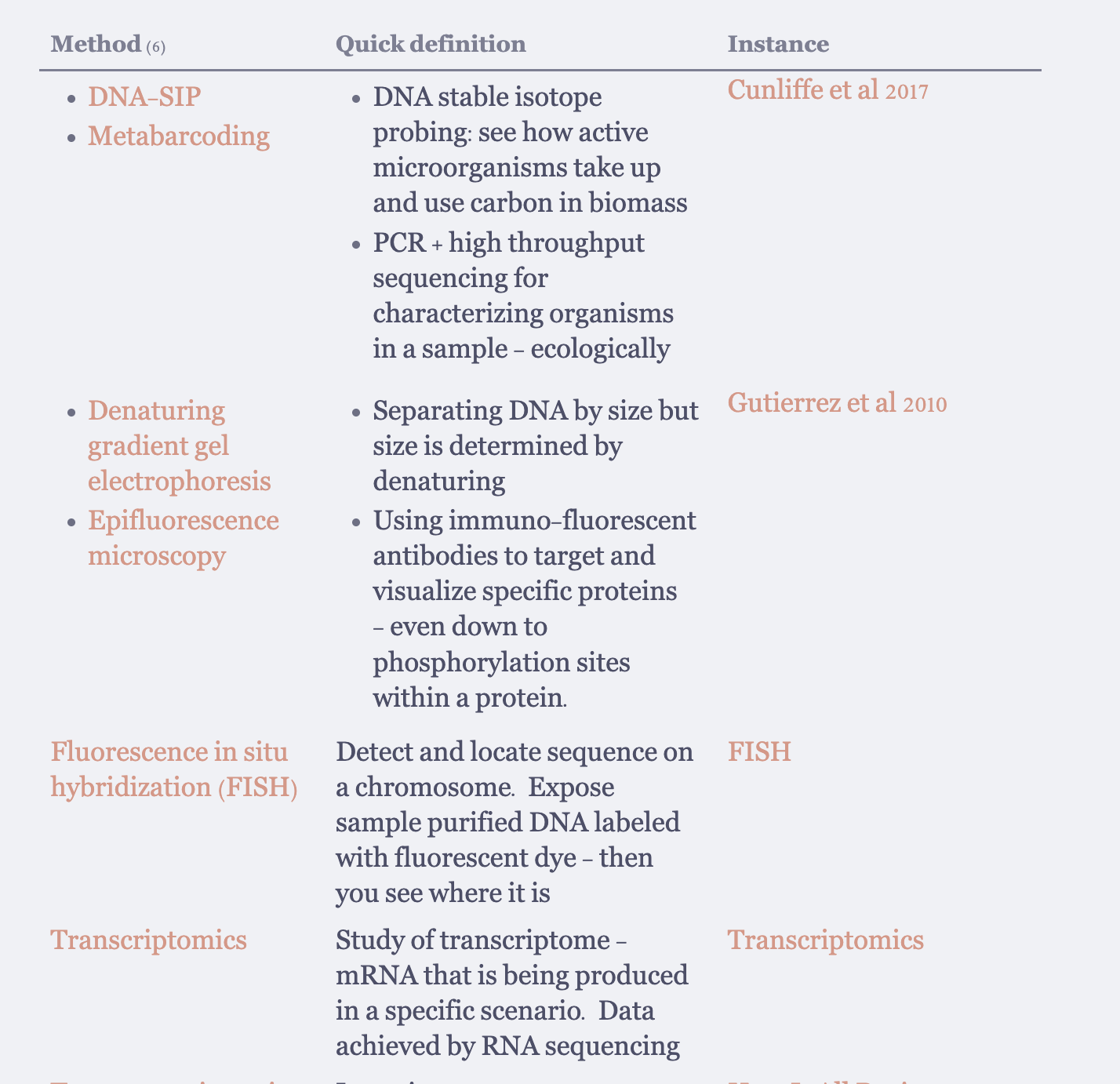
It works well except if there are multiple terms per note they become bulleted as you can see in the image. The terms also do not line up with the definition making it hard to read. How can I get the formatting consistent and get the terms to line up better? Also the asc sorting is only applied within a note (Cunliffe et al 2017 has D and M in order but we go back to D when starting Gutierrez etc)
Things I have tried

Straight up omitting the file.link column to see if that would separate the terms. I do not necessarily need that column at all and would be happy to omit it, but we still get weird bullet points and not-aligned term/definition.

I am almost a complete beginner with no code experience.
Hi @ryvleff, welcome to the Obsidian community!

You’ve run into a common limitation when using Dataview; generally speaking it works at the page level. This means that each row of the table corresponds to a page in your vault, not to the contents of the page inside your vault.

I guess from your screenshot that you have multiple definitions per page, so Dataview is collating them together into bulleted lists. But Dataview has no idea which definition goes with which method; it sees them all as a bunch of attributes of the page.

So to make the report look the way you want, you’d need to have each method-definition pair in its own page.[1] That may be counter to the way you’re taking notes, of course, so either you’d need to make some adjustment to how you’re structuring your notes, or else Dataview may not be the right tool for what you’re trying to accomplish.

If you post a few examples of what your page text currently looks like, I might be able to make some more pointed suggestions.


  1. Or at least in its own bullet list item, but that’s a more complicated approach. ↩︎

A note for each term—as Craig mentioned—is one option and would work well with Dataview (and Bases!). But if that workflow doesn’t suit you, Dataview has other ways to return your glossary terms individually.

Two options are below, one using inline Dataview fields and another where you enter your terms in the Properties at the top of your notes (in the front matter).

The key is to use structure to say which method goes with which process. Otherwise you could end up with mismatched terms, especially if a note has an unequal number of each—whether as an intentional placeholder or an accidentally typo or omission.


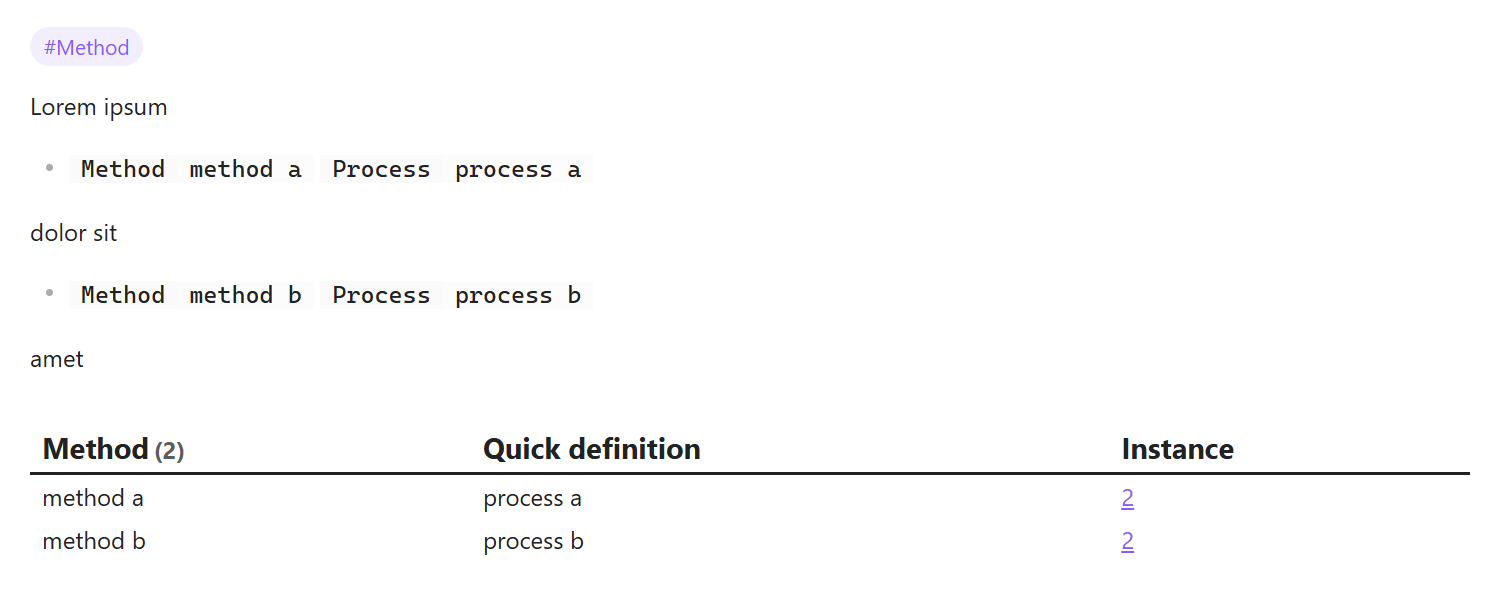
For inline Dataview fields, one way to explicitly pair your components is with list items:

Lorem ipsum

- [Method::method a] [Process::process a]

dolor sit

- [Method::method b] [Process::process b]

amet

#Method

… and a query like this:

```dataview
TABLE WITHOUT ID L.Method AS "Method", L.Process AS "Quick definition", file.link AS "Instance"
FROM #Method
FLATTEN filter(file.lists, (l) => l.Method AND l.Process) AS L
SORT L.Method
```

A drawback is that this method is incompatible with Bases.


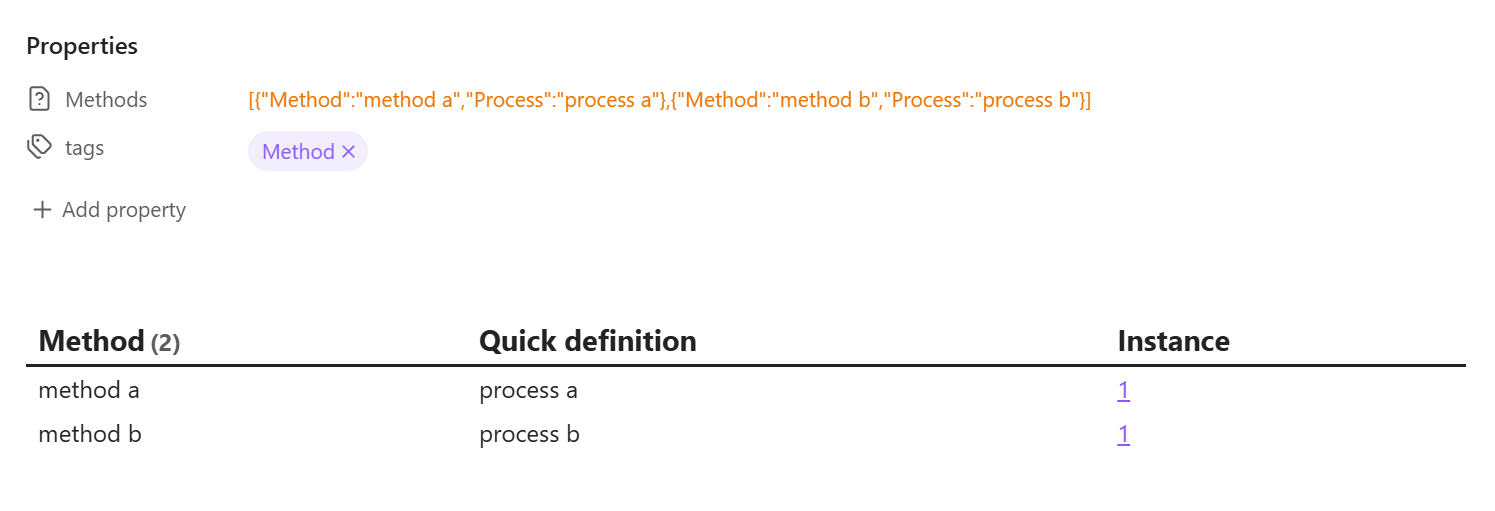
For front matter, one way is with objects:

---
Methods:
  - Method: method c
    Process: process c
  - Method: method d
    Process: process d
tags:
  - Method
---

… and a query like this:

```dataview
TABLE WITHOUT ID Term.Method AS "Method", Term.Process AS "Quick definition", file.link AS Instance
FROM #Method 
WHERE Methods
FLATTEN Methods AS Term
SORT Term.Method
```

The drawback with this method is that Obsidian’s Properties widget doesn’t support displaying objects. You can enter the info in source mode, and Dataview (and Bases) can read it, but your Properties will have awkward orange text in Live Preview and Reading:

(There might be plugins that address that.)