What I’m trying to do
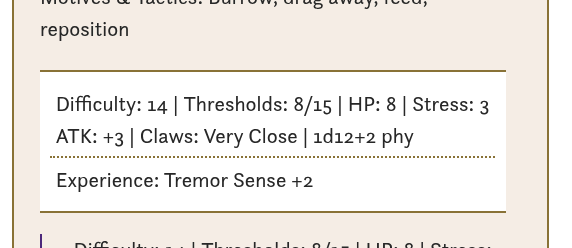
I have a vault for running a TTRPG game. I wanted Fantasy Statblock style callouts but using pure markdown with CSS styling. So I started by creating a custom callout that embeds the creature note within it:
> [!statbox]
> ![[Acid Burrower]]
That works all fine. I am able to customise how it’s rendered with CSS all fine. The issue is with a specific part of the embedded note. The note itself also contains a custom callout which I named “corestats”. It has most of everything stripped out of it so it’s fairly plain text. Again, this works.
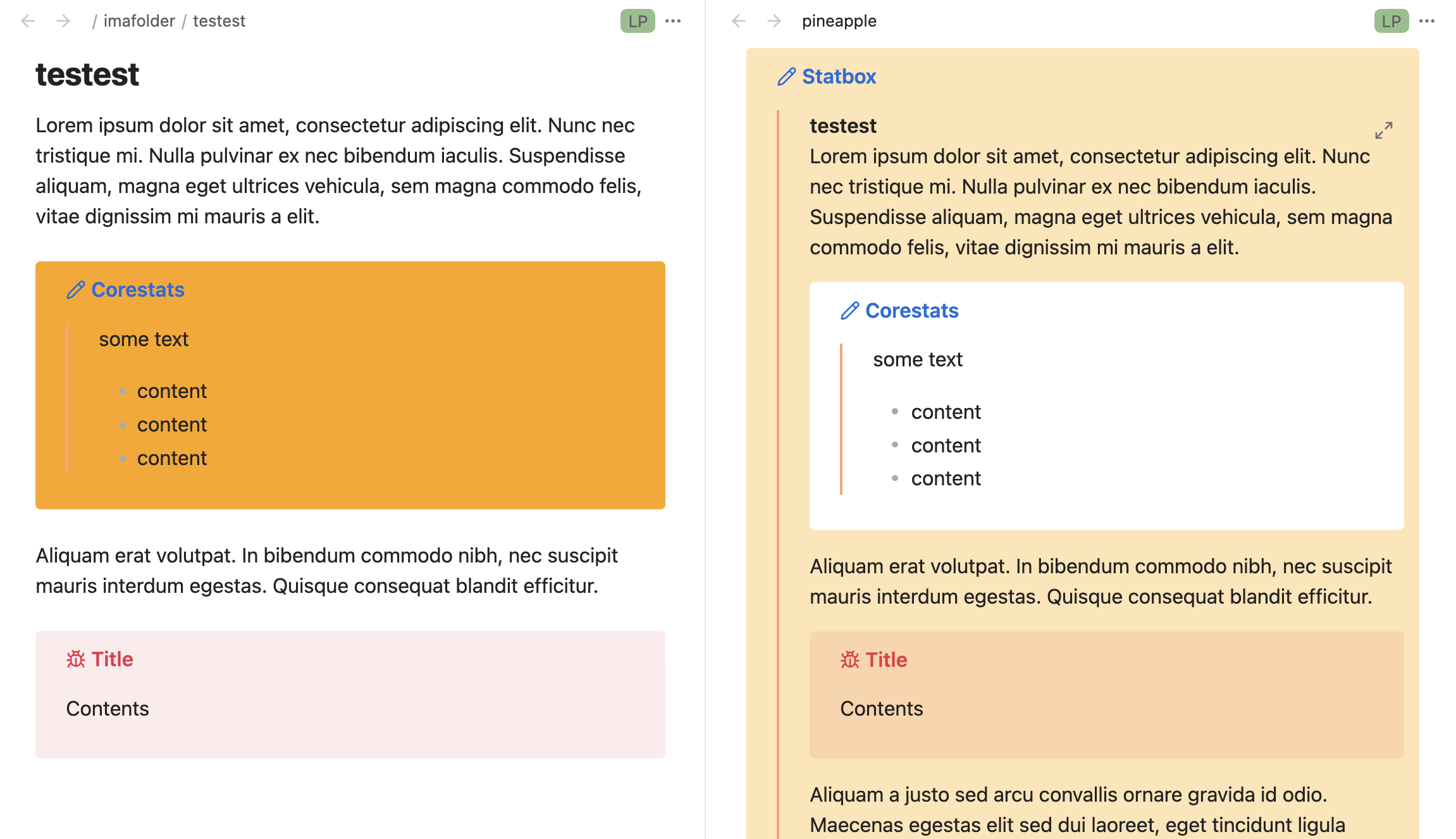
The but is that the nested call out cannot have a white background. Literally any other colour will work. But as soon as I try to set it to white, it shows as transparent (shows the background colour of the callout it’s nested within) :
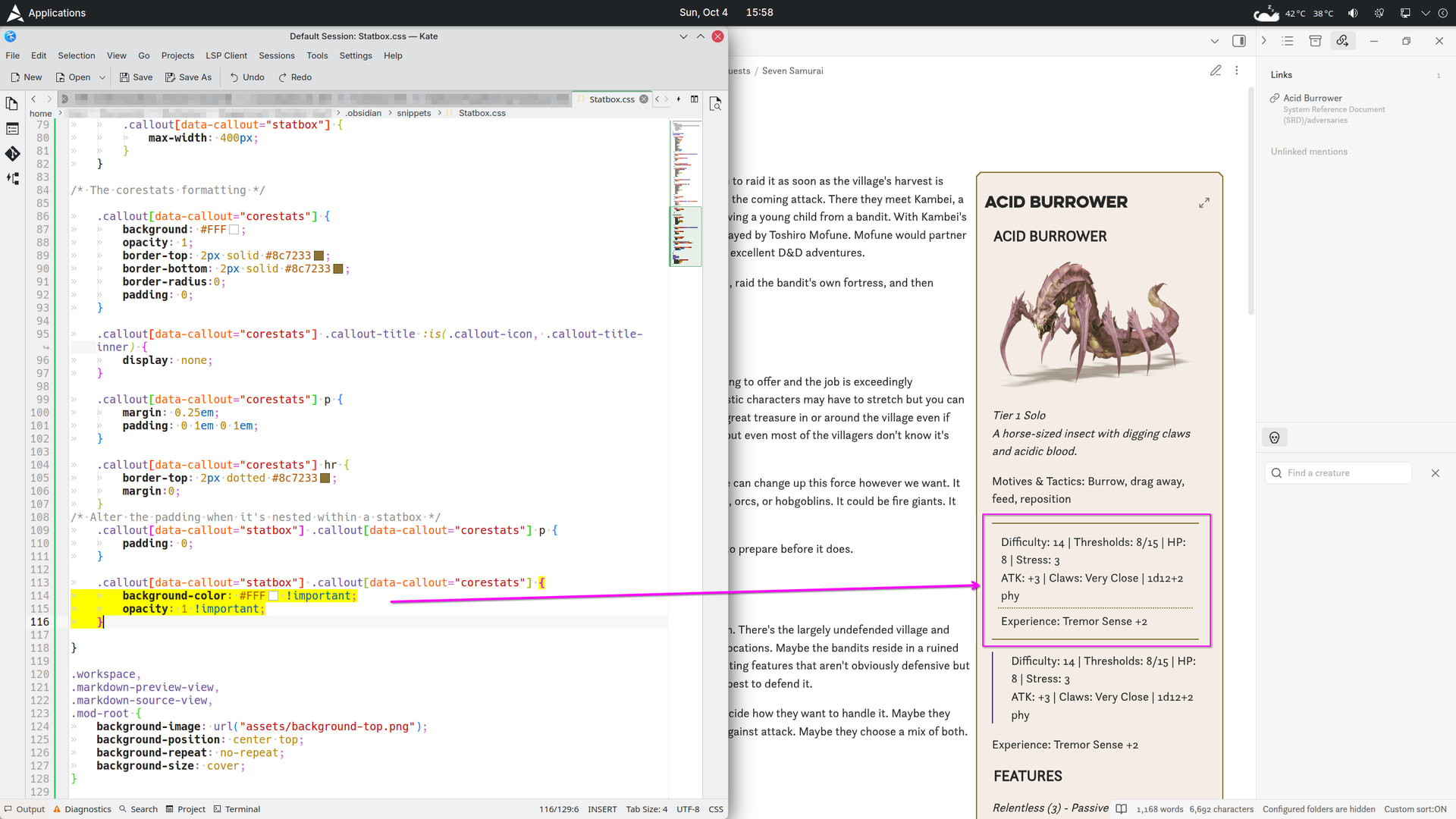
(Please excuse the double up text in the call outs and some nonsense stuff in the CSS snippet, WIP and I’m only using these notes as tests).
Things I have tried
I have tried using rgba colour instead. Same result, background-color: rgba(255,255,255,1) !important; will not display but background-color: rgba(100,250,200,1) !important; will (or almost* any other colour that ISN’T white).
For example, if I do
.callout[data-callout="statbox"] .callout[data-callout="corestats"] {
	background-color: #F0A !important;
	opacity: 1 !important;
}
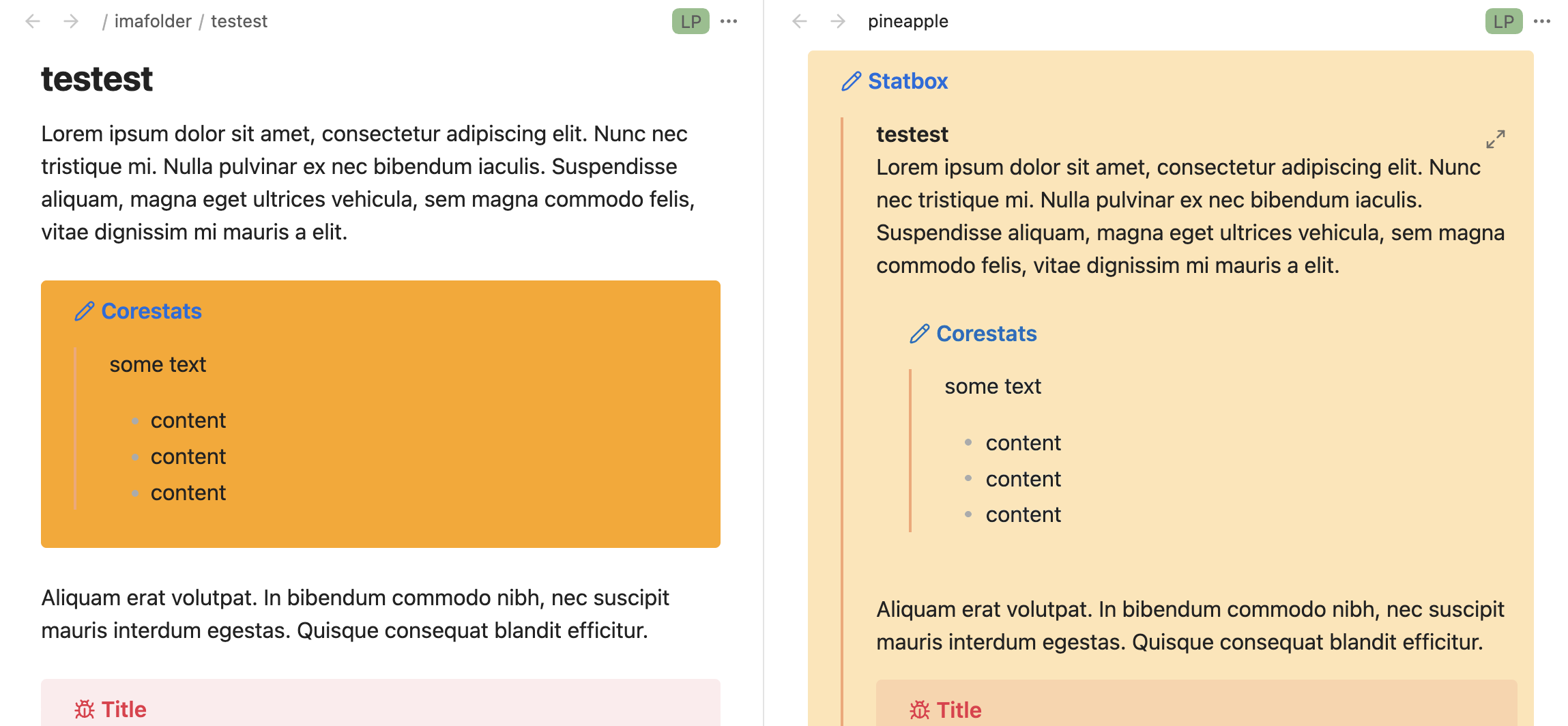
I get:
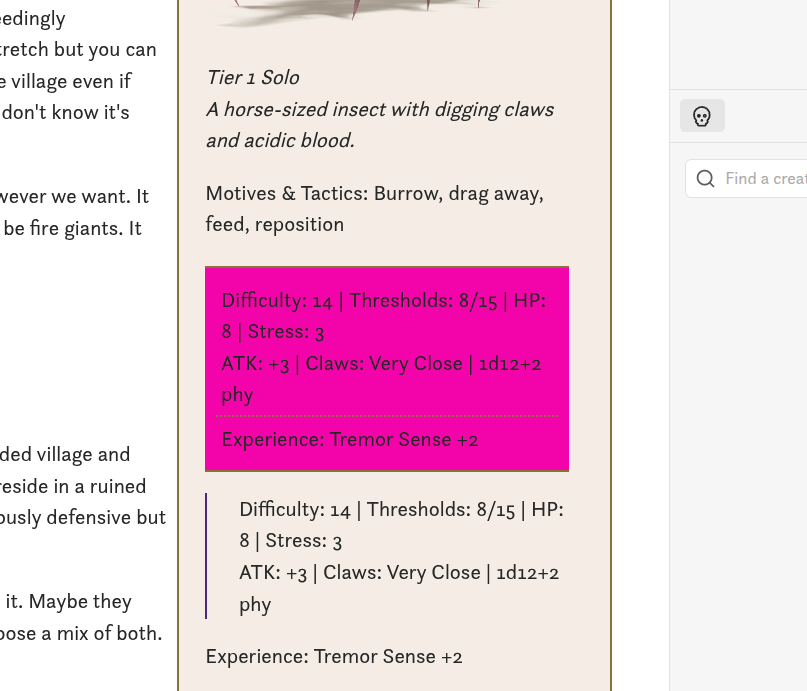
It’s just white that appears as transparent. And I have no idea why.
I tried a variety of colours - #FFFFFE also appears transparent. So does #FFFFEE, #FFFEEE, #FFEEEE and #FEEEEE but #EEEEEE displays the correct colour. As does #EFFFFF.
It’s so weird, it’s like if the colour is similar to white, but not quite (hex code starts with an ‘F’) it will display transparent, but other light colours display fine.
Anyone know why this is happening and how I can fix it? Thanks!