Steps to reproduce
Update Obsidian to newest public release 1.13.4
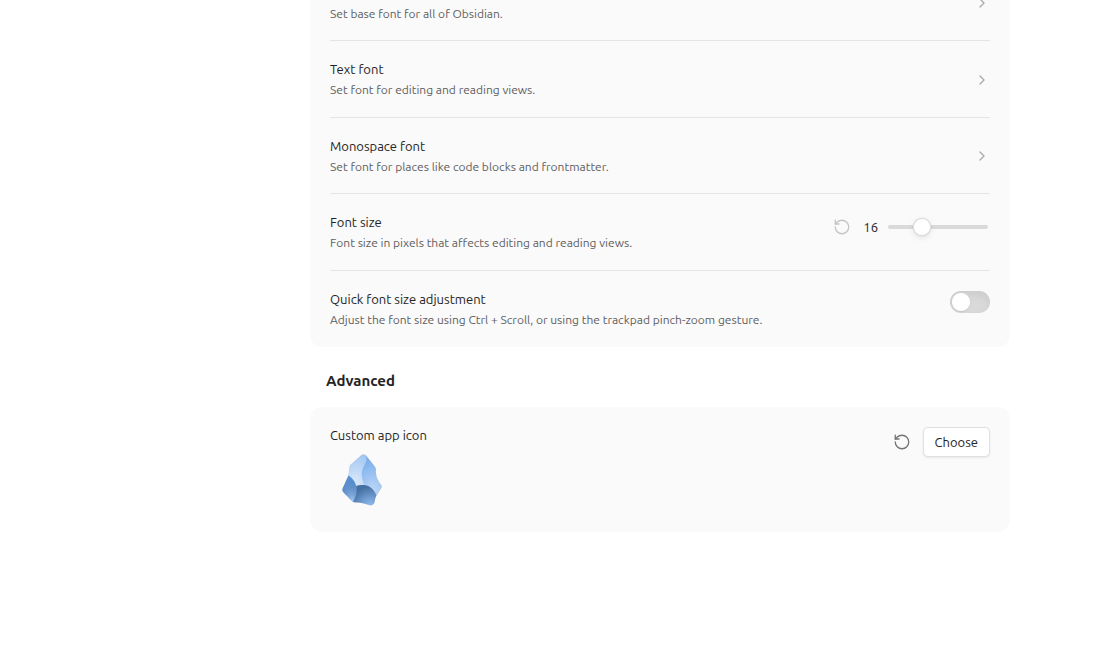
Custom app icon no longer appears
Did you follow the troubleshooting guide? YES
The icon is local, it worked in the previous public release, the icon does not work with the Sandbox Vault (even after relaunch; the icon appears in the menu in Obsidian, but not in the actual task bar)
Expected result
I expected to see my pretty blue Obsidian icon
Actual result
I see the default Obsidian icon
Environment
Sandbox Vault
SYSTEM INFO:
	Obsidian version: 1.13.4
	Installer version: 1.13.4
	Operating system: #28~24.04.1-Ubuntu SMP PREEMPT_DYNAMIC Wed Jul  1 15:50:57 UTC 2 7.0.0-28-generic
	Login status: not logged in
	Language: en
	Insider build toggle: off
	Live preview: on
	Base theme: adapt to system
	Community theme: none
	Snippets enabled: 0
	Restricted mode: off
	Plugins installed: 0
	Plugins enabled: 0

RECOMMENDATIONS:
	none
Real vault:
SYSTEM INFO:
	Obsidian version: 1.13.4
	Installer version: 1.13.4
	Operating system: #28~24.04.1-Ubuntu SMP PREEMPT_DYNAMIC Wed Jul  1 15:50:57 UTC 2 7.0.0-28-generic
	Login status: not logged in
	Language: en
	Insider build toggle: off
	Live preview: on
	Base theme: adapt to system
	Community theme: Shimmering Focus 5.86.0
	Snippets enabled: 25
	Restricted mode: off
	Plugins installed: 48
	Plugins enabled: 17
		1: Commander v0.5.7
		2: CustomJS v1.0.21
		3: Signature Switcher v0.0.1
		4: Lazy Loader v1.0.24
		5: Hide Sidebars on Window Resize v1.1.2
		6: Style Settings v1.0.9
		7: Smarter Markdown Hotkeys v42.16.4
		8: Tabout mod: now just jumps to the end of the word v1.0.1
		9: Advanced URI v2.0.0
		10: Better Word Count v0.10.1
		11: Smart DayNight switcher v1.0.3
		12: Sort and Permute lines v0.8.0
		13: Templater v2.24.3
		14: Dynamic Highlights v0.3.1
		15: Slides Extended v2.4.2
		16: Shell commands v0.23.0
		17: aDHL v1.2.14

RECOMMENDATIONS:
	Custom theme and snippets: for cosmetic issues, please first try updating your theme and disabling your snippets. If still not fixed, please try to make the issue happen in the Sandbox Vault or disable community theme and snippets.
	Community plugins: for bugs, please first try updating all your plugins to latest. If still not fixed, please try to make the issue happen in the Sandbox Vault or disable community plugins.
Additional information
This is on Linux Mint 22.3
Obsidian menu in Sandbox Vault
actual task bar:
