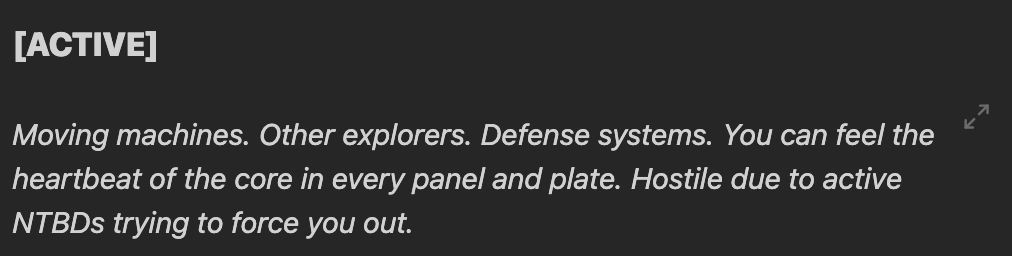
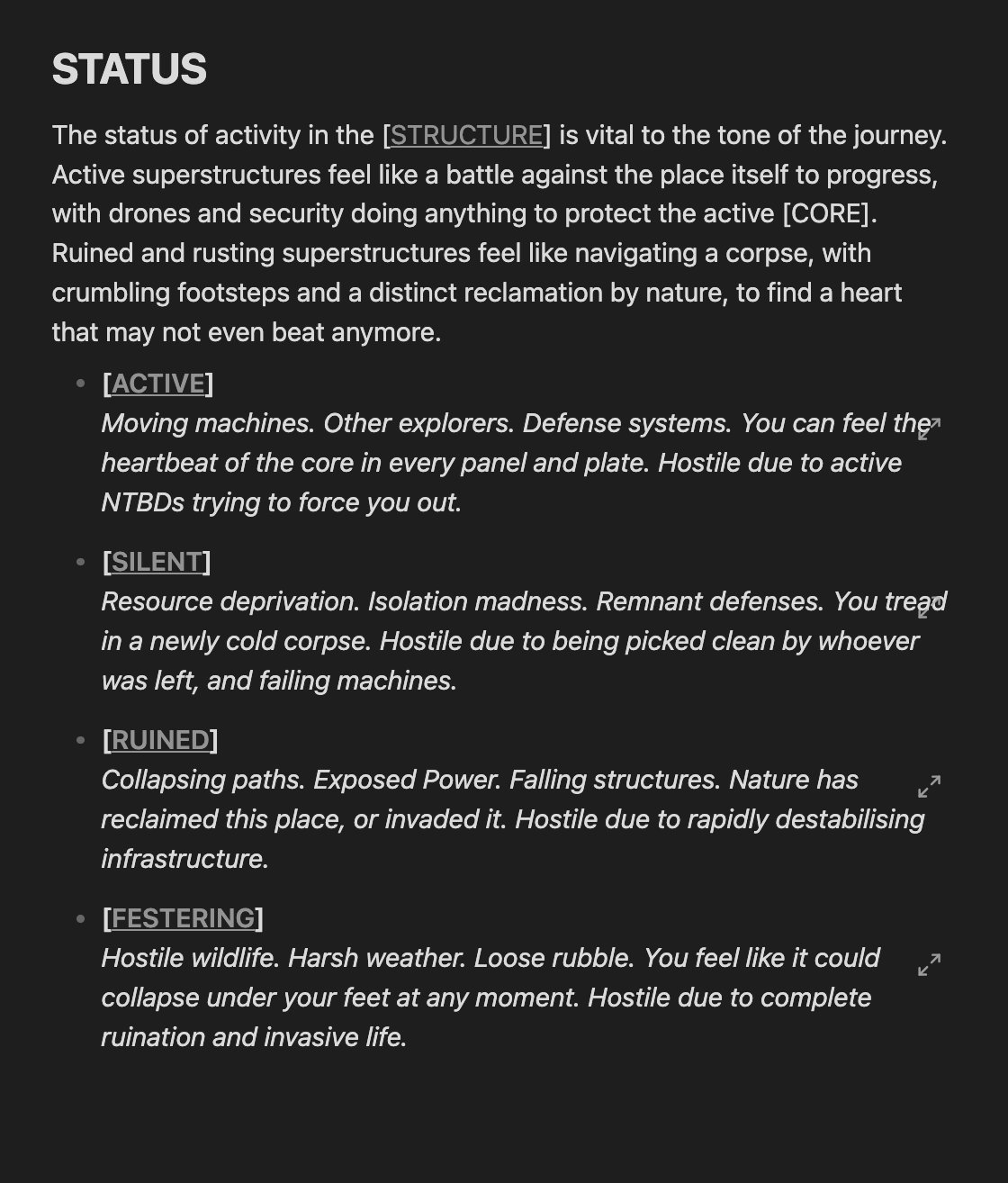
So my main goal is to take this gap and make it disappear (the one between [ACTIVE] and “moving machines…”
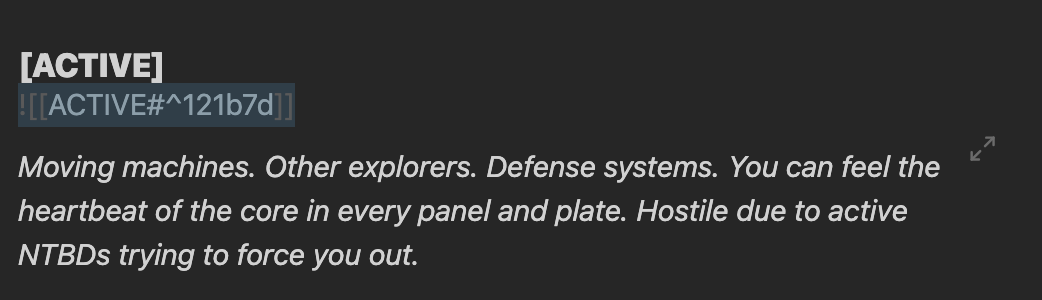
Currently, it looks like this in edit view
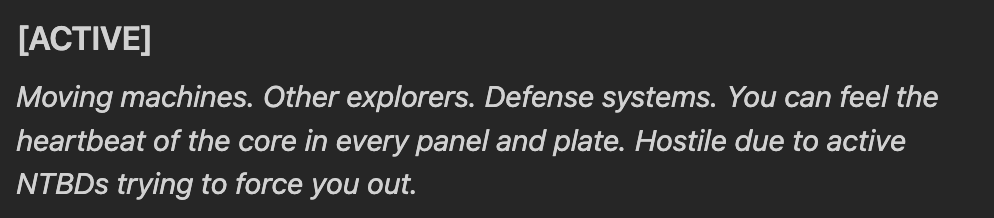
Is there a specific padding or spacing value i can use to bump the text or embed itself up to essentially look like this? (Example made with normal inline text and not embeds)
The thing is it looks perfectly fine in edit mode.
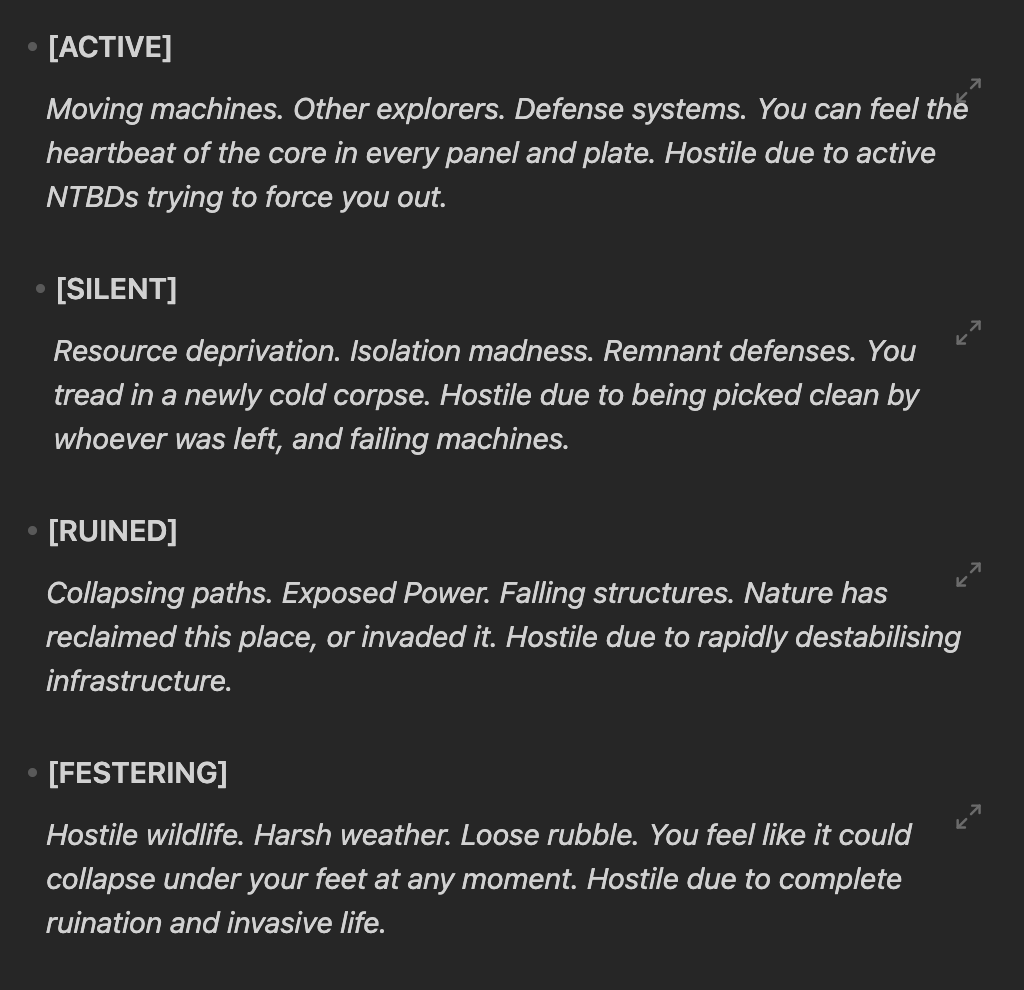
However when I swap to read mode the spacing suddenly gets weird.
After a little bit of desperate experimentation and deep mining reddit i managed to cobble together a solution!
body {
  --embed-border-start: 0px
}

:is(li, .HyperMD-list-line) > .internal-embed[alt*='^'] {
  display: inline-block;
  vertical-align: middle;
}

.internal-embed[alt*='^'] {
    padding-left: 0px;
    margin-left: -24px;
    margin-bottom: 10px;

    & :is(p, ul, li) {
        margin-block: 0;
        padding-block: 0px;
    }
}
This is using the Minimal theme!
1 Like
Thanks for sharing. It‘s the best iteration I came across and I tried many
system
March 26, 2026, 12:02pm
5
This topic was automatically closed 28 days after the last reply. New replies are no longer allowed.