As of Obsidian v1.11.7 there’s a new URI option:
- Added new
choose-vaultURI action to open the vault switcher.
e.g.
<obsidian://choose-vault>
or
[vault switcher](obsidian://choose-vault)
depending on where the link is.
Create a shortcut on macOS
- Open Shortcuts
+to create new shortcut- Give it a title
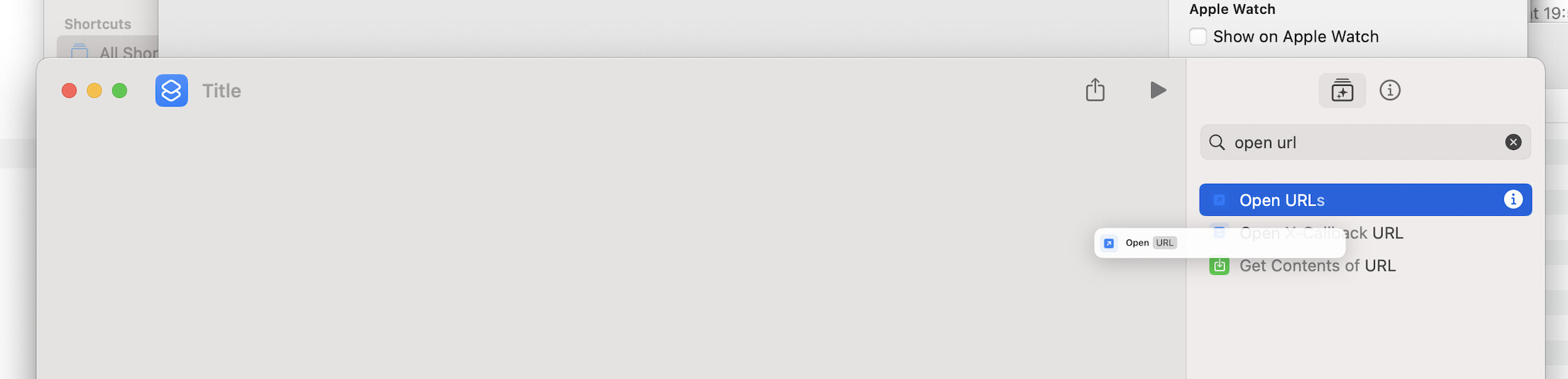
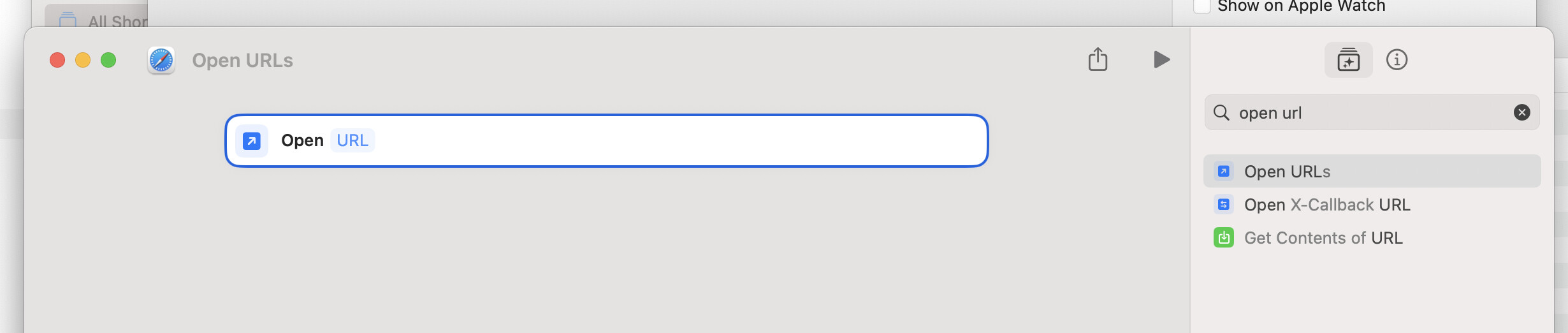
- Search for Open URLs and drag it in
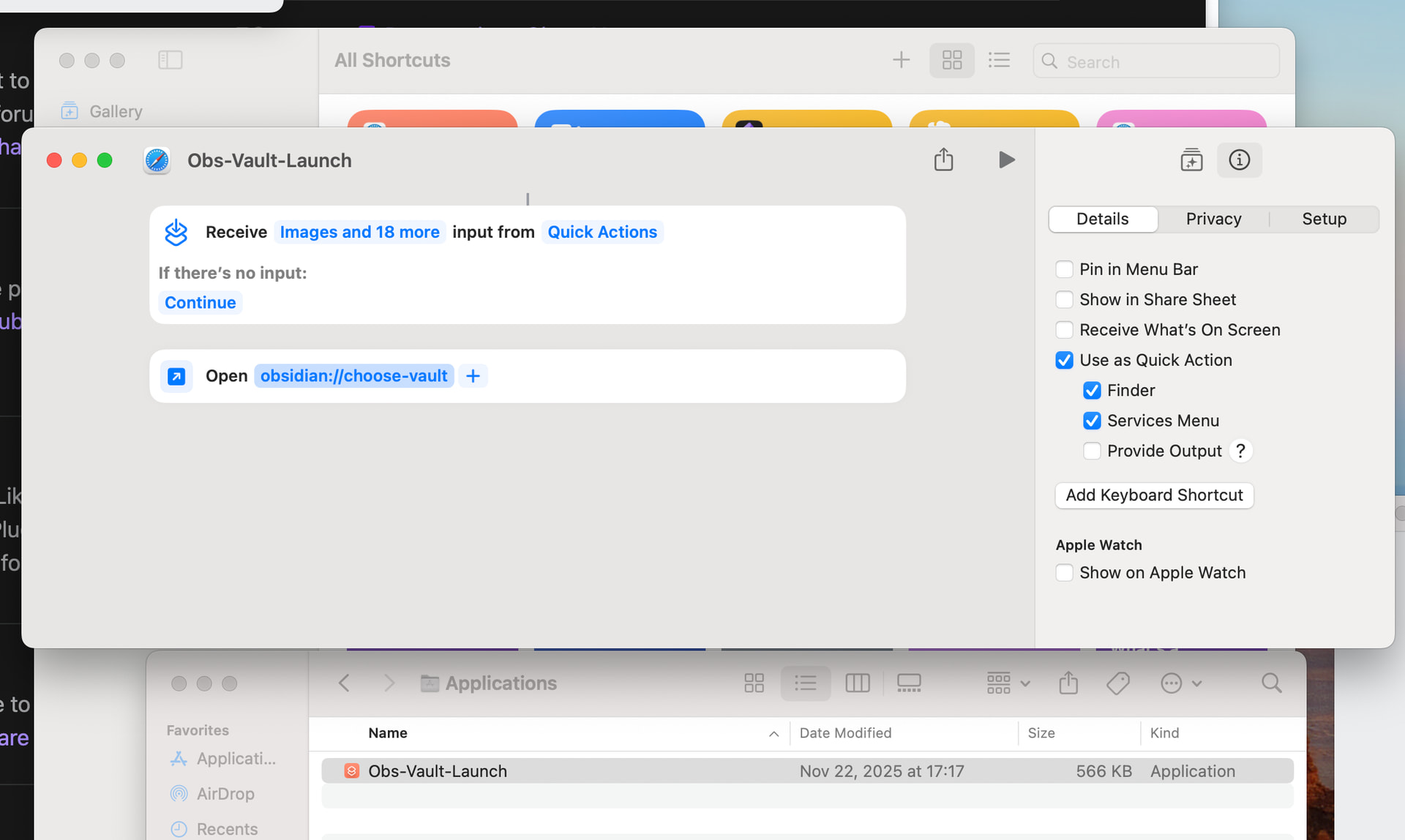
- Add
obsidian://choose-vaultfor the URL - Click the ( i ) icon and check
Use as Quick ActionFinder
- Head to ~/Applications to see your shortcut. You can put in on the desktop, in the Dock, etc.
Create a shortcut on Windows
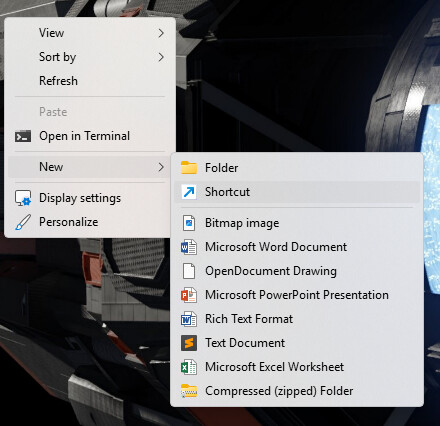
- Right-click on the desktop
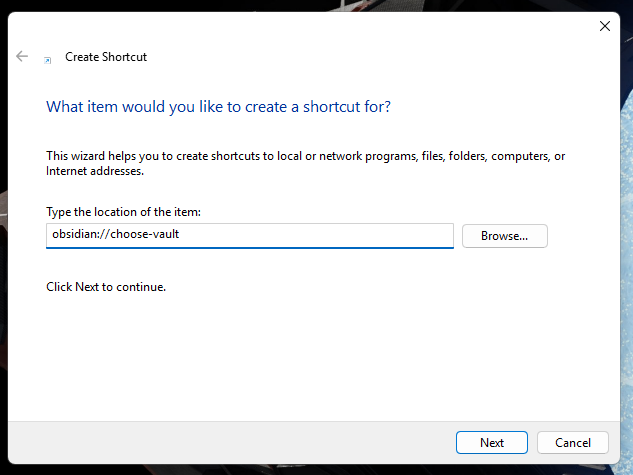
- New → Shortcut →
- Paste in
obsidian://choose-vault - Next
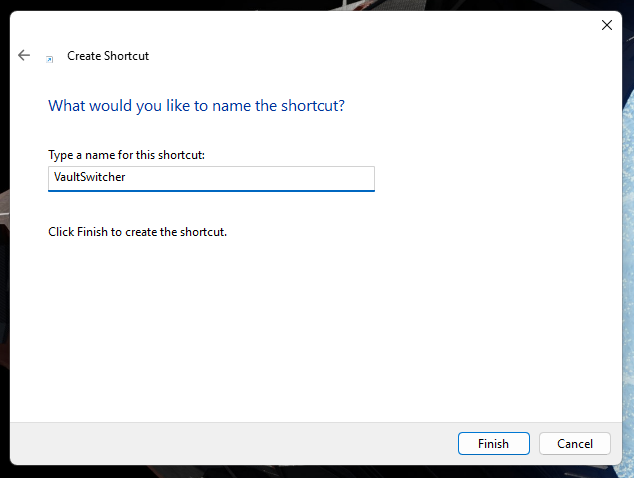
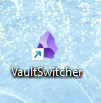
- Give it a name
Related: how to create a shortcut to open a specific vault →