I am using WebClipper to clip webpages. However, I found the images are using URL linked to original website.
My question is that, is it possible to download the images too? And change the image URL into local in clipped markdown file.
Thx.
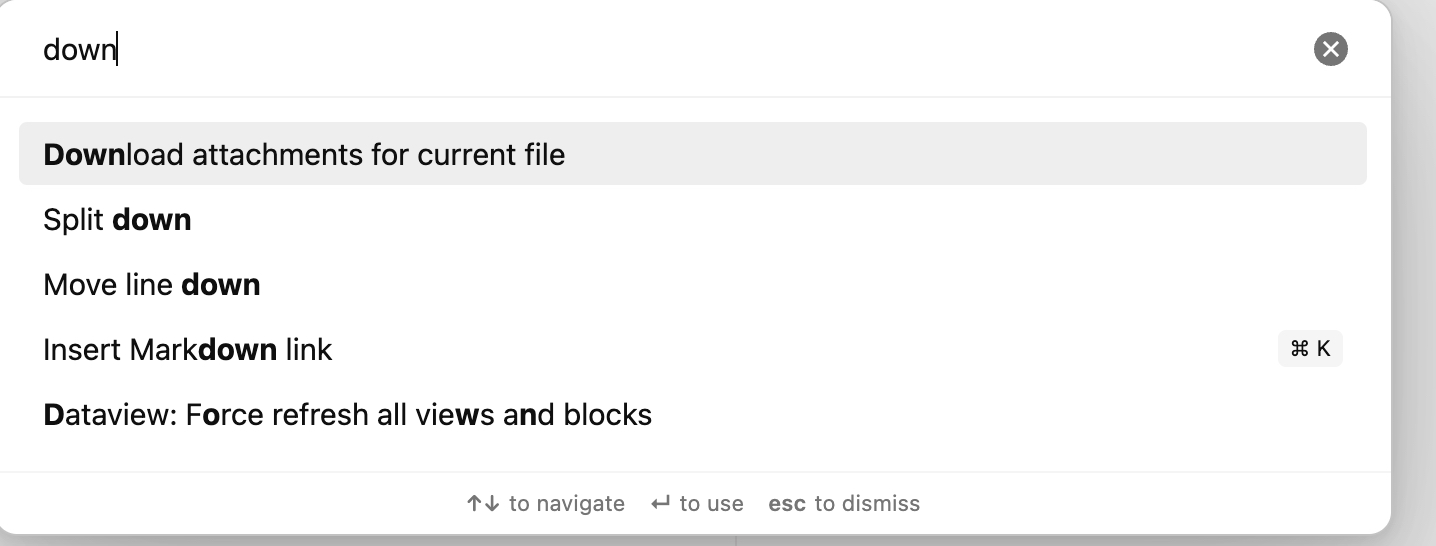
thx, that really works!
but, is there a better way to do this?
you know, first I click the Obsidian Web Clipper in web browser, and then click Add to Obsidian to save the article to markdown in Obsidian. Can the image downloading be done while clicking Add to Obsidian instead of Download attachments for current file using ctrl+p?
Is there a way to set a default folder for the saved images?
At the moment they just go into the top level.
Wouldn’t files be saved according to the Attachment Folder Path setting for each vault?
or are you seeing a different behavior?