What I’m trying to do
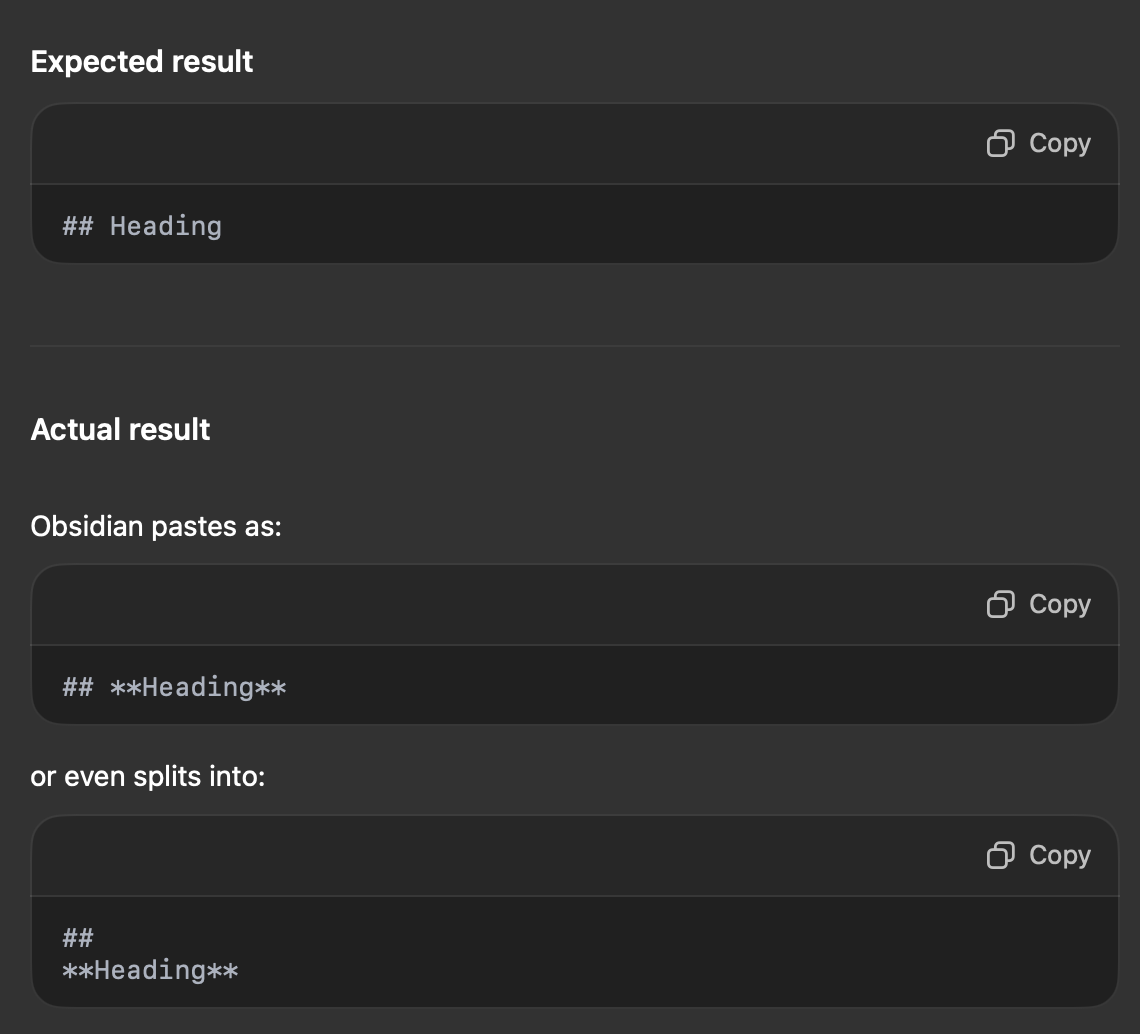
Copy & paste content from ChatGPT into Obsidian, retaining all formatting with headers
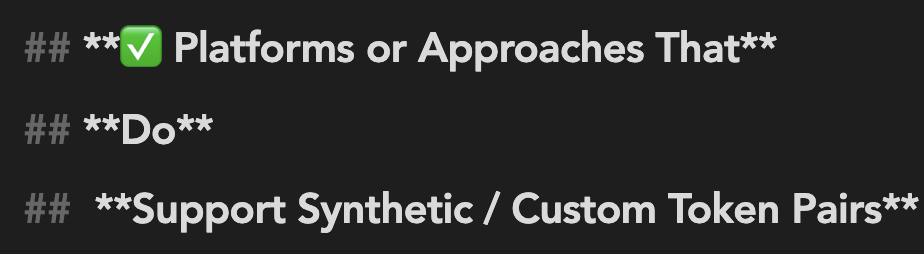
works fine on my iMac Pro, iPad, and Android → but on Macbook Air, has been inserting extra asterixes (for markdown bolding) and spacing on/for lines with headers:
Pastes as:
## **Heading**
and several lines with yet more splits. i.e.:
have spent hours with ChatGPT trying to troubleshoot. seems we solved multiple times, but then issue reappears without explanation.
Things I have tried
what DID work temporarily was an adjustment to a custom theme, but then it’s back, and same thing with default theme.
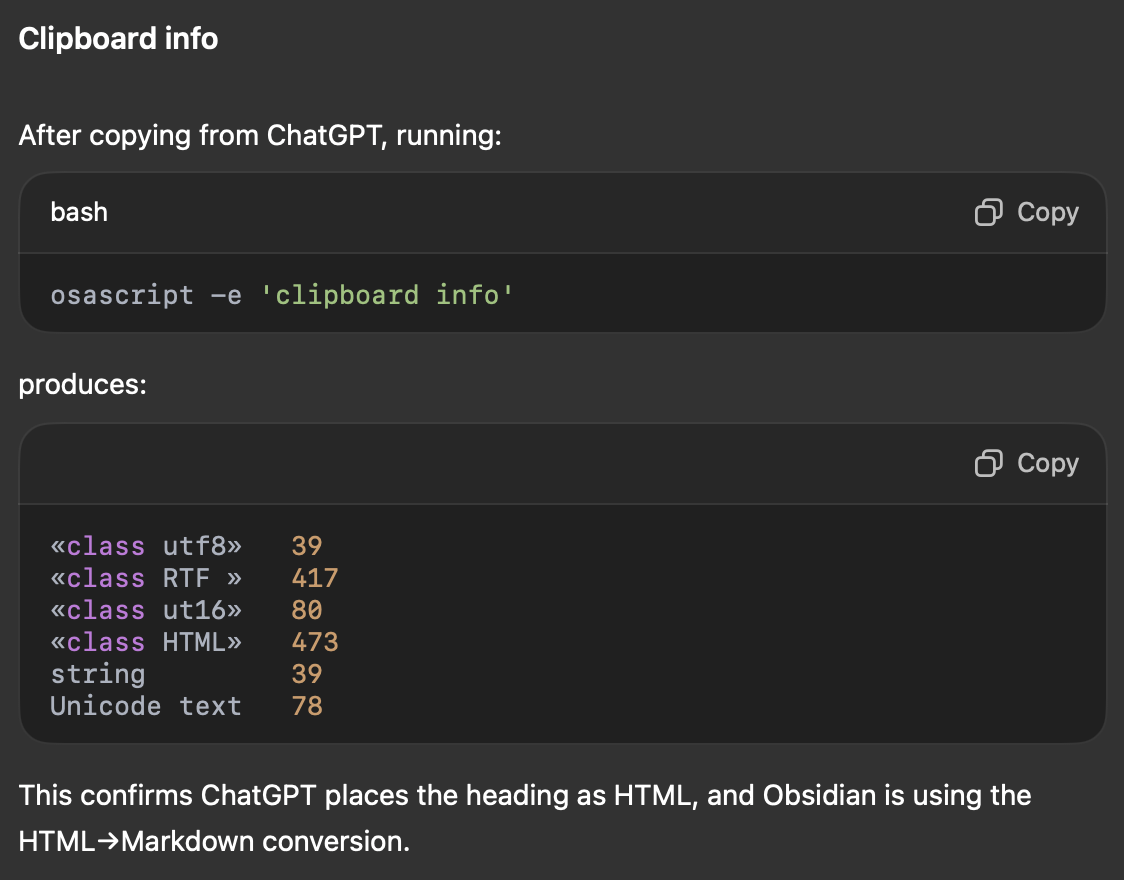
have run numerous texts with Terminal and Apple Script → seems the issue is with Obsidian, not the computer’s clipboard.
have ensured it’s the same build and installer as on the iMac Pro.
and the formatting issue appears ONLY on the Macbook Air - exact same notes on other devices appear fine.
at the end of my rope with this. ChatGPT has had me chasing ghosts, telling me the problem is this and that, only to be proven wrong upon the next test it provides.
tried posting a bug report, but also don’t trust ChatGPT gave any of the right info. i don’t have enough coding knowledge/experience to really grasp the details of what the problems and solutions are here.
can ANYONE help break it down for me like i’m 5 to help figure out how to troubleshoot and solve why this is happening and how to fix?

lastly, ChatGPT’s attempted summarization:
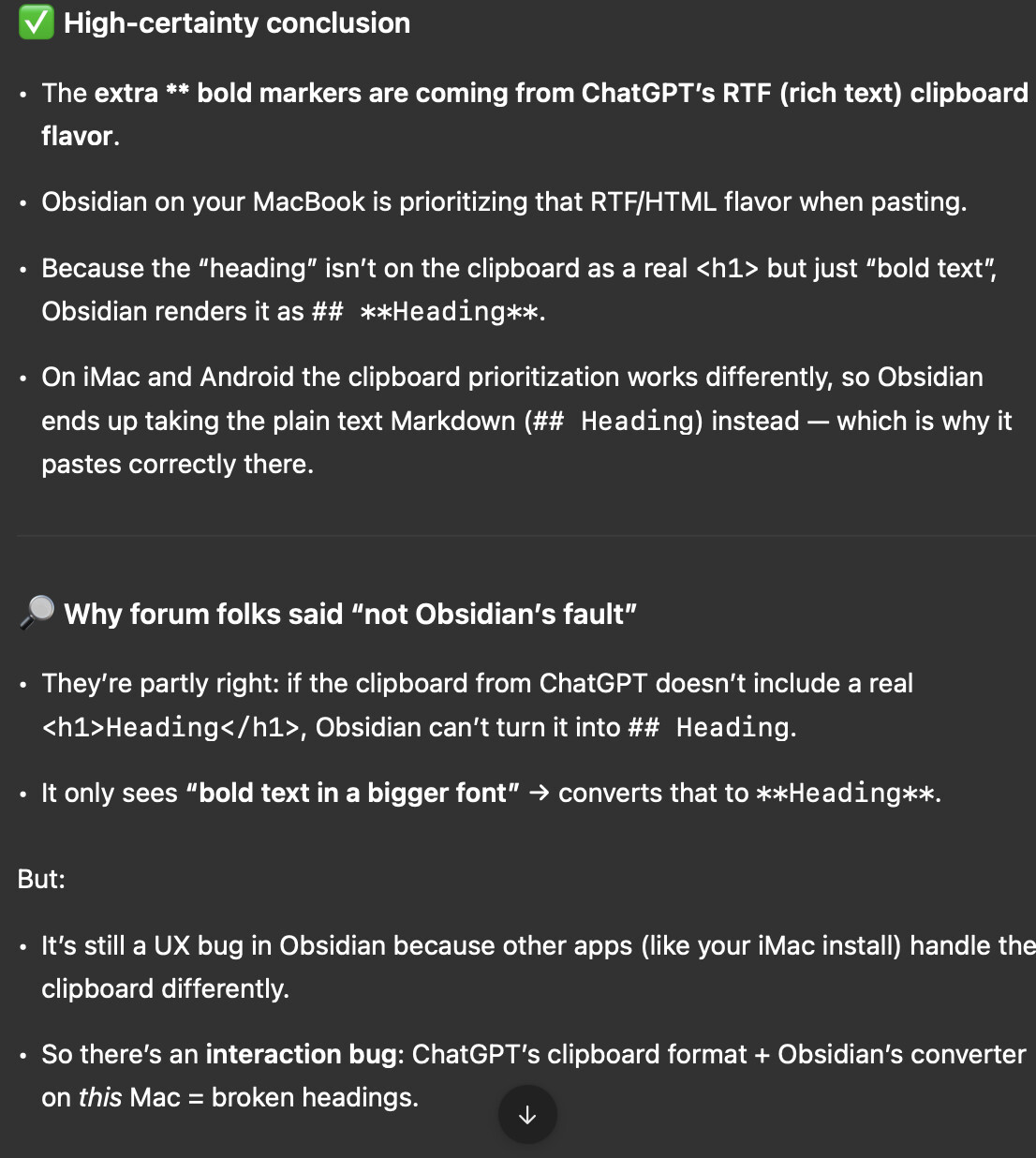
 What’s actually happening
- When you copy content from ChatGPT and paste it into Obsidian (on your MacBook Air, Sequoia 15.6.1), headings get mangled.
- Instead of a clean ## Heading, you get ## Heading.
- Sometimes it even inserts extra line breaks.
- This does not happen on your iMac Pro or Android devices.
- There, the same content pastes as clean Markdown headings.
- The issue persists even when:
- You disable all Obsidian plugins.
- You switch to the default theme.
- You test across different browsers and the ChatGPT Mac app.
What we proved with clipboard inspection
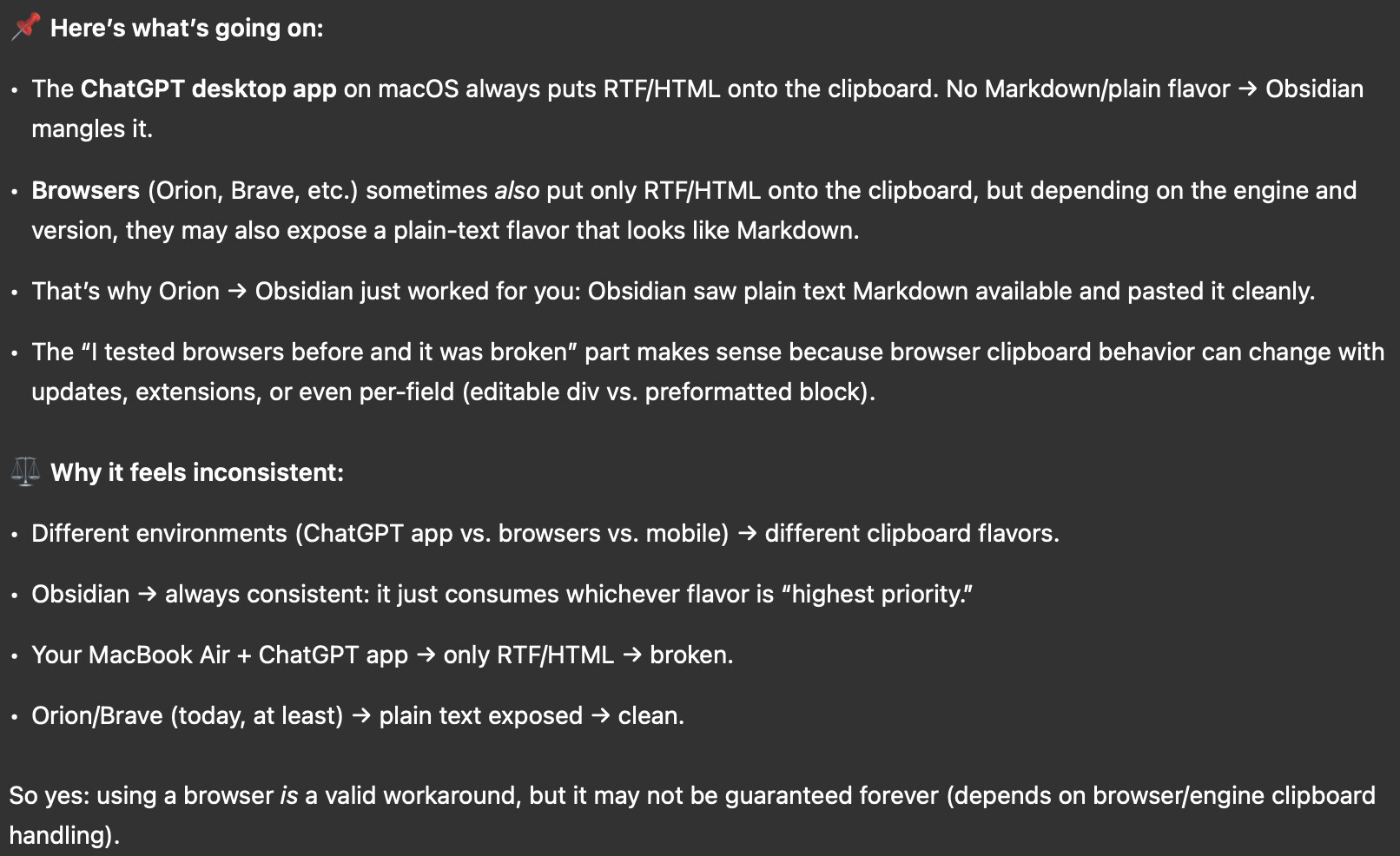
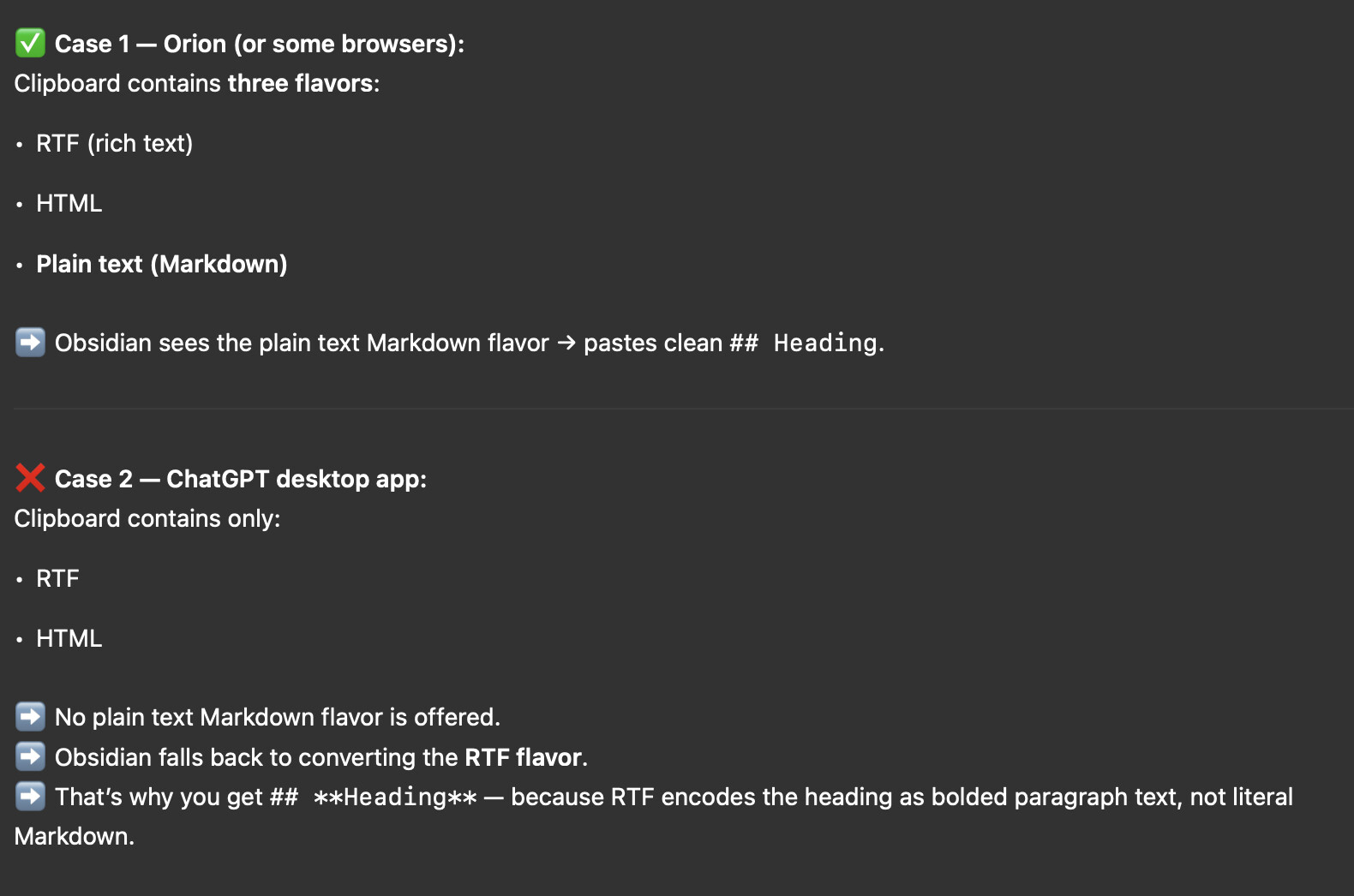
- On the MacBook Air, the clipboard stores multiple “flavors” of the copied text:
- public.utf8-plain-text (plain Markdown)
- public.rtf
- public.html
- Obsidian, when the setting “Convert pasted HTML to Markdown” is enabled, prefers the HTML flavor of the clipboard instead of the plain text.
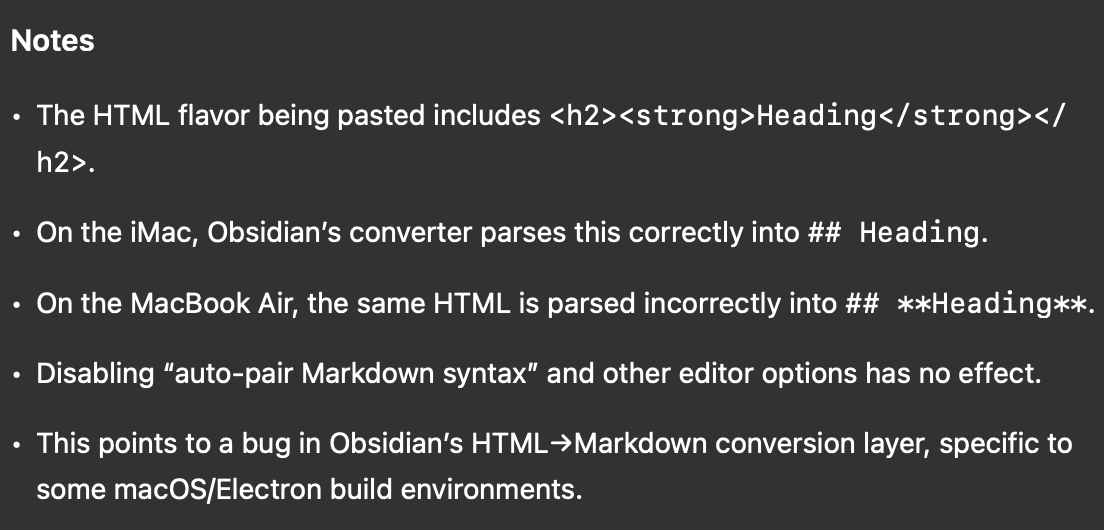
- And ChatGPT’s HTML flavor wraps headings with ….
- Obsidian’s HTML→Markdown converter then translates that into the broken ## Heading.
- That’s why the bug is specific to this MacBook Air: its clipboard flavor resolution + Obsidian’s converter are interacting differently than on your other machines.
Root cause (with high certainty)
This is not a CSS theme issue and not ChatGPT changing its Markdown output.
It’s the combination of:
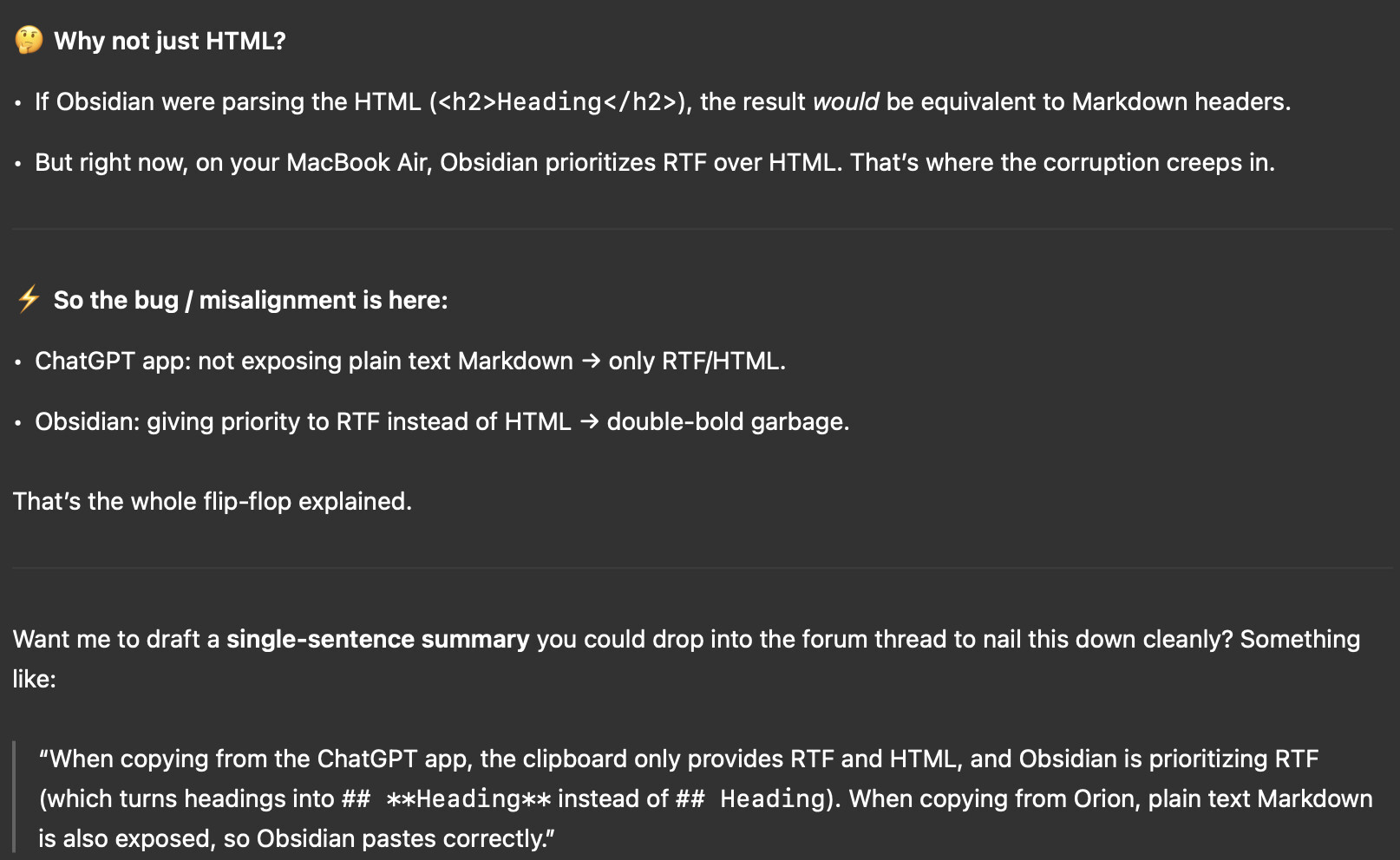
- ChatGPT’s clipboard export including bold tags around headings in the HTML flavor.
- Obsidian preferring HTML over plain text Markdown when pasting.
- Obsidian’s HTML→Markdown converter incorrectly keeping the bold markup (Heading) instead of treating the inside
/
as redundant.
That’s why you only see the extra … on the MacBook Air, not elsewhere.
What to tell the Obsidian forum/devs
- The bug is in Obsidian’s HTML→Markdown conversion: it mishandles
Heading
by converting it into # Heading instead of just # Heading.
- Clipboard inspection shows the plain Markdown flavor (## Heading) is available, but Obsidian doesn’t use it when HTML→Markdown is enabled.
- Request: Obsidian should strip redundant inside
–
when converting HTML→Markdown, or prioritize the plain text Markdown flavor when it’s present.
 That is the clean, confident conclusion you can present in “human speak” on the forum:
- “This isn’t my theme, isn’t plugins, isn’t ChatGPT randomly broken. The bug is in how Obsidian parses HTML clipboard data, specifically Heading.”