Very good, looking forward to going online
thais
March 29, 2023, 7:09pm
3
hello, loved the plugin and I’ve downloaded with BRAT.
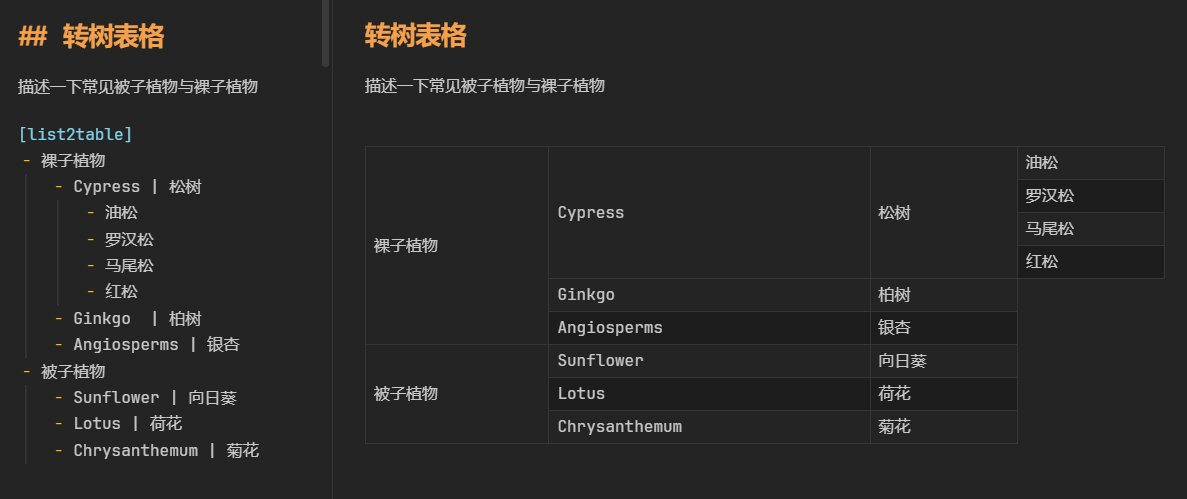
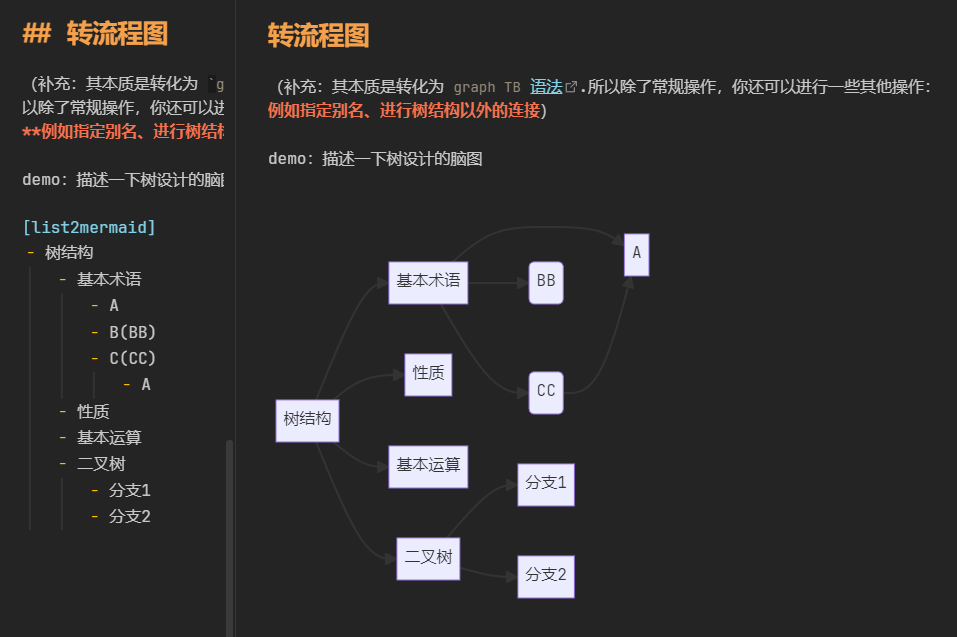
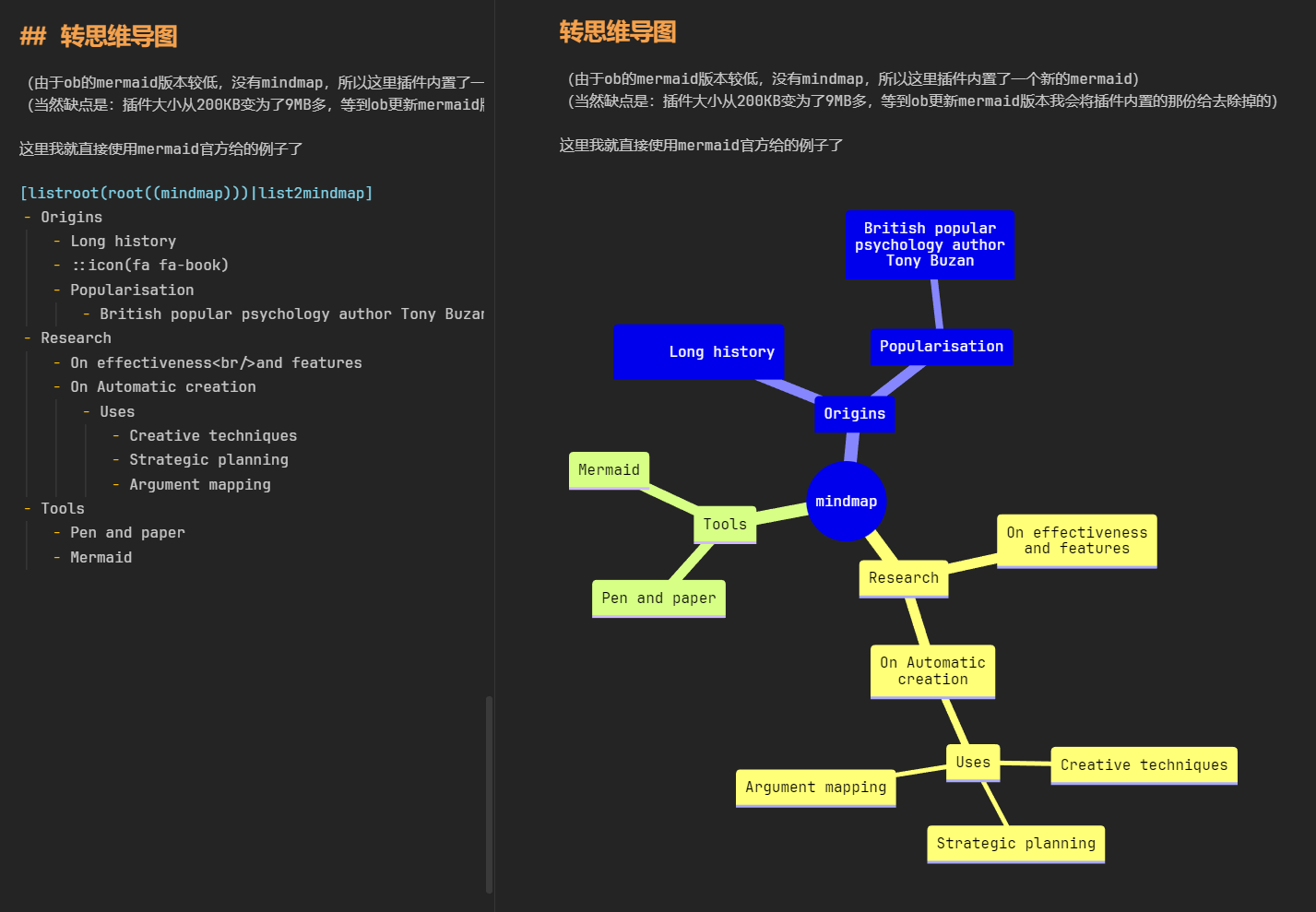
sorry, just saw message. u can check the first image. this will work
[list2table]
- A
   - B
- C
   - D
this will show:
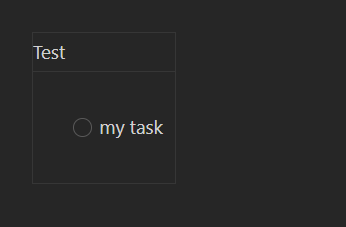
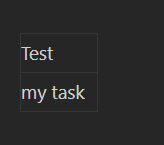
@dorkloon I really like this plugin! Any plans to handle checkboxes better? Right now I have to make the checkbox like this for it to show up in the table:
- - [ ] my task
Instead of- [ ] my task
Which is annoying because I can’t just convert my lists directly into tables without having to go in and edit all the lines.
Also it’d be nice if I could control the padding:
Versus without the checkbox:
a13ph
August 29, 2023, 5:33pm
6
would be nice if you could get output source from it (e.g. markdown table generated from a list)
and/or do permanent conversion between those formats
1 Like
tech-0
August 31, 2023, 6:56am
7
+1 @a13ph , a permanent conversion would be very helpful!
Would you know of anyway to do that in Obsidian or other applications? I checked across some apps, but wasn’t able to find any
Any potential update on whether we found a way to permanently convert the tables?
DRRO
February 19, 2026, 3:42am
9
To convert lists to simple tables and the other way around you can use:
For complex tables, share it here if you find workarounds.