I prefer to use HTML tags over markdown syntax to format text in Obsidian.
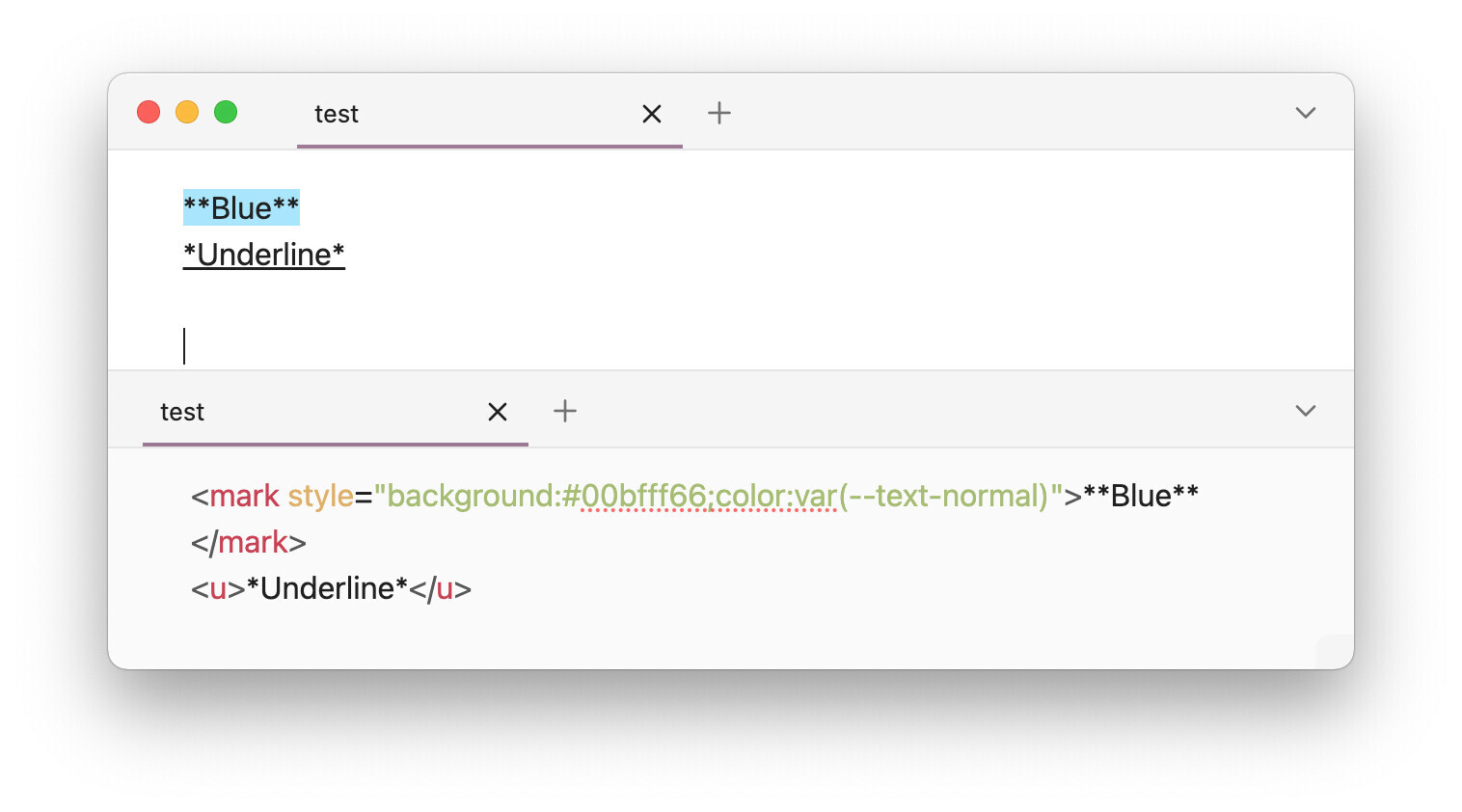
This makes it play nicely with things only possible with HTML like <center>, <u>, and additional highlight colors, among other things. This is because markdown syntax enclosed within HTML tags appears as plaintext in Live Preview, which makes me sad:
This also allows me to go crazy with inter-mixed highlight colors:
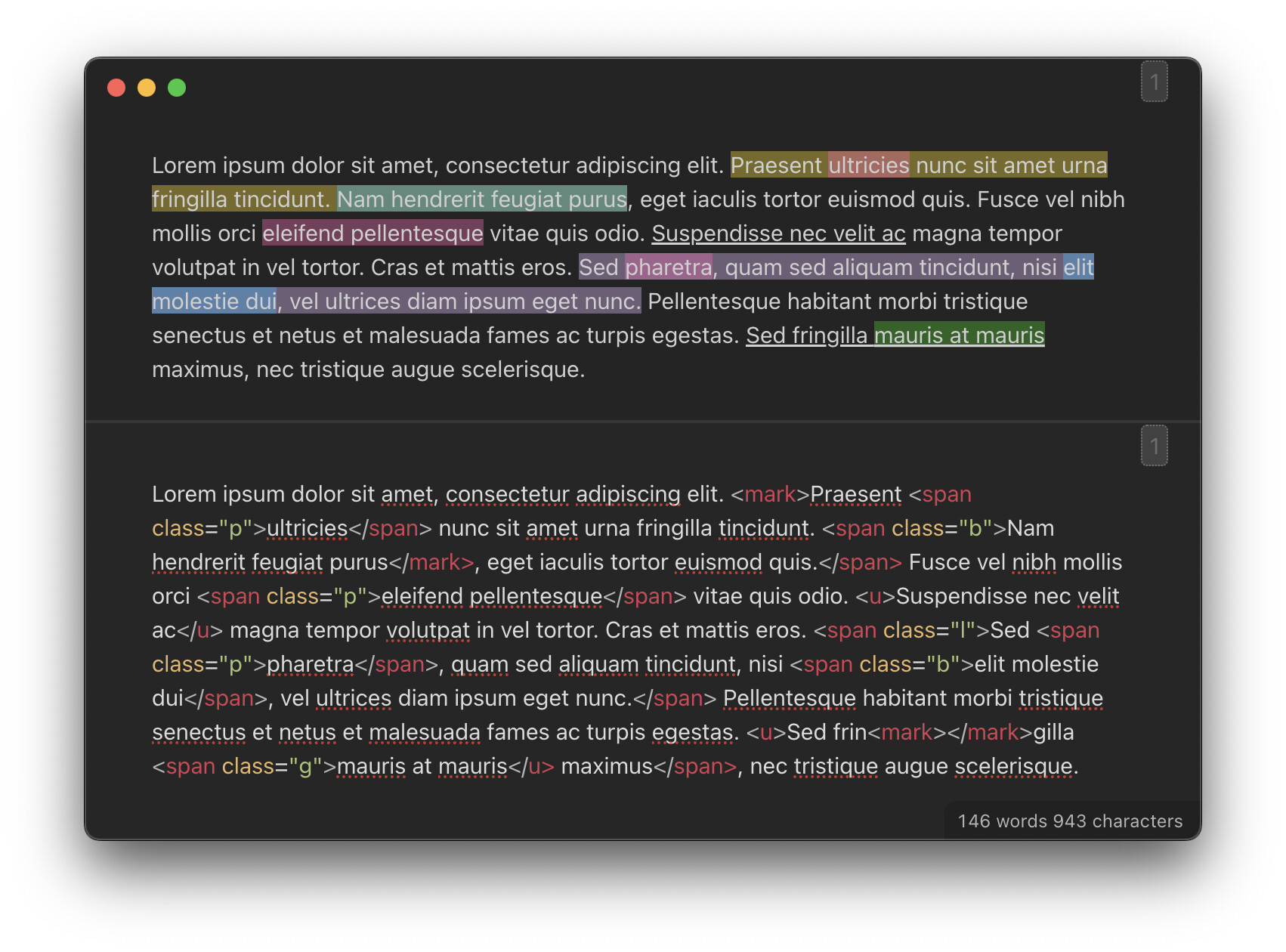
I have set up the following custom find-and-replace regex rules in Linter. They automatically and seamlessly convert markdown to HTML on each file save/change.
The advantage of this approach over a Templater script or a plugin that wraps text in HTML tags is that vanilla Obsidian commands for bold, italic, struck and highlight allow to format multiple selections or paragraphs in one go.
The rules are smart about escapes: if any part of the syntax is escaped with \, it’s not going to be matched.
Replace **bold** with <b>bold</b>
regex to find:
(?<!\\)\*\*([^\n]*?)(?<!\\)\*\*
flags:
g
regex to replace:
<b>$1</b>
Run before italic replacement rule.
Replace *italic* with <i>italic</i>
regex to find:
(?!\*{3,})(?<!\\)\*([^*\n]+?)(?<!\\)\*
flags:
g
regex to replace:
<i>$1</i>
Run after bold replacement rule.
Replace ~~struck~~ with <s>struck</s>
regex to find:
(?<!\\)~~([^\n]*?)(?<!\\)~~
flags:
g
regex to replace:
<s>$1</s>
Replace ==highlight== with <mark>highlight</mark>
regex to find:
(?<!=)(?<!\\)==(?!=)([^\n]*?)(?<!=)(?<!\\)==(?!=)
flags:
g
regex to replace:
<mark>$1</mark>
CSS snippet to make <mark> tags the same color as ==highlight== in Live Preview
.markdown-source-view.mod-cm6 .cm-html-embed .cm-highlight,
.markdown-source-view.mod-cm6 span[class*="cm-html"] mark {
 background-color: #ffdc0066;
 color: var(--text-normal);
}