Hi all,
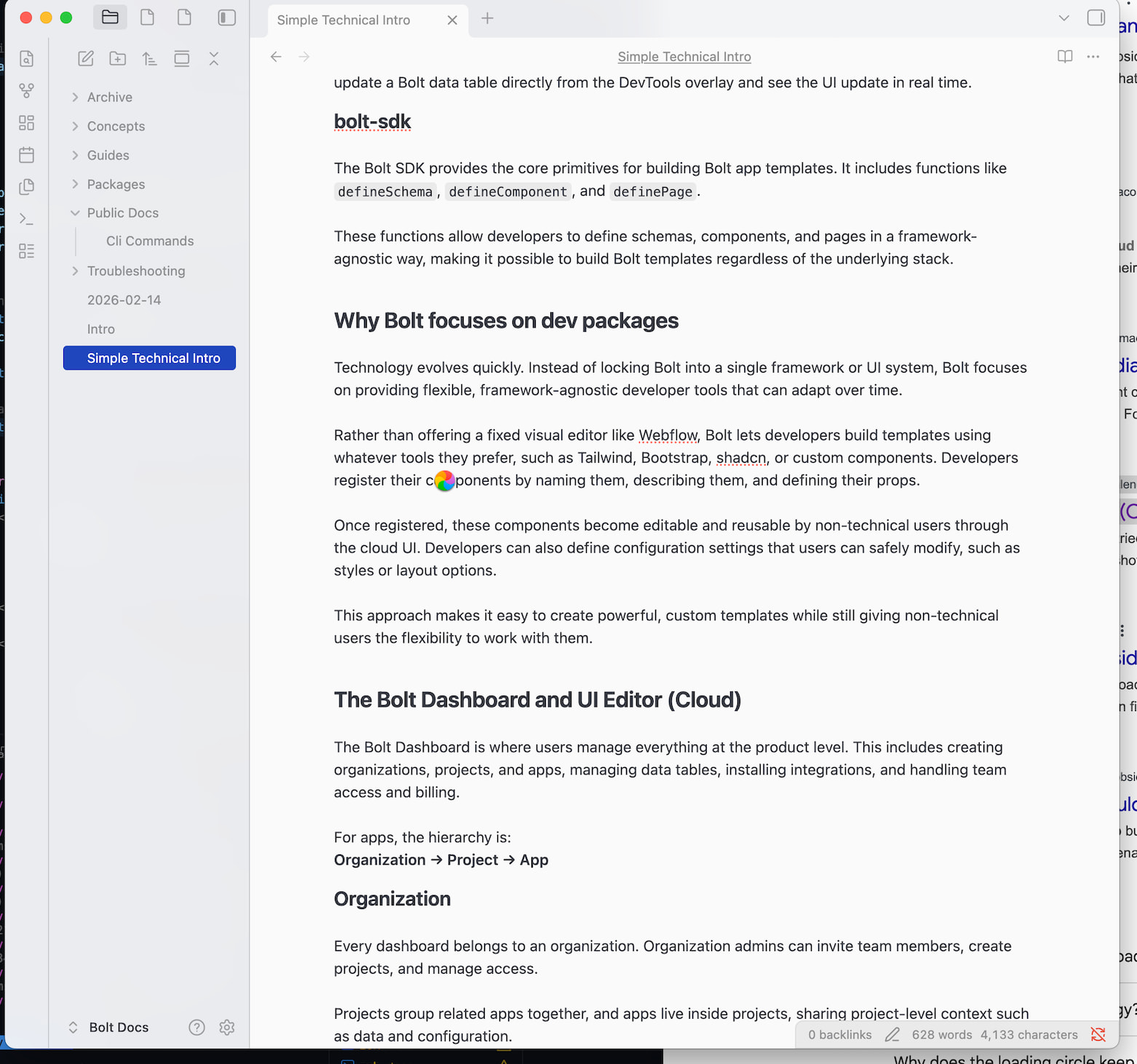
I’ve been using Obsidian for a few months for technical documentation, but I keep running into an issue where I constantly see the “Loading” icon and the app freezes for several seconds, sometimes up to 10 seconds.
My vault is very small (around 30 pages). I’m not using any plugins and I haven’t customized anything from the default settings.
Here are a few examples of what happens:
-
I open Obsidian → the loading icon appears for about 30 seconds
-
I click on a document → it loads again for a few seconds
-
I scroll down in the document → it shows the loading icon for another ~10 seconds
-
I open the settings → again it loads for around 10 seconds
For example, right now I’m writing this post in Chrome with Obsidian open on the left side of my screen. If I click back into Obsidian, it freezes again and shows the loading icon for about 5 seconds before I can scroll or edit the document.
This doesn’t seem normal, especially given how small the vault is.
Has anyone experienced something similar or have any suggestions on how to fix this?
- Obsidian version: 1.12.4 (latest)
- Device: Mac (M3 Pro)