Use case or problem
When working in a focused, keyboard-driven way, I often want to quickly hide or show the file list (File Explorer) without taking my hands off the keyboard.
Right now, collapsing or expanding the file list typically requires either:
- Clicking with the mouse to resize or collapse it, or
- Using broader sidebar toggles that affect more than just the file list, or don’t map cleanly to a single, easy-to-hit shortcut.
This slows down navigation when I’m rapidly switching between “browse notes” mode and “deep focus on a single note” mode. I’d like a simple, consistent shortcut (for me this would be Cmd+B) that toggles the file list open and closed, similar to how many code editors let you quickly toggle the sidebar.
Proposed solution
Introduce a dedicated command that collapses/expands the file list, for example:
- Command name (example):
Toggle file listorToggle File Explorer width - Behavior:
- When the file list is visible at its normal width, triggering the command collapses it (either to hidden or to a very thin strip).
- When it is collapsed/hidden, triggering the command restores it to its previous width.
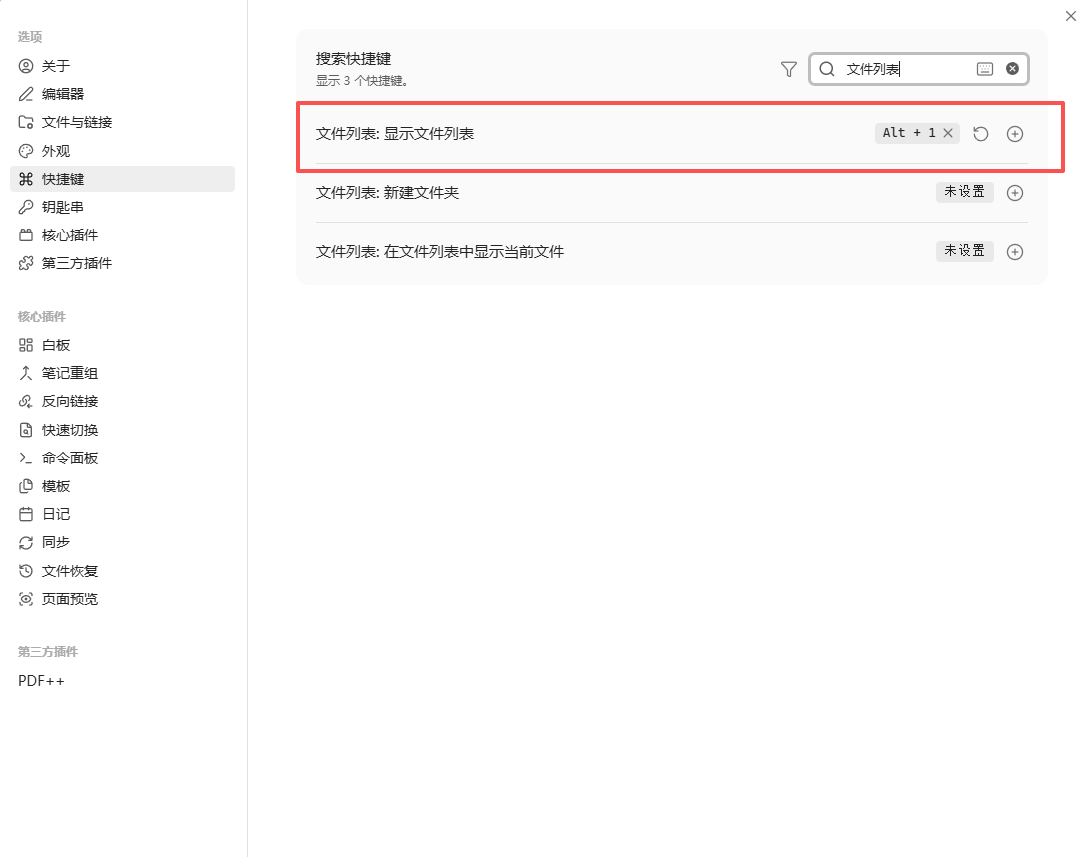
- The command should be bindable to any hotkey via the Hotkeys settings. I would personally bind it to
Cmd+B, but the keybinding itself should be user-configurable.
Key points:
- The command should target specifically the file list, not the entire left sidebar (in case users have other panes there that they don’t want to hide).
- Ideally, the command would be available in the Command Palette as well, so it’s discoverable: e.g. “Toggle file list”.
- Remembering the previous width of the file list makes the toggle feel much smoother, as users don’t need to drag-resize every time they show it again.
This would make it very easy to:
- Open the file list, pick a note, then collapse it instantly to focus on that note.
- Rapidly alternate between “navigation” and “writing” modes using just the keyboard.