Before opening a new bug report, please search the forum for duplicates and follow the Troubleshooting Guide.
- Developer issues with the API should go here
- Themes and Custom CSS issues should go here
- Translations issues/improvements should be posted here
- Obsidian Clipper Bugs should be posted here
- Obsidian Importer Bugs should be posted here
- We only accept bug reports that are reproducible with the installation methods we provide on our website. If you obtained obsidian elsewhere, you must reproduce the problem with one of the officially supported installation methods.
Once you’ve done the above, delete everything above this line.
Steps to reproduce
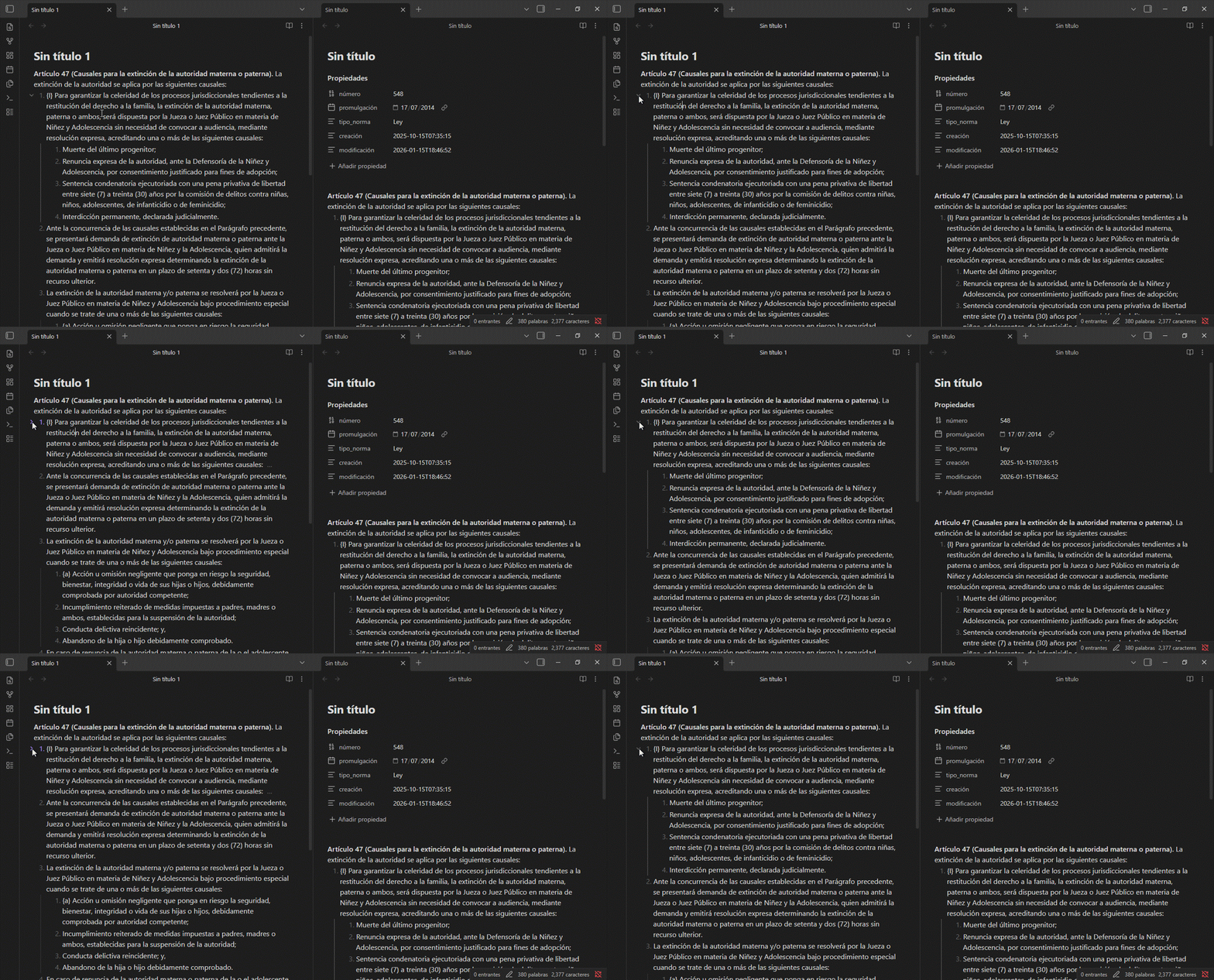
- Create two notes with collapsible elements.
- Add properties to the frontmatter in one of the notes.
- Click on the collapsible elements.
- In the left note (without properties), the collapsible elements work normally when collapsing or expanding them.
- In the right note (with properties), the collapsible elements also work normally without scrolling down; however, when scrolling down, clicking on them causes annoying jumps when they expand or collapse.

Did you follow the troubleshooting guide? [Y/N]
Y
Expected result
In notes with properties, collapsible elements should not cause annoying jumps when clicking to expand or collapse them.
Actual result
In notes with properties, collapsible elements cause annoying jumps when expanding or collapsing them.
Environment
SYSTEM INFO:
Obsidian version: 1.12.7
Installer version: 1.12.7
Operating system: Windows 10 Pro 10.0.19045
Login status: not logged in
Language: es
Insider build toggle: off
Live preview: on
Base theme: adapt to system
Community theme: none
Snippets enabled: 0
Restricted mode: on
RECOMMENDATIONS:
none