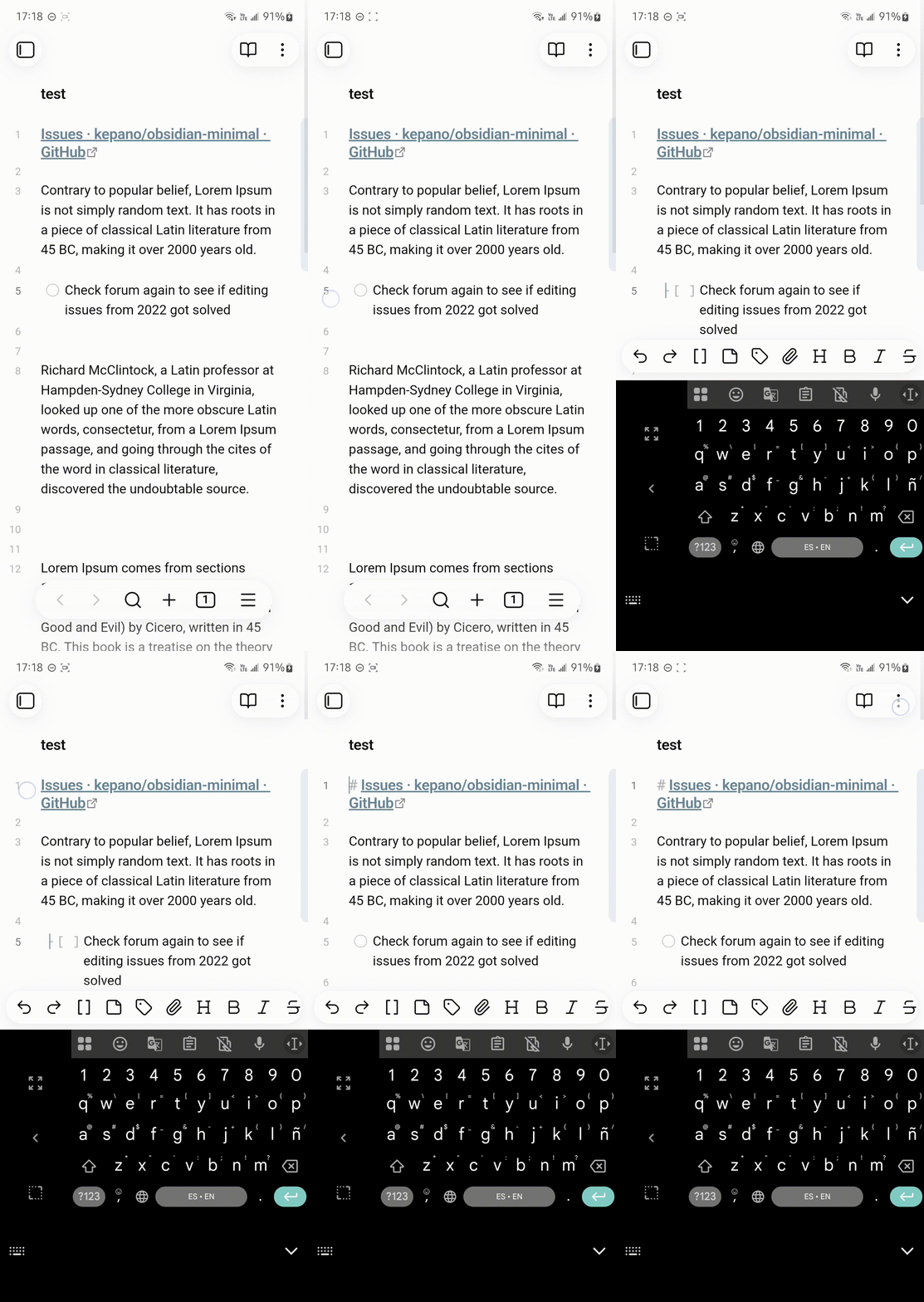
If current behavior is unbearable on mobile, you should try Minimal Theme with the minimal theme settings plugin enabled.
Additionally, instead of opening another FR, I will post here in case this ever gets implemented, so that the team can bear in mind and to increase discoverability.
Option/Default To Map Margin clicks/taps to the Beginning of the Line - Minimal Theme as Reference
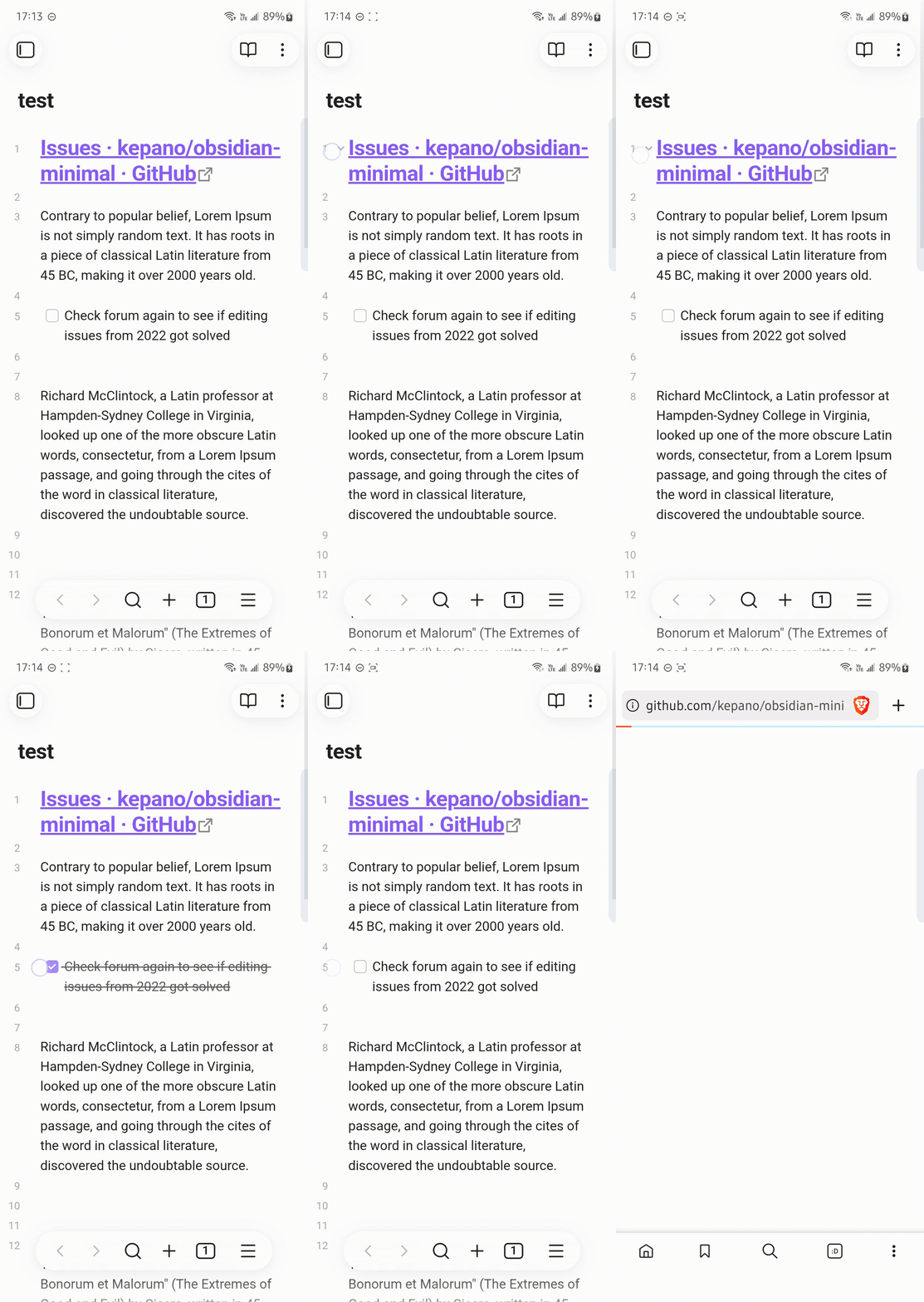
on mobile devices, when tapping what I think is the margin/gutter/layout offsets (to the left of headings/tasks) nothing happens, see 
My request is to make it place the cursor at the beginning of the line like minimal theme (once minimal theme settings is installed) see
Honestly this feels like a bug because currently if the heading contains a formatted markdown link is impossible for me to position cursor at the start without
-
going into source mode or
-
using a dedicated command/hokey (keyboard)
-
other cumbersome workarounds
Similarly, tasks get toggled/cycled when I just want to edit/position the cursor at the beginning.
Current behavior shown in first gif is very frustrating and affects workflow and using a community theme brings another set of problems so that’s why I’m requesting this.