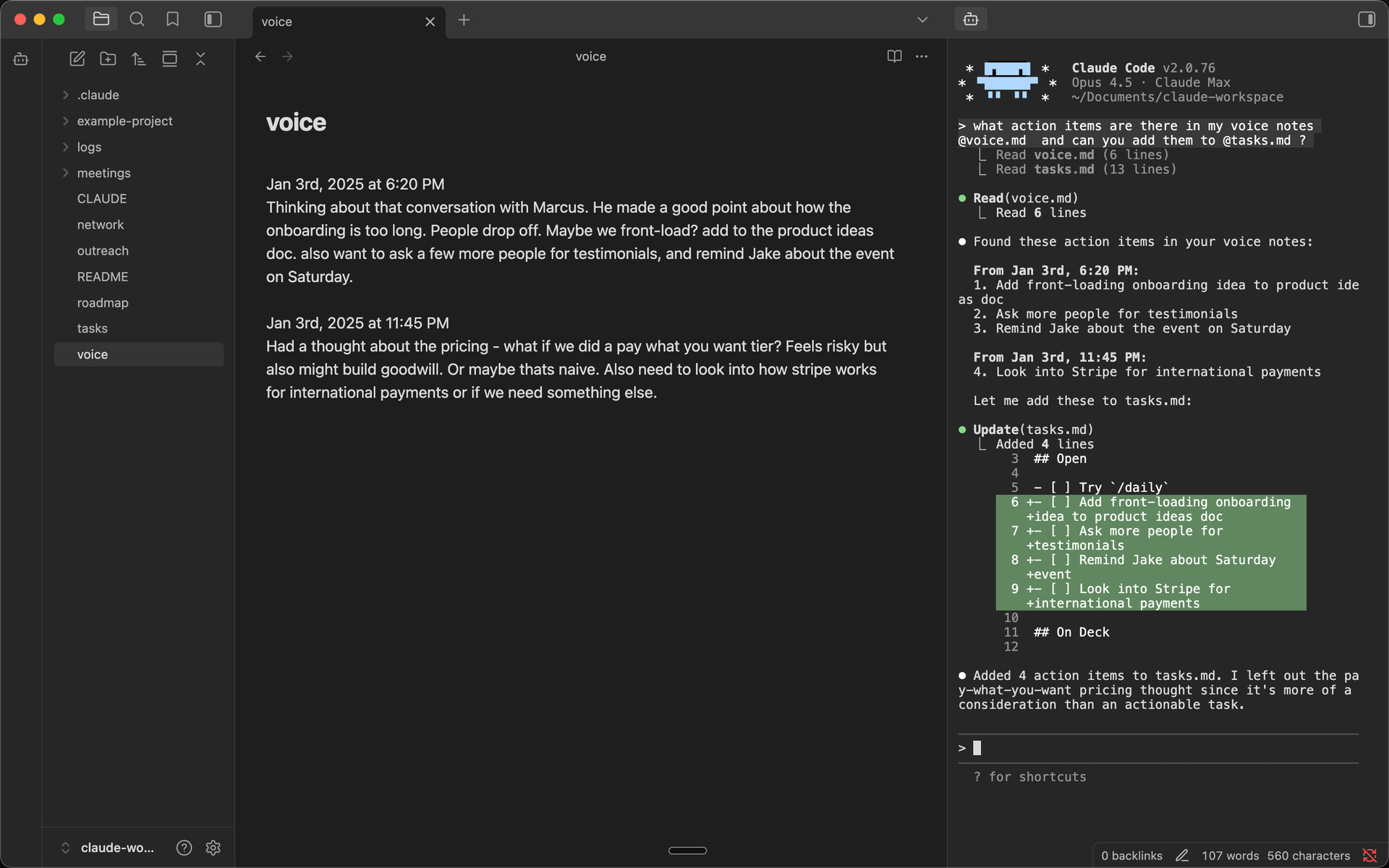
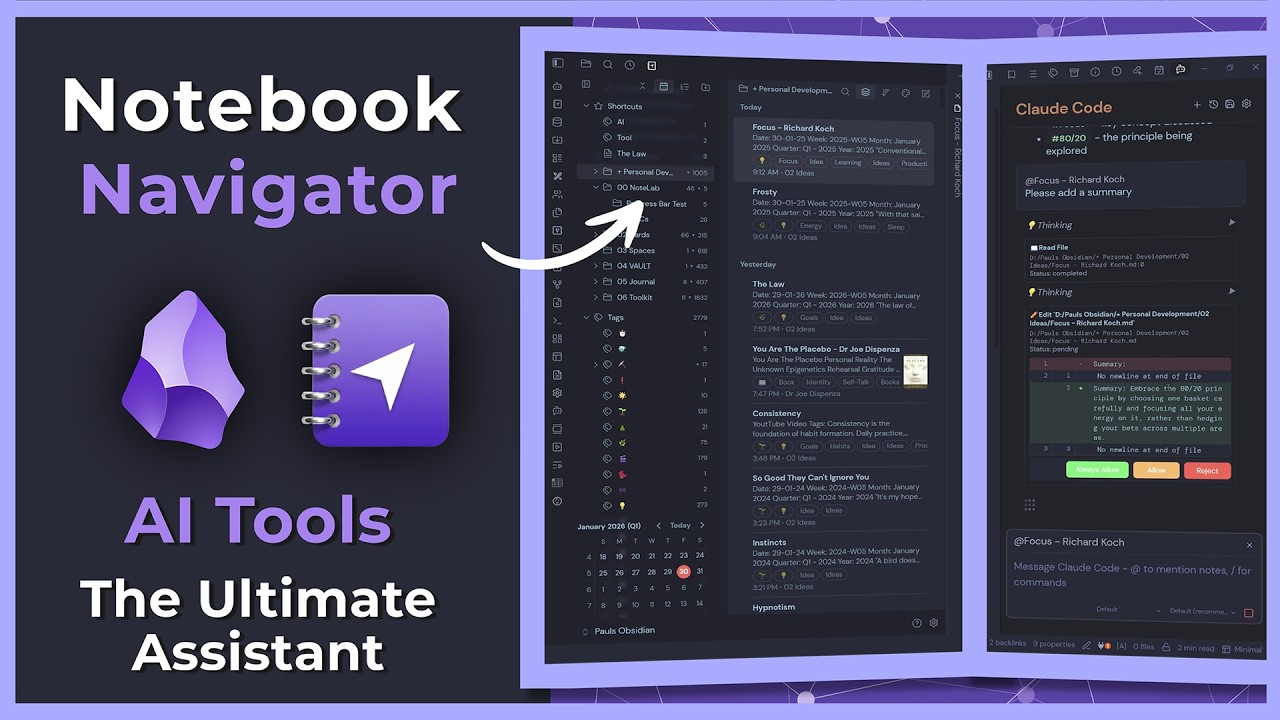
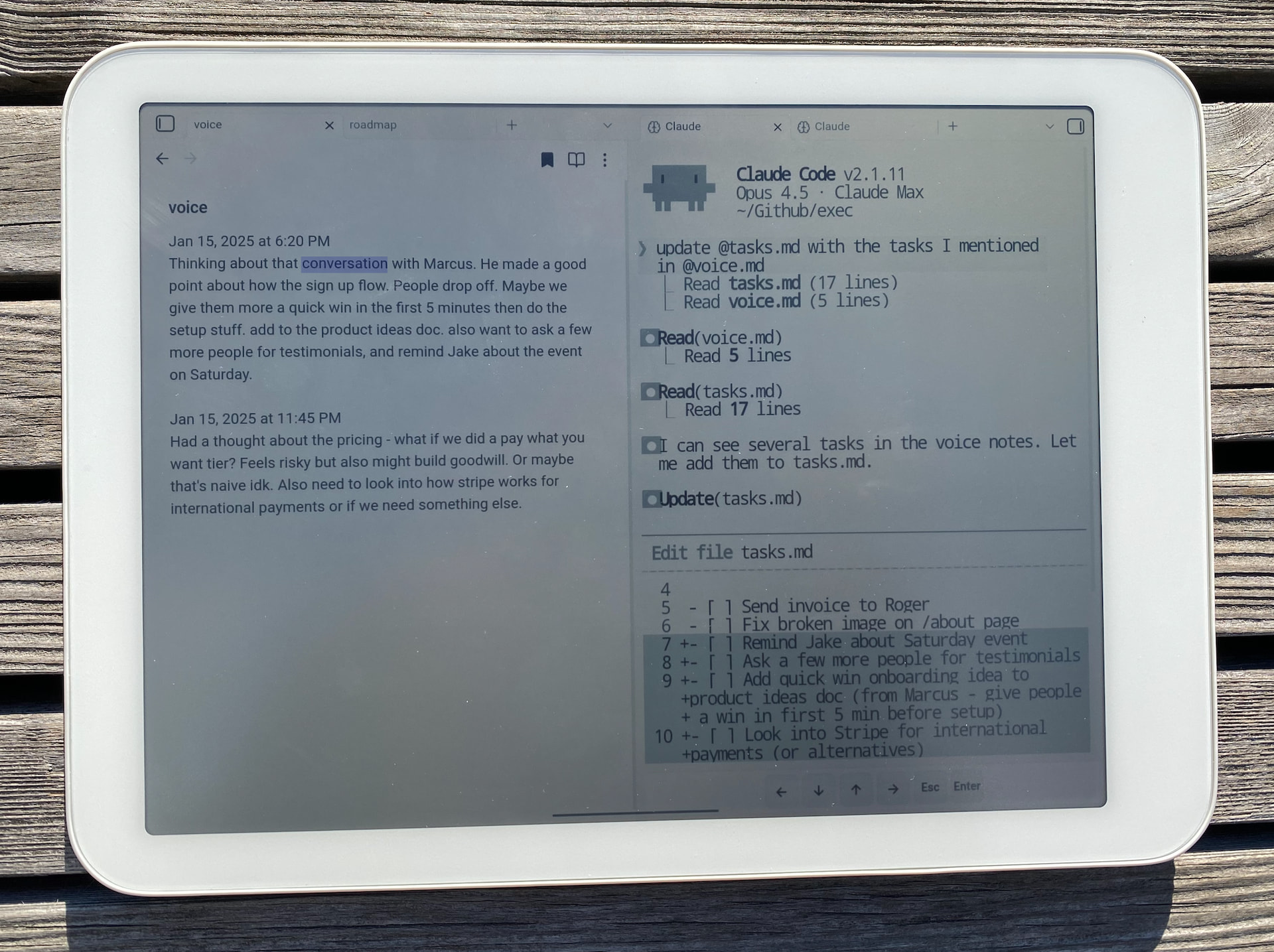
I have been experimenting with using an AI Tools inside Obsidian as an alternative to a full terminal experince. It’s working pretty well so far. Currently refining my Claude commands to call agents and skills.
This solves a lot of the usage limits I kept hitting with Claude Code previously.
It’s not exactly like having Claude Code terminal in your browser as it uses the Agent Communication Protocol ACP but the UX is very similar and extremely powerful.
Still needs a bit of work but good to have options
Really appreciate your work. Until now i’ve been using Claude Cowork on my vault for some easy tasks. I already had a well-developed Claude.md, so i asked the Cowork instance to set up the ./claude structure for me. It did an excellent job and allowed me to hit the ground running.
Now Claude Code works in my sidebar and I started teaching it all kinds of new tricks …
Nice integration. How are you handling context — does Claude Code get access to the curent note content, or just the vault path?Asking because the main challenge with AI sidebar plugins is Deciding what to feed as context: current note only, linked notes,Or ful vault index. Each has very different results for knowledge work.
This is great, the first plugin for this purpose that actually works. However I cannot paste into the command line with copy-paste nor Ctrl-V. Any ideas how to get this functionality?
@petrnzrnk To feed the current file you can use the “send file to claude” or a portion via the “send selection to claude” commands, or just @ certain files or folders. Otherwise, Claude runs as it usually does, off of your prompts / CLAUDE.md / memory files / etc.
Quick update, loved connecting with everyone here since launch. The plugin has come a long way over the last four months. Some of the bigger additions:
Multiple CLI backends - You can switch between Claude Code, Codex, Github Copilot, Pi and more all from the same sidebar.
Drag-and-drop files - drop a file from the file explorer into the terminal and the path drops in.
Improved context management - right-click a folder in the file tree to launch Claude scoped to that subfolder. Or use “Send file path” and “Send selection” for handing context to the running terminal.
Image paste - paste screenshots straight into the sidebar