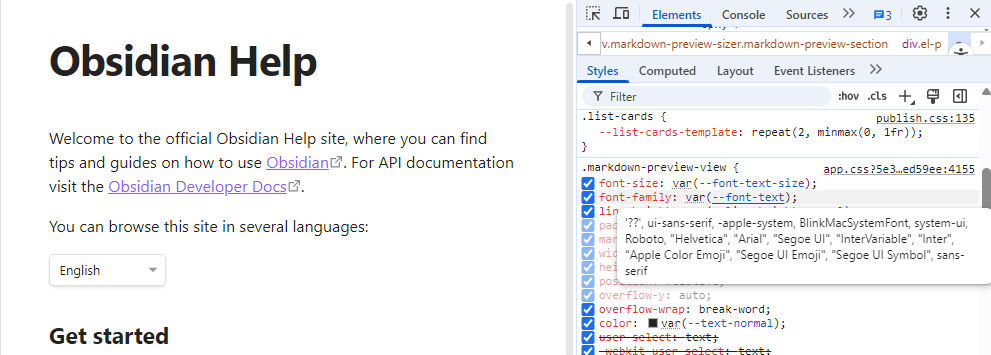
I’m using the Minimal Theme Publish CSS obtained from the obsidian-minimal-publish github.
The publish.css file is in the root of my published site, and is working as expected.
I can’t figure out how I can make the body text monospace. I would like to understand how to specify a specific font, the generic monospace font family, and even a specific google font.
I kinda get how variables are set and then used throughout the CSS, but I can’t unravel the parts I need to tweak.