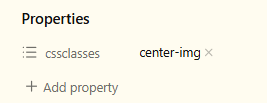
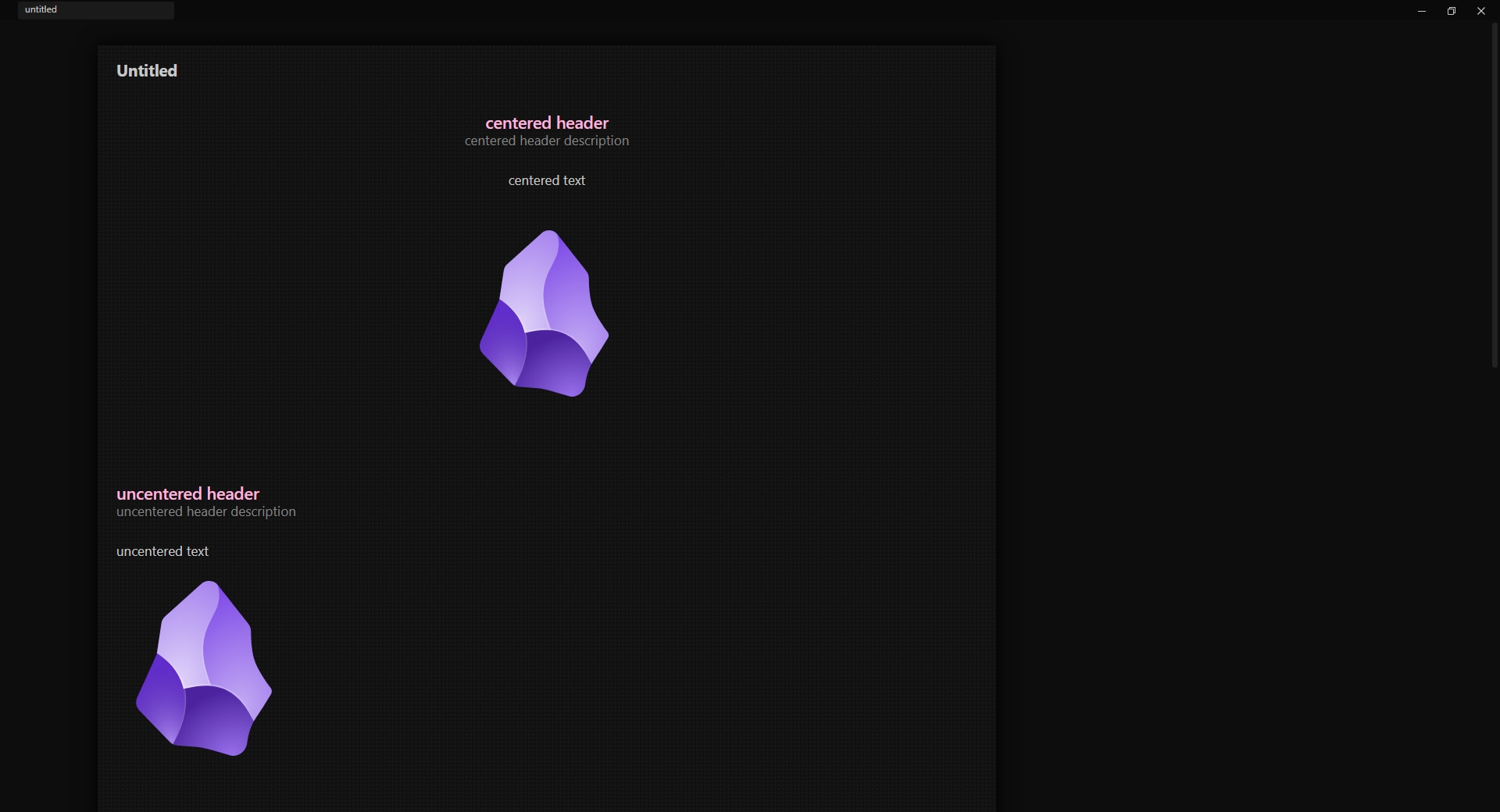
We’ve enjoyed a leisurely and not particularly specific set of snippets for centering images that just happened to work in both Live Preview and Reading View. e.g.
I just found this post after trying to rebuild some snippets to align my embeds since the solutions the AI gave me haven’t worked very well so far. Amazing work! @ariehen
Regarding the alignment of external images, I’ve noticed a major limitation with this alternative :
When there is text—or even a simple space—on the same line before the embed, the centering is lost. It’s as if the snippet doesn’t take it into account in those scenarios (not a desired behaviour). The same thing happens if there is a bullet point before the link. And most of the time I have text or a bullet point before the embed. Do you know how this can be fixed so the snippet is applied to center external images even when they are preceded by text?
This alternative seems to be working to align external images using alt text even with text preceding it on the same line (e.g. “Going to visit this place: [center|200](https://example.com.jpg)”. Do you think it could be a good solution @ariehen ?:
Never thought about image alignment in Obsidian, tbh, but after your post - I got inspired and wanted a little bit more control. So I took your approach with center alt-text and added float-left and float-right variation, which make an image div container floating (text wraps around it). Maybe some1 will use this too, so sharing my snipped:
/* A snippet to change images alignment via its alt-text:
- center-aligned
- floating left (as opposed to default left)
- floating right

Floating is targeted to higher-level containers, which makes possible to properly float with any amount of text (i.e. not limited to single paragraph.

Usage:
  ![[image.jpg|center|200]]
or
  ![[image.jpg|float-left|200]]
or
  ![[image.jpg|float-right|200]]

where 200 is the desired image size and center / float-left or float-right are wanted alignments.
*/

/* CENTER (no text wrap). ![[image.jpg|center|200]] */
.internal-embed.image-embed[alt*="center"],
.markdown-source-view .cm-content .internal-embed.image-embed[alt*="center"],
img[alt*="center"] {
  display: block !important;
  margin-left: auto !important;
  margin-right: auto !important;
  float: none !important;       /* override any global floats */
  clear: both !important;
}

/* FLOAT LEFT (text wraps on the right). ![[image.jpg|float-left|200]] */
.internal-embed.image-embed[alt*="float-left"],
.markdown-source-view .cm-content .internal-embed.image-embed[alt*="float-left"] {
  float: left !important;
  margin: 0 20px 10px 0 !important;
  display: block !important;
  clear: none !important;
}

/* FLOAT RIGHT (text wraps on the left). ![[image.jpg|float-right|200]] */
.internal-embed.image-embed[alt*="float-right"],
.markdown-source-view .cm-content .internal-embed.image-embed[alt*="float-right"] {
  float: right !important;
  margin: 0 0 10px 20px !important;
  display: block !important;
  clear: none !important;
}

/* Shared styling for any floated image (left or right) */
.internal-embed.image-embed[alt*="float-left"] img,
.internal-embed.image-embed[alt*="float-right"] img,
.markdown-source-view .cm-content .internal-embed.image-embed[alt*="float-left"] img,
.markdown-source-view .cm-content .internal-embed.image-embed[alt*="float-right"] img {
  border: 1px solid rgba(128, 128, 128, 0.5) !important;
  border-radius: 8px !important;
  box-shadow: 0 2px 6px rgba(0, 0, 0, 0.08) !important;
  background-color: var(--background-secondary) !important; /* optional: matches theme */
  padding: 4px !important;  /* space between border and image */
  transition: box-shadow 0.2s ease !important;
}

/* --- Image Zoom Plugin Fix --- */
/* Make floated containers clickable again */
.internal-embed.image-embed[alt*="float-left"],
.internal-embed.image-embed[alt*="float-right"],
.markdown-source-view .cm-content .internal-embed.image-embed[alt*="float-left"],
.markdown-source-view .cm-content .internal-embed.image-embed[alt*="float-right"] {
    position: relative !important;
    z-index: 10 !important;  /* Lift the container above other elements */
    pointer-events: auto !important;  /* Ensure it can receive clicks */
}