Use case or problem
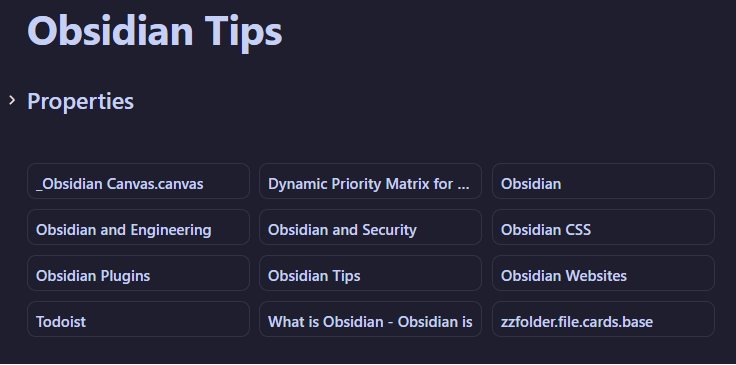
The card view is great, but I don’t want the header.

Proposed solution
enable the header to be “toggled off” via a setting.
Current workaround (optional)
I just leave it.
The card view is great, but I don’t want the header.
enable the header to be “toggled off” via a setting.
I just leave it.
Hi @digitaldoctors,
I use the following CSS snippet to do this per-page:
.no-bases-header .bases-header {
    display: none;
}
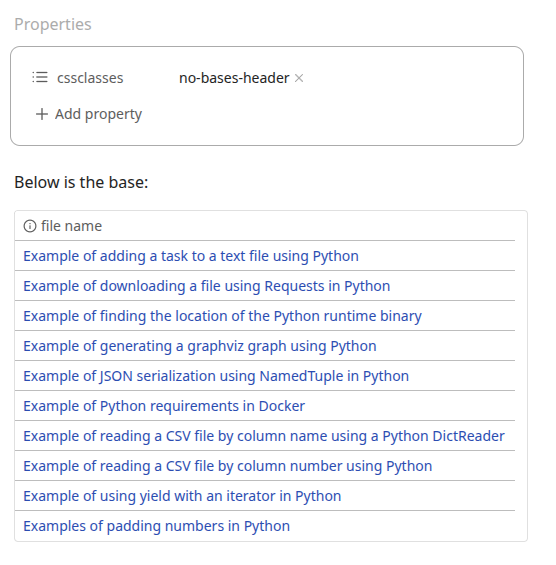
Then, on the page where I don’t want to see the header, I add this cssclasses property value:
cssclasses:
  - no-bases-header
This causes any Bases on the page to not have their header:
If you’re not familiar with how to use CSS snippets, you can read up on the docs:
Forinstance, in this cases, CSS options associated with Bases, is there a way to show all the options ?
How about all the CSS options for every part of Obsidian, in some gigantic canvas, that I can zoom into see all the options ?
is there a way to programatically create something like that ?
No, so far as I know there is no documentation showing all the CSS tags in Obsidian that you can manipulate. To make use of them, you need at least some knowledge of HTML and CSS to understand where the tags can be found and how to manipulate them.
The way I found this one was by using the “Inspect” feature built into Obsidian (via Electron):

Maybe you already knew all this – if so, sorry for the unnecessary tutorial  . But it’s the best way I know of to explore the CSS that makes Obsidian work.
Hope this helps – good luck styling!
Craig
This topic was automatically closed 28 days after the last reply. New replies are no longer allowed.