When I switch away from a Canvas note and come back, the touch/tap position becomes offset — what I tap and what gets selected are in different locations. Restarting the app fixes it temporarily, but the issue returns after switching notes again.
The problem only occurs on iPhone (not on iPad). I suspect it may be related to screen DPI or system display scaling not being recalculated when returning to the Canvas view.
Steps to reproduce:
1.	Open a Canvas note
2.	Switch to another note
3.	Switch back to the Canvas
4.	Try to tap/drag — position is offset
Expected: touch position matches what’s on screen
Actual: touch position is shifted, requires restart to fix
Device: iPhone
Not reproducible on iPad
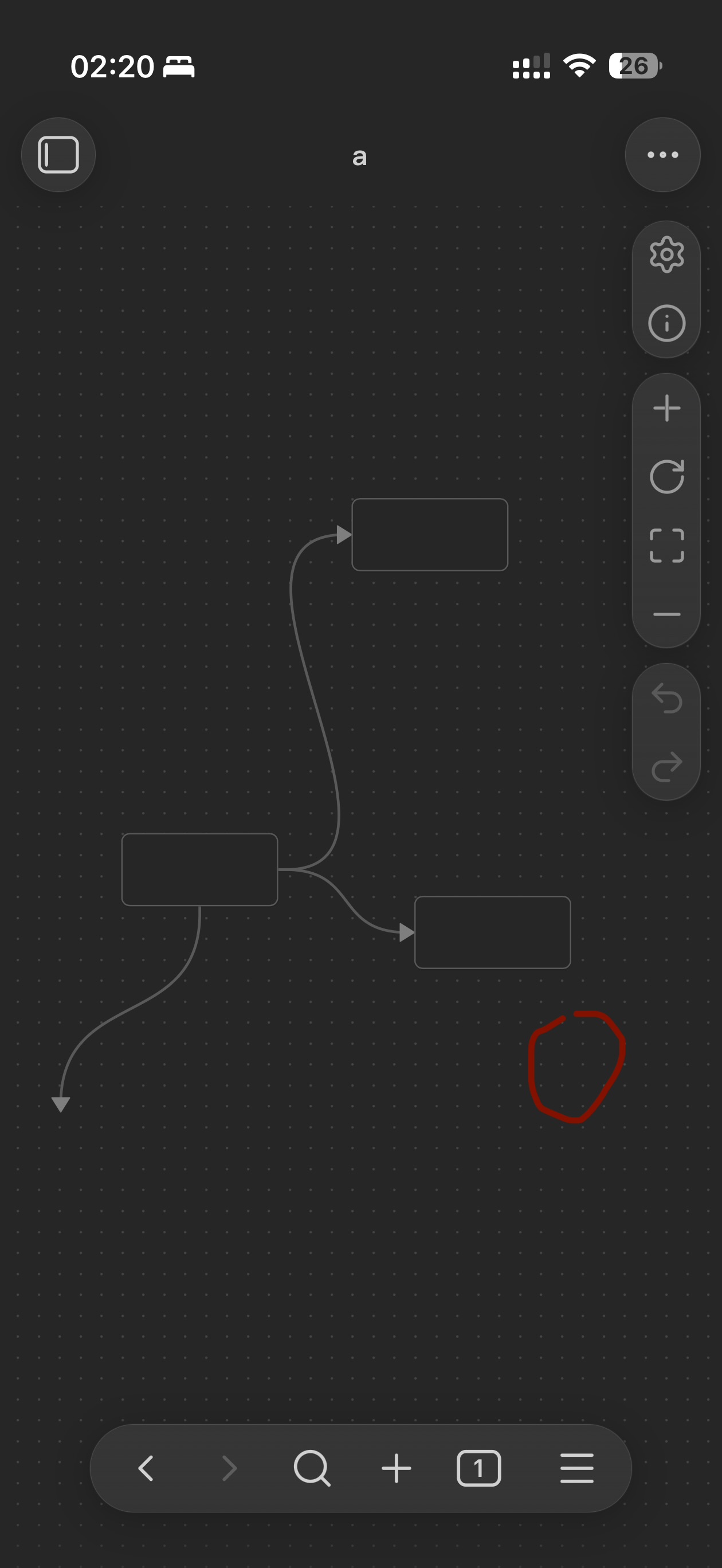
The red circle shows where my finger actually is, but the node on the left gets selected instead.