Once you’ve done the above, delete everything above this line.
Steps to reproduce
- Open any Obsidian Vault
- Create\open Canvas
- Insert an image into the Canvas
- Start to scale it up
Did you follow the troubleshooting guide? [Y/N]
YES!
Expected result
Image should be scaled up as far as user continues to scale it
Actual result
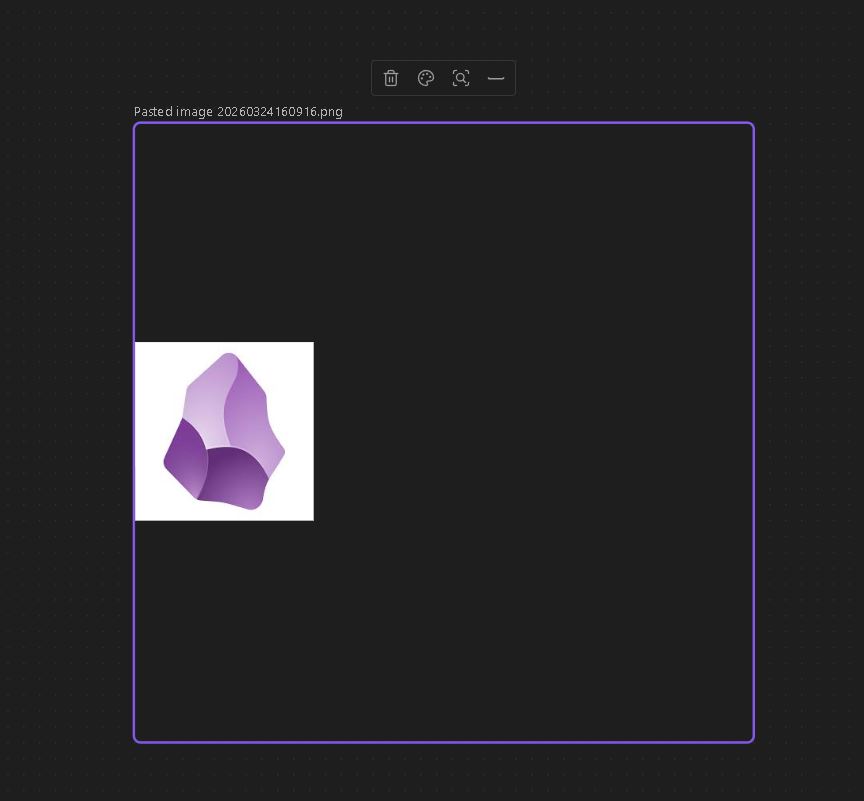
Image is scaled only until its real size in pixels.
Then it stops scaling up and only solid black\white color is starting to fill new extra space of the node
Environment
Windows 10 Pro
Additional information
For example, I inserted image of logo of Obsidian into the Canvas.
Then I started to scale it up.
In the past (for example, 1 month ago) everything worked fine.
And right now there is no extra scaling - there is only solid color inside new extra space of the node.