Hi,
I would like to know if it’s possible to do the following.
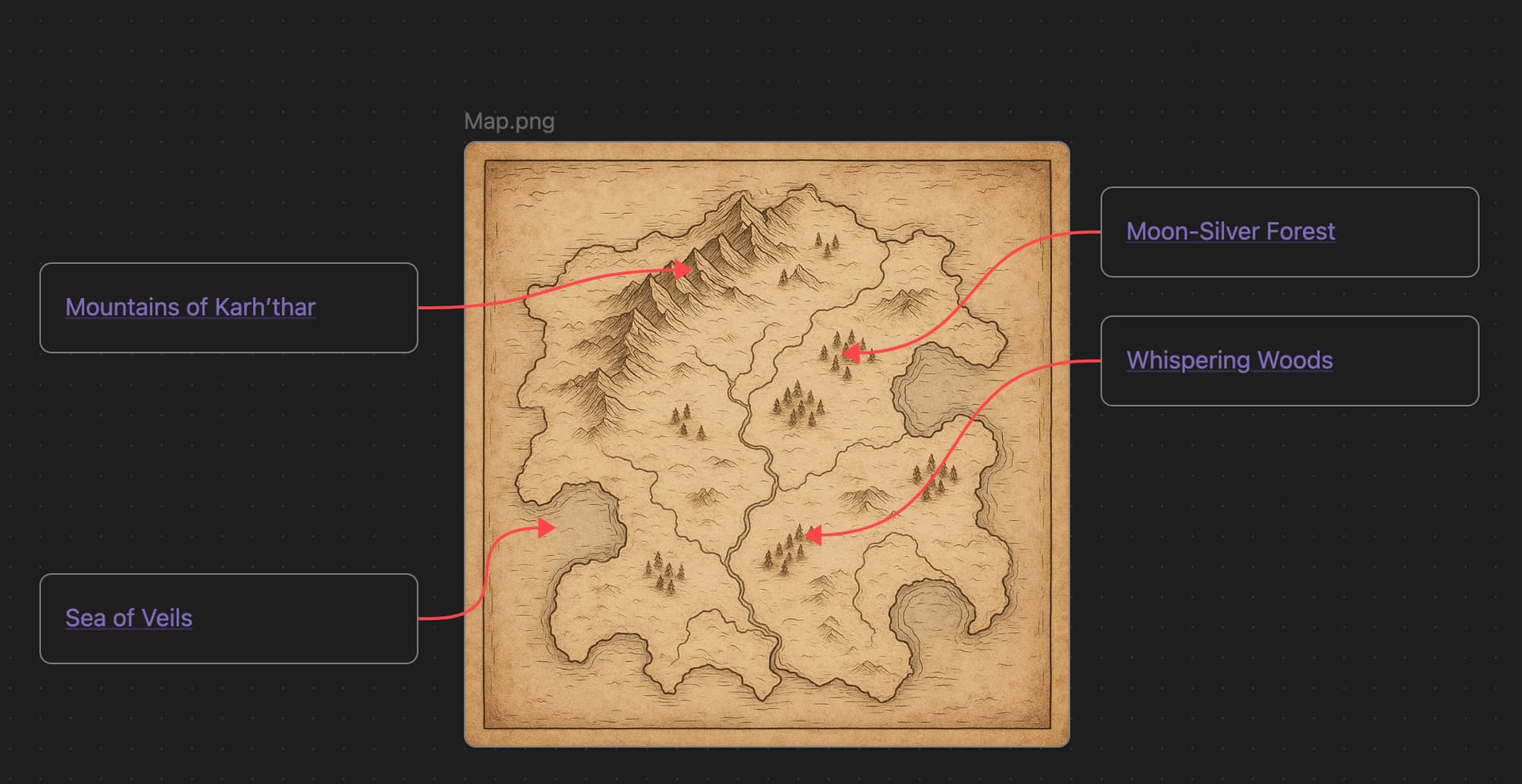
In canvas image, when I add a card, I would like to anchor on some element (properties by example) or better. I have images in my canvas, like a drawed map (a game map) and would like to link some point to cards (for explanation, and so on).
is this kind of feature exist ? Plugin ? something who add a anchor grid on the cards and allow to link cards to them ? I search, but found nothing.
That’s not possible with Canvas and I don’t know any plugin that would allow you to do that in Canvas.
However Excalidraw plugin could be used for that, with some effort.
You can insert any image in a Excalidraw canvas, and then draw shapes on top of those images (to ease the process, you can reduce the opacity of the image), and associate a link (to any other note) with the region you drawn. Then you can reduce the opacity of those overlaid regions and increase again the opacity of the underlying image.
You can easily add rectangular or circular regions this way and Ctrl+clicking on them will open the associated link. With a little more effort you can draw arbitrary shapes (eg, the contour of a country in a map). However, this kind of freeform shapes don’t allow the Ctrl-click shortcut. You can anyway click on the region to make appear a little popup containing the link, which you can then click.
Yeah, this is how I do know, but… canvas is better for what I wanna do. So sad we cannot anchor cards inside a cards like for examples to a properties directly.
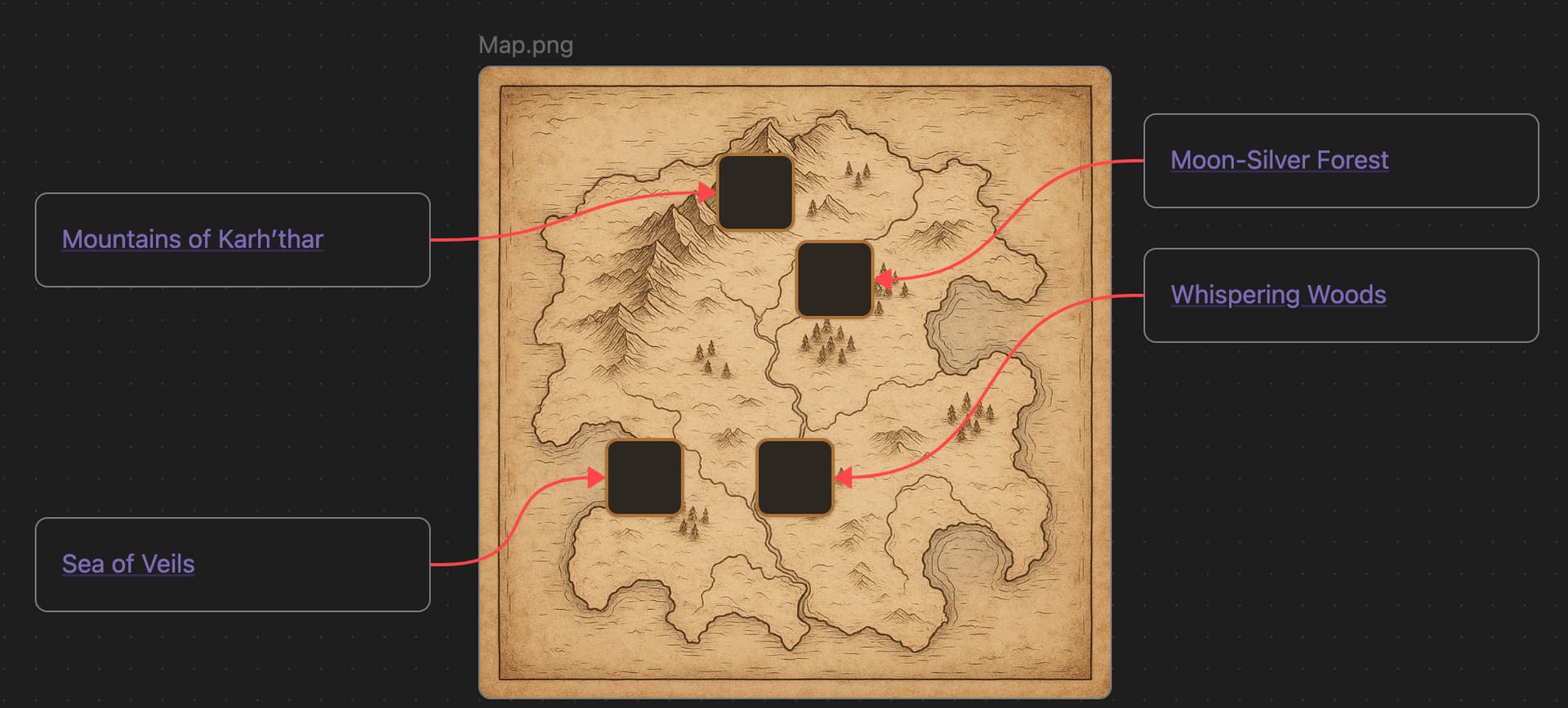
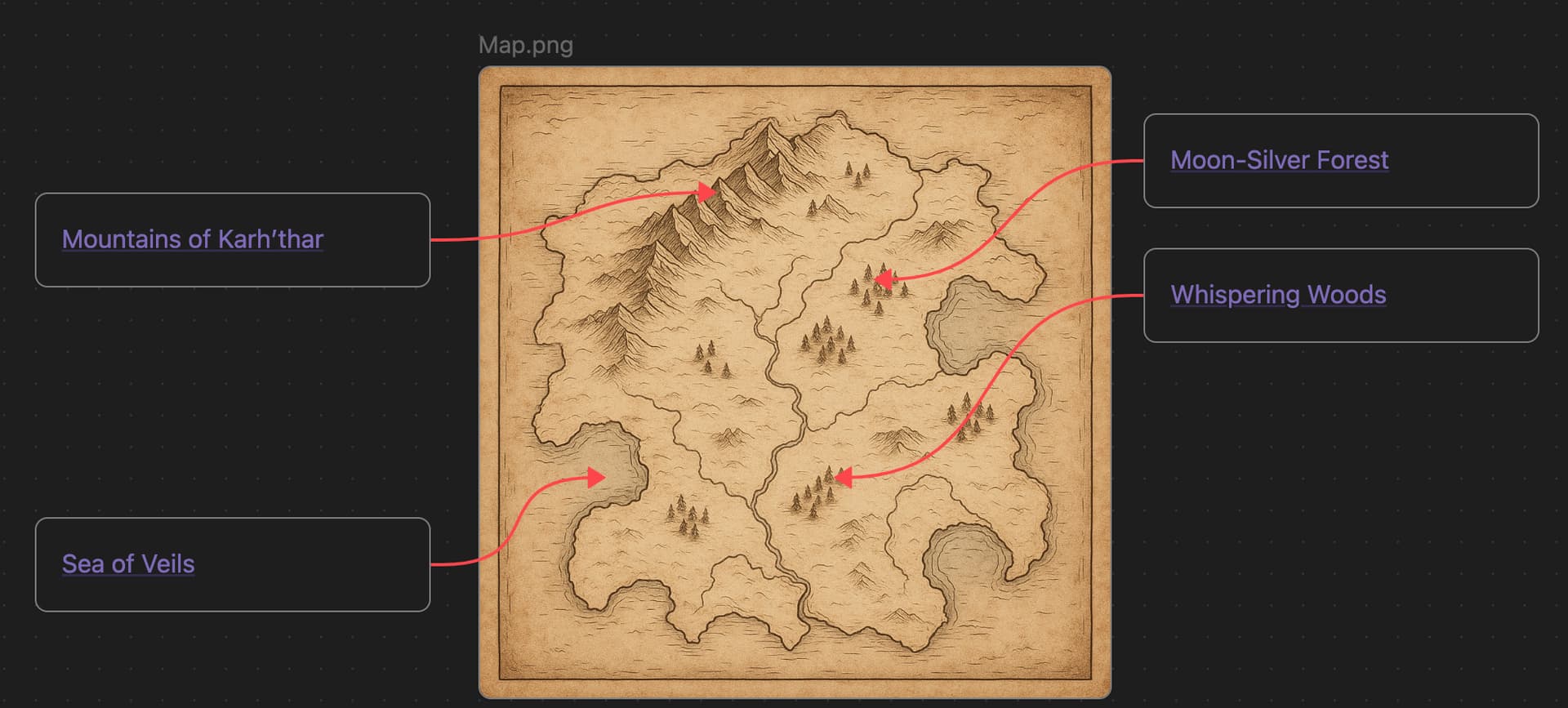
Click on the image and move it a bit up. Then again down. This makes the image to go “on top” of the remaining elements, and thus hiding the auxiliar regions (and unfortunately also hiding the arrows, but more on that later). Note that after you have done this, you have no means to access to the auxiliar regions to reposition them, so be sure to make 4 the final step. There is no “send to back” action on canvas.
This is the result of the step 4:
Thanks it’s work.
for the z-index, I don’t see in the information in the canvas file (wicht is just a json). I think the z-index is just the order of the node. Should not be complicate to make a plugin.
If I have little time, will check that.
Hi. Yes, the canvas is just JSON, but that’s only part of the story. When rendered, it becomes HTML and SVG elements, which can be styled with CSS.
The stacking order of elements follows their sequence in the JSON. Moving a node pushes it to the end of the list, so it appears on top. This order can be overridden with the CSS property z-index. That doesn’t change the JSON, but it does affect how elements are layered.
By default, all nodes have z-index: 0. Higher values bring elements to the front; if values are equal, rendering follows their HTML order (which mirrors the JSON). When you edit a node, Obsidian temporarily raises its z-index, then resets it to 0 once you exit.
My snippet simply assigns a high z-index to connections, so they are always displayed on top.