Any updates to allow this? Or other workarounds?
+1
I also need of this function badly, since whenever the canvas become big, it gets hard to navigate. It would be nice to link a card to another card, or to a group, with [[filename.canvas#^goto]].
Hope they will implement it soon. ;-;
I recently realized that a canvas is more convenient for me than regular note-taking - placing media in 2d space and connecting them is cool. But what was my disappointment when I realized that it was impossible to refer to the card and other elements in the canvas. I would really like such functionality!
I agree. Super useful to be able to link directly to a canvas Node or Group.
I agree! It would be great to reference a group, which would just show the zoom-extent of that region (as the magnifying glass currently does when something is highlighted).
Moved from a regular document to a canvas thinking this feature was present throughout the entire software… rip. I think it’s obvious that plenty of people get lots of use out of the “Copy link to block” button or similar methods of linking to other parts of a file, and it would be especially useful in a 2D environment like a canvas. Ideally it’d be able to link to a certain line, but even just to a particular group/card would be huge.
+1 for this FR
This would greatly enhance canvas usefulness.
There is a dirty but effective solution to this.
Open the canvas with another editor to see the ID of a card/group.
Looks something like this:
	{
		"id":"05b66fefe9f39704",
		"type":"text",
		"text":"",
		"styleAttributes":{},
		"x":-180,
		"y":-360,
		"width":60,
		"height":60
	},
With the id (here “05b66fefe9f39704”) i can link directly to a node:
[[filename.canvas#05b66fefe9f39704|Node xyz]]
1 Like
This is actually a workaround! Technically speaking.
one can actully create an embedded link by this.
There are only 2 problems
1st problem is without an editor, people will not able to have the clue about the relationship between the card id which is used in the link and the content of the card.
2nd problem is if you type [[B.canvas#]], you will get a list of all the cards, showing by their ids. But when you select one, the link will become something like [[B#23414343]] rather than [[B.canvas#23414343]]. The previous one does not work. The later one is a fully functional link and can be embedded by ![[B.canvas#23414343]]
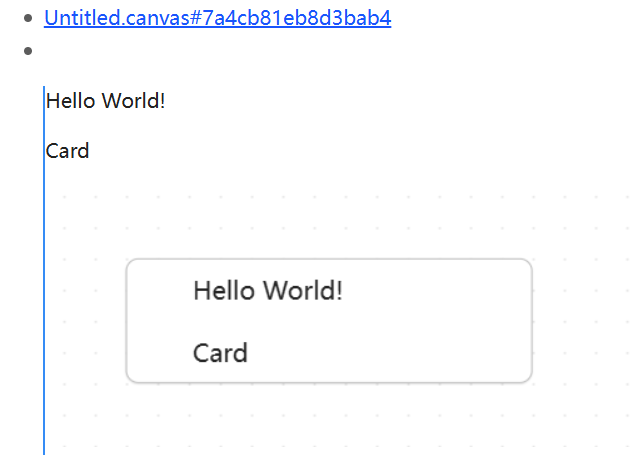
after some digging, I fofund the following code snippet posted by @Lin123 :
I’ll try the code, and see what we will get!
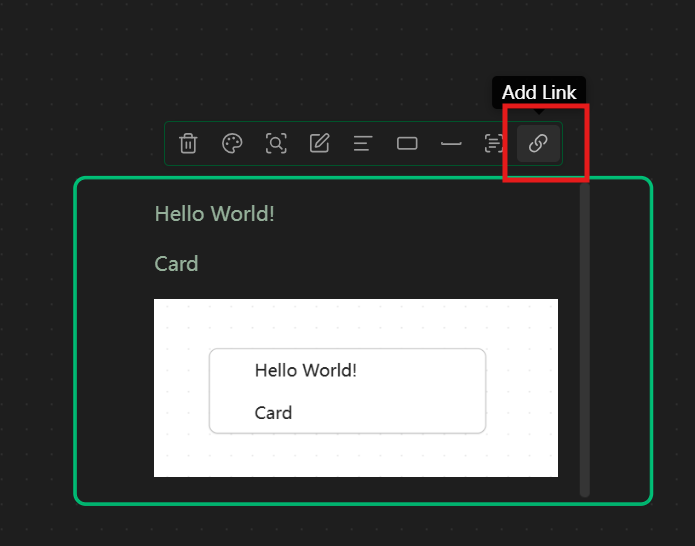
with the help of AI, I have made a “addLink” button, so that one can select a node, get the link to the node and use it in the note.
the code can be found at:
Here are some screenshots
Add a button when a node is selected:
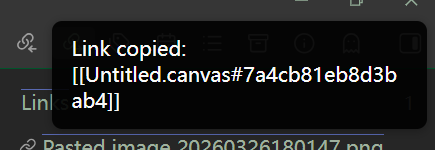
Generated link is copied automatically
Link can be inserted or embedded into a note
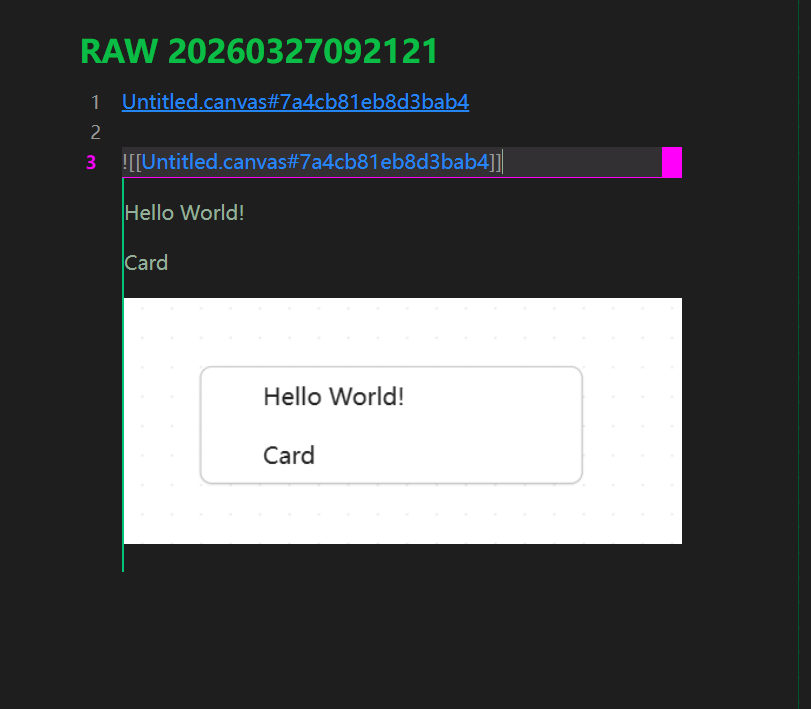
the backlink can also be recognized by Obsidian normally.
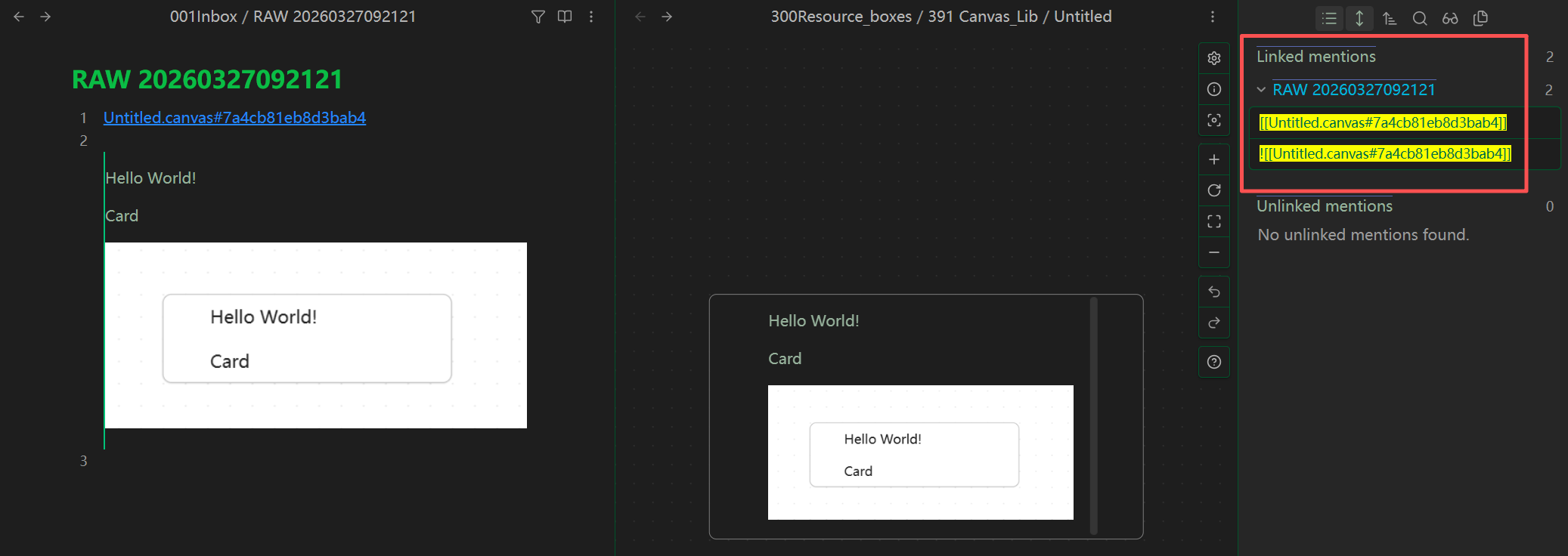
1 Like
I think it would be better to make it as “add-on” to the advanced canvas extension. But thank you very much!
The author of the obsidian-advanced-canvas reminds me that the there has been a command within obsidian-advanced-canvas, named: Copy wikilink to node, providing the same function.
And he also prefers using a hotkey rather than adding new button in the popup menu for when use this function.
You can have a try of both methods, to see which work flow fits you most.

1 Like