Once you’ve done the above, delete everything above this line.
Steps to reproduce
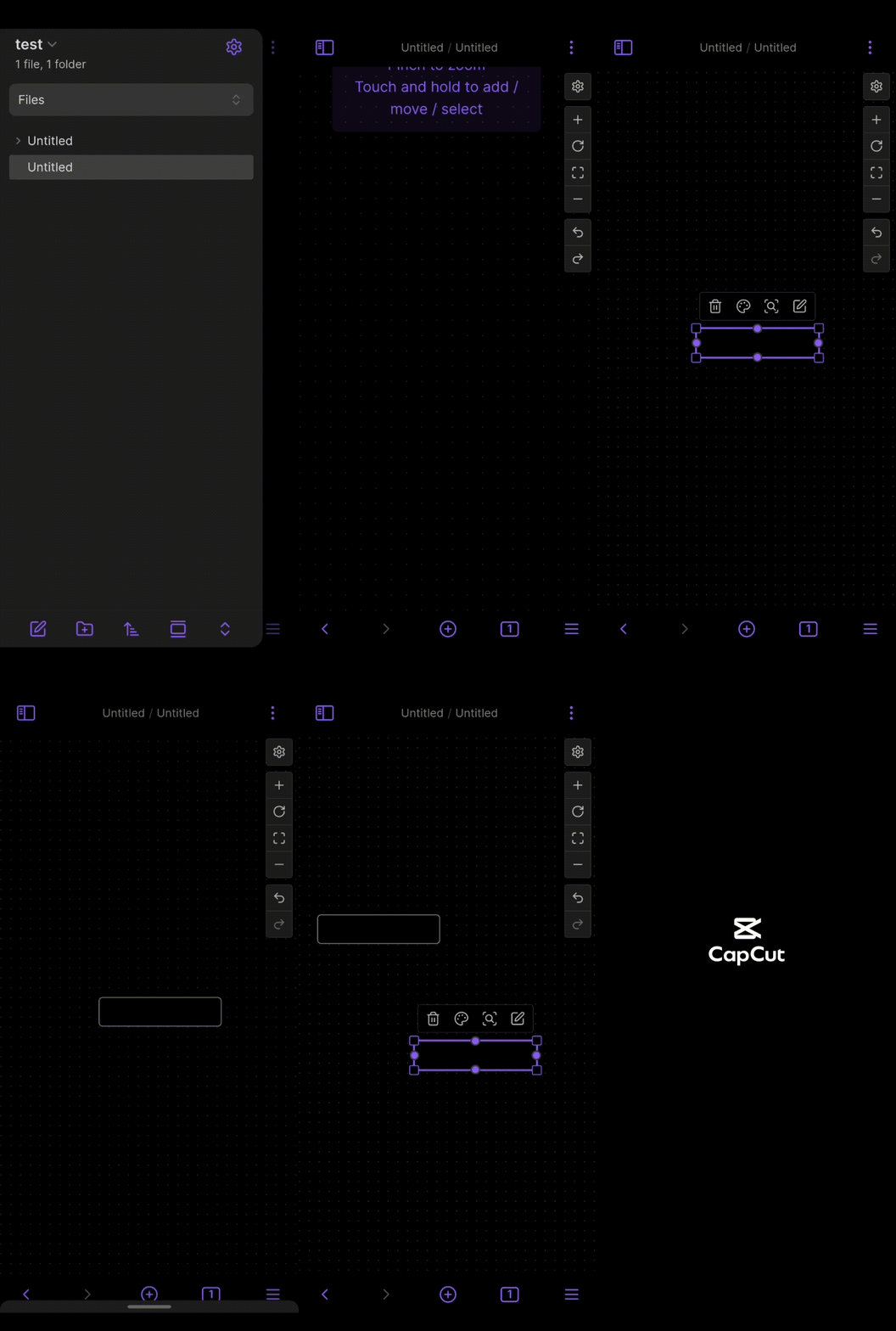
Add a card, deselect, select again and try to move by dragging.
Did you follow the troubleshooting guide? [Y/N]
Y
Expected result
Ability to move the card.
Actual result
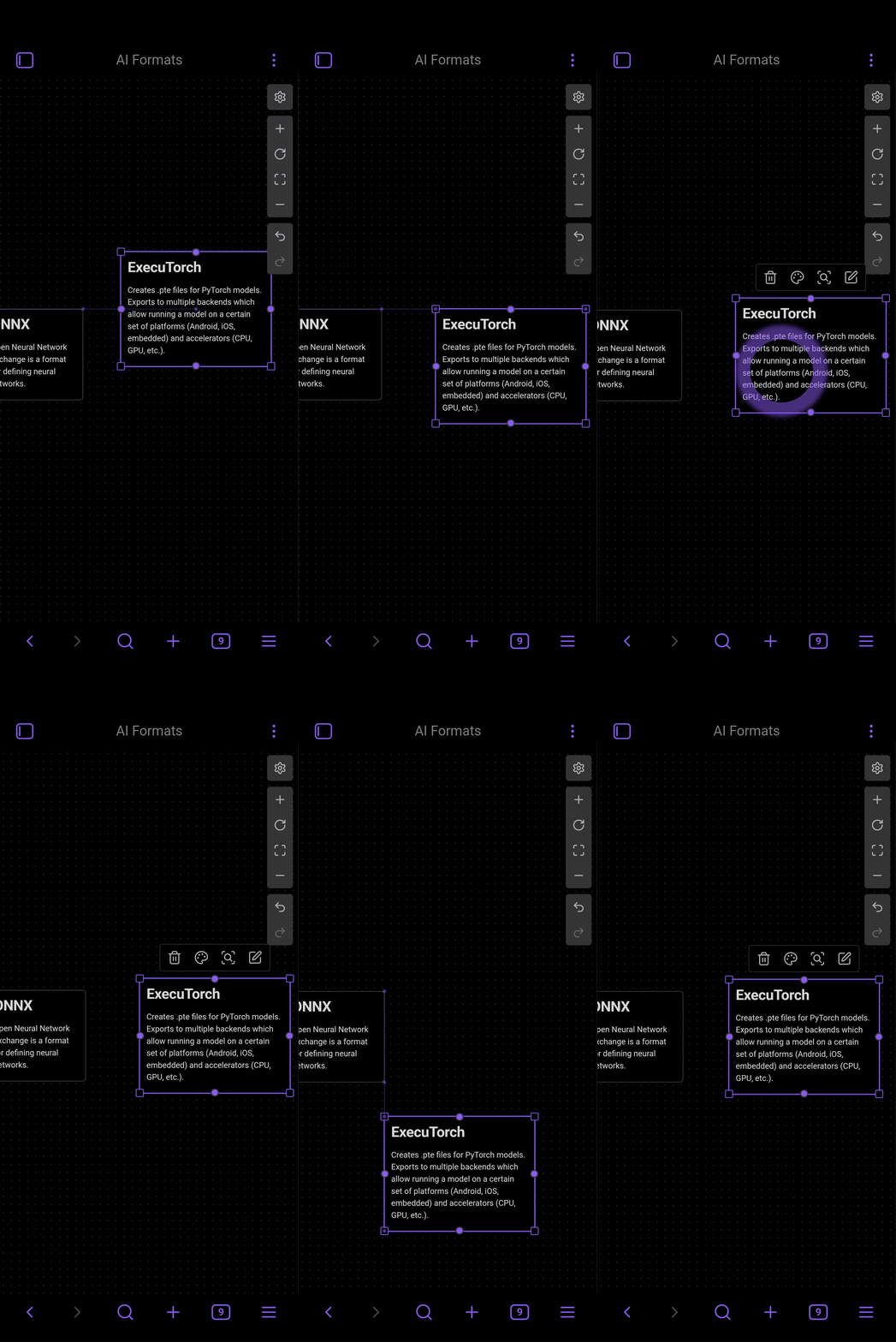
The card moves a very small distance at a time, and must be dragged again to move it again, or the card doesn’t move at all.
Environment
SYSTEM INFO:
Operating system: android 14 (Xiaomi POCO M3 Pro 5G)
Obsidian version: 1.8.9 (195)
API version: v1.8.9
Login status: not logged in
Language: en
Live preview: on
Base theme: adapt to system
Community theme: none
Snippets enabled: 0
Restricted mode: on
If no map is selected and then I tap and hold, I can drag without any issue.
However, of the map I wish to drag is selected, tapping and holding fires the visual indicator that I should be able to drag, yet it does not drag. Occasionally it shows visual indicators that I am in drag mode (like a line that shows alignment between 2 maps). Sometimes it also does move, for a single grid dot or whatever it is called.
Oh sorry. The previous user used the term maps so I thought that was what they were called. They are cards, yes.
SYSTEM INFO:
Operating system: android 16 (Google Pixel 9a)
Webview version: 142.0.7444.138
Obsidian version: 1.9.14 (241)
API version: v1.9.14
Login status: not logged in
Language: en
Live preview: on
Base theme: adapt to system
Community theme: none
Snippets enabled: 1
Restricted mode: on
RECOMMENDATIONS:
Custom theme and snippets: for cosmetic issues, please first try updating your theme and disabling your snippets. If still not fixed, please try to make the issue happen in the Sandbox Vault or disable community theme and snippets.
After playing around with it i found that if a card is already selected/highlighted it won’t move and just shifts the canvas a little then stops. However if you hold on a non selected card it seems to operate fine.
Mind sharing how are you trying to reproduce? Is it a real smartphone?
Asking because some people (me included) are finding “very difficult to move or organize the cards once placed”. I think that’s the real issue although not sure if yet another topic needs to be opened, I would prefer renaming this one.
They even shared a video on discord showing the difficulties, what seems like distinct behavior between pen/finger and the current issue.