I can’t easily read the text on my iPhone because of my age. If I use Apple Notes, Word, or Pages, I can easily read it. If there was a simple way to increase the text size, then I could use Obsidian on my iPhone.
There might be a way that I’m not aware of.
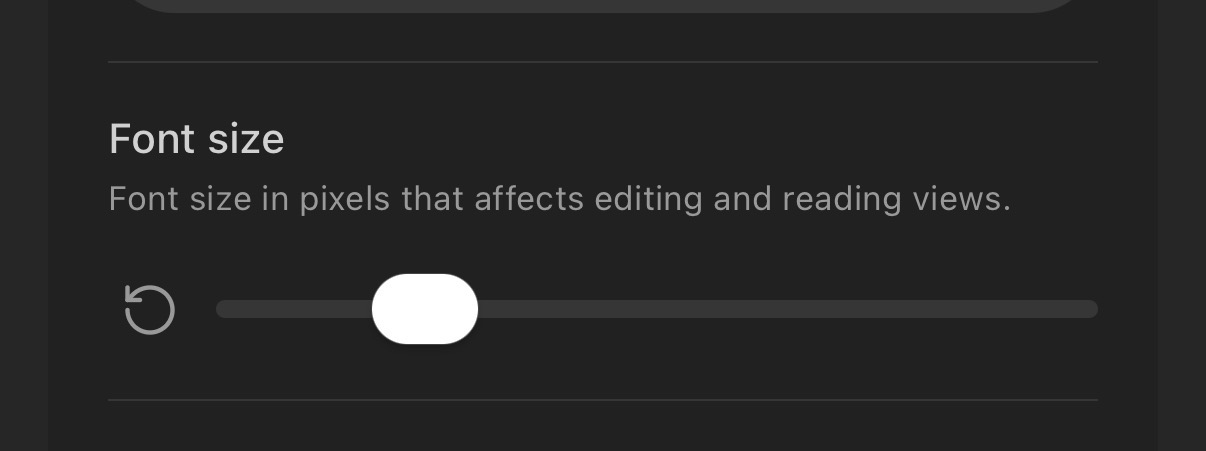
You can change the font size by going to Settings/Appearance. There’s a “Font size” slider there in the app.
You can adjust the size of fonts on the phone only (excluding the desktop or tablet) using a few CSS snippets, but yeah, I’d try the UI slider to start. Settings > Appearance > Font size.
Ah, I never thought of this app having a settings! Much better, and you made my day.