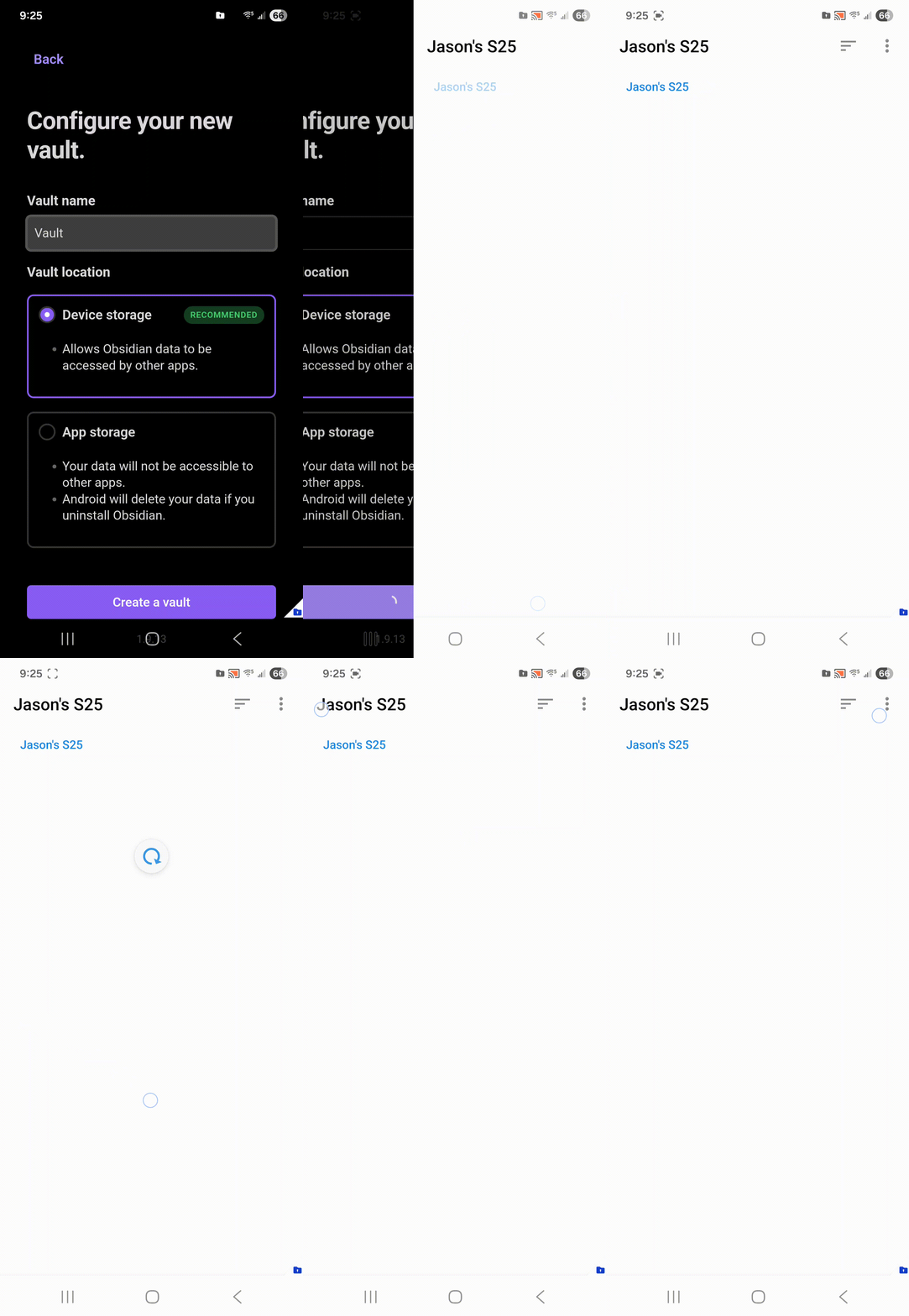
I typically use the Secure Folder for my Obsidian vaults without any issue.
Today I upgraded my phone (Samsung S25, Android 16, One UI 8) and I cannot select folder to create or open an existing vault within the Secure Folder.
Steps to reproduce
See attached. When you select “create a vault”, the following screen is missing the ability to select a folder.
It would obviously appear to be a files permission problem but Obsidian has all file access. Obsidian also works fine outside of the secure folder. And all other apps I try in the secure folder work just fine.
Did you follow the troubleshooting guide? Y
Reinstalled Obsidian, even migrated back to 1.8.12 to see if it was a recently introduced problem.
All security permissions are set appropriately for all file access.
Uninstalled the android secure folder, reinstalled and started the whole process over with the same result.
all other apps in secure folder work as expected.
I can create a vault in the android app storage - just not in the device storage.
This is something that is managed by the Native File/Directory Picker App in your phone. You need to send the bug report to Samsung.
I am surprised that you could select Secure Folder in the past, but I am not 100% sure of how it works on Samsung Devices.
Can you select {InternalStorage}/Documents, that’s the global shared directory that usually opens up when you allow obsidian to “access all files”.?
Thanks for the response. I can’t select anything from the Obsidian app, but can select the Documents folder through other applications which is why I started with Obsidian. It smells like a permissions problem, but everything that Android gives me has been enabled.
If no one else is having a problem, it sounds like just an edge case I’ll have to figure out. If you have any tools you can point me to that would help troubleshoot, it would be helpful. I’ve been out of the programming space for a number of years but can get back into it if needed.
It turns out I had accidentally deleted “file” in canta.
I tried again. I could select folder in personal folder but it showed: error: this path cannot be resolved.
For anyone interested, I finally found a resolution to this.
I followed several rabbit holes (listed below for anyone that is interested) but was able to install an older version of the files app (DocumentsUI) which solved the problem. It looks like Samsung and Google are aware of the problem so ‘eventually’ I suppose a fix will come out - but in the meantime there is a work around.