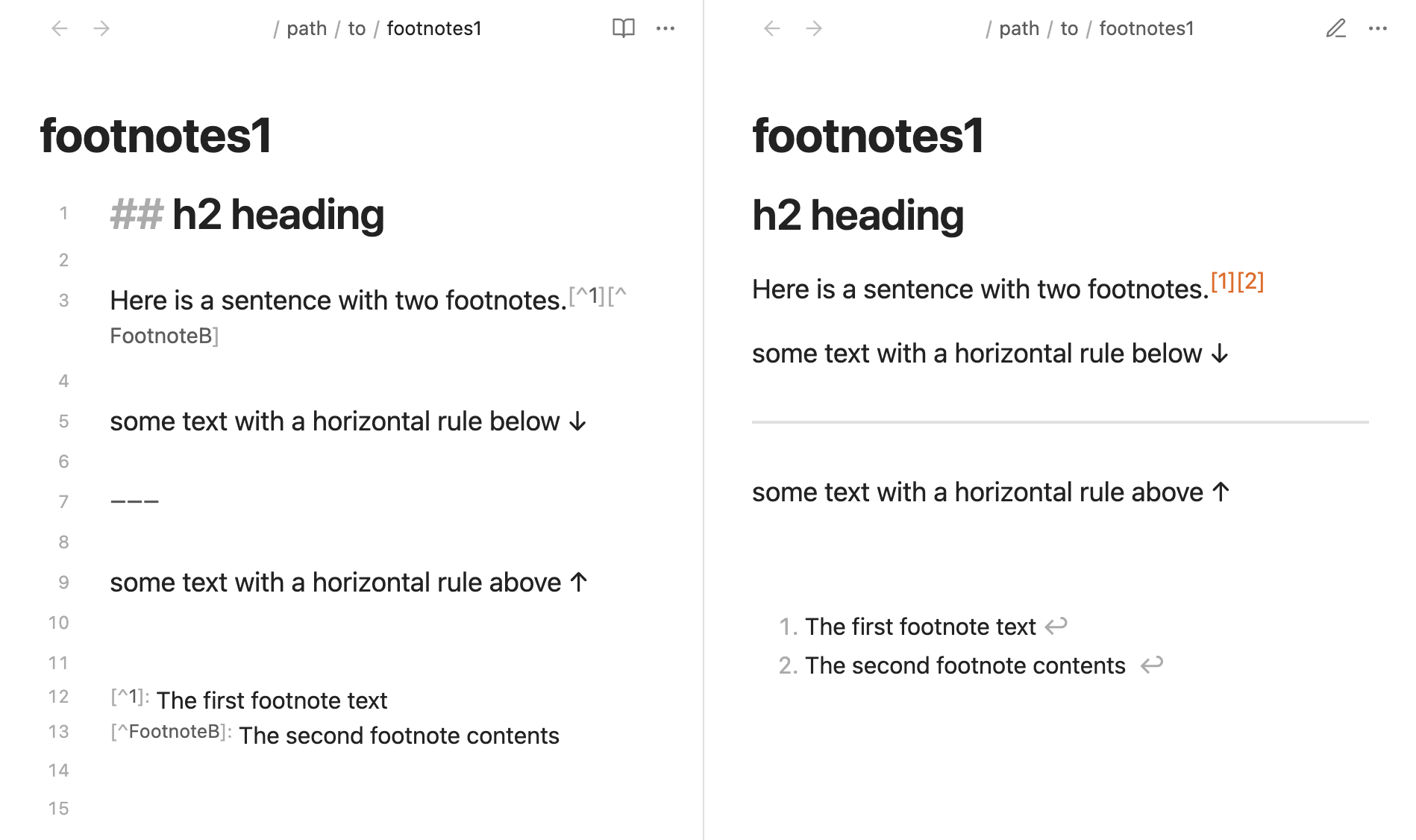
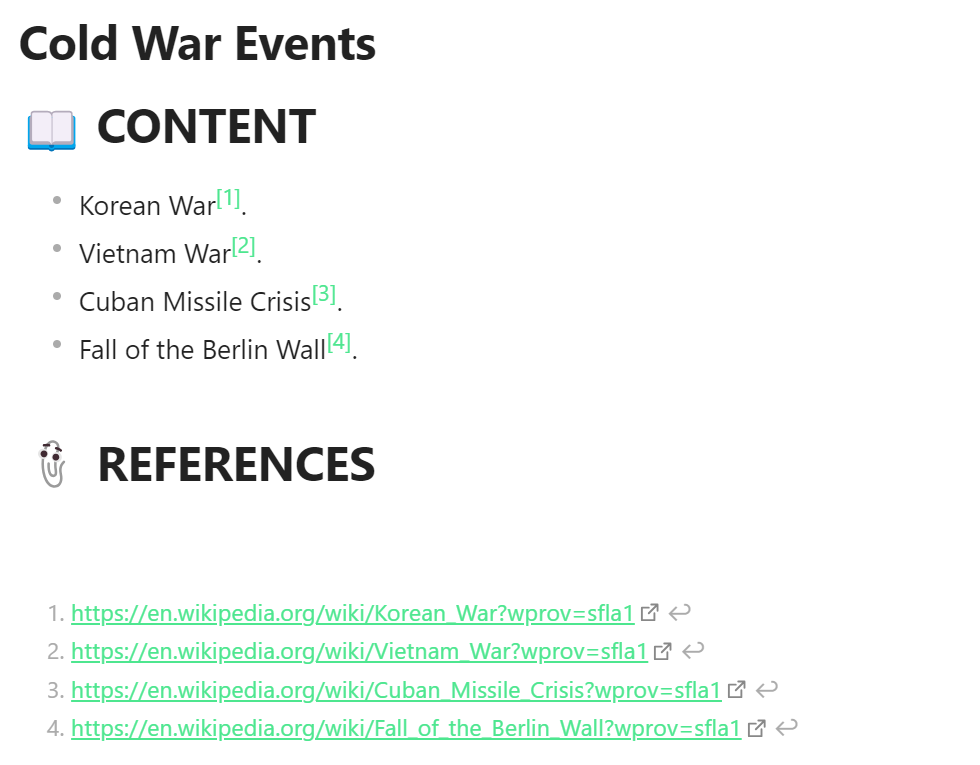
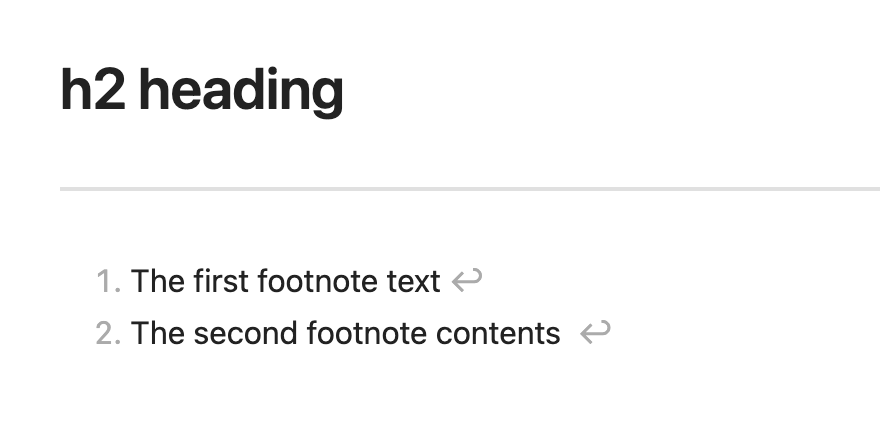
This is a simple example but I add headings like Tags heading, Key words headings, etc… Therefore I also need to use a heading for my references. The problem is, when using reading view that horizontal line appears automatically and there seems no way to disable it. I want to disable it because it breaks the style and design of the note. Can someone tell me if I can somehow disable it?
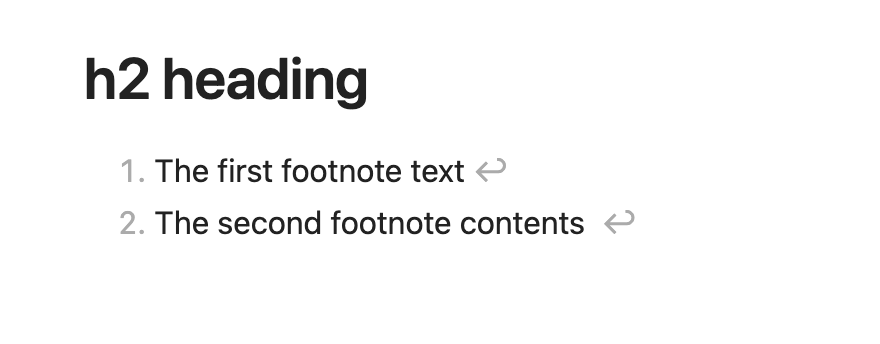
I should have shared screenshots of with and without the snippet, but wanted to demonstrate horizontal rules are still working fine; just removed above the footnotes section.
It’s OK the normal horizontal rule you showed in your image demonstrates it!
About the CSS, it kinda works, it’s much better than before but now it shows a blank space below the heading which still disrupts a bit the style of the note. Is this fixable or there’s nothing more to do? Either way, thanks a lot for this solution!!