Steps to reproduce
Note: This bug is not easily reproducible and seems to be somewhat erratic in its occurrence. There does seem to be a pattern to it, however, described below.
Note also in this description that the “Strict line breaks” Editor Display option is OFF.
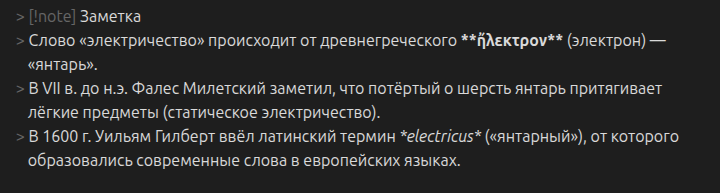
- Create a callout block: quote, note, etc. and enter a string/block of text. It doesn’t matter if this is done in Live Preview or Source mode.
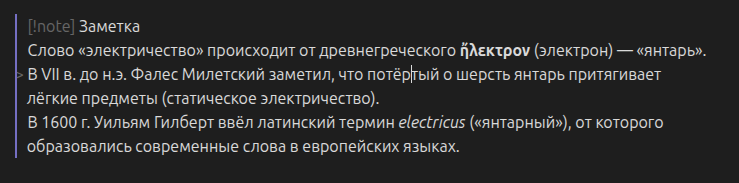
- Click away from the callout block. In Live Preview mode, this will render the block per the style directives.
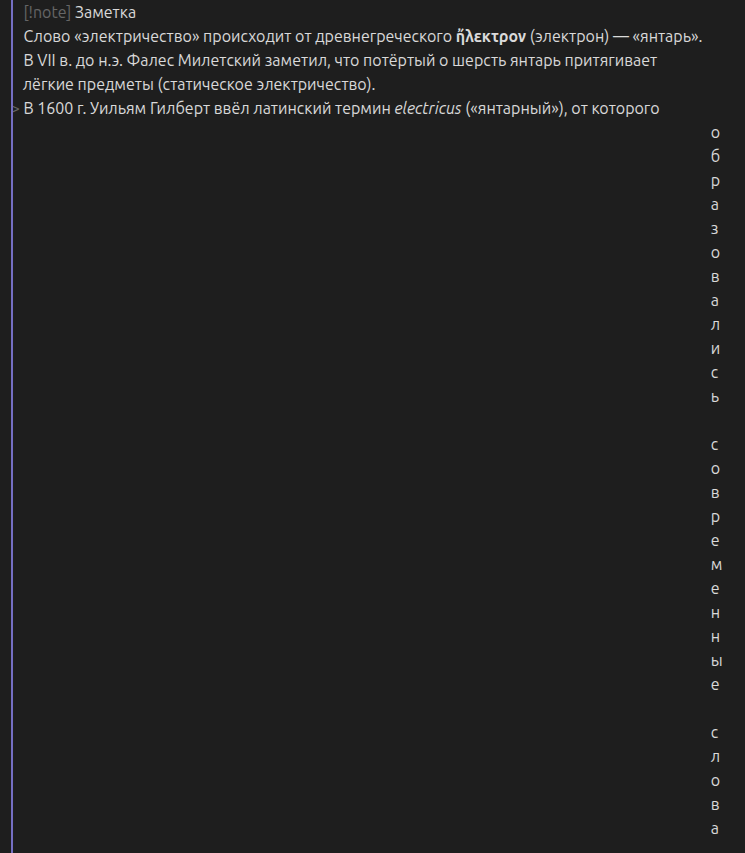
- Open another markdown note, then return to the note with the callout block you just created. Click into the callout block to edit it. The string of text will sometimes be rendered as a single column of text, right justified, one letter per line for the entire length of the string of text. This happens both in Source mode and Live Preview mode, and ONLY seems to occur if there is no space character after the last character in the string of text.
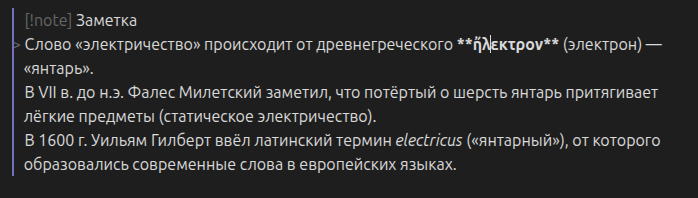
- Adding one or more space characters after the callout block seems to alleviate the rendering error.
Did you follow the troubleshooting guide? Y
Expected result
Callout blocks of text should render as a contiguous block of text instead of a single column of individual characters.
Actual result
Callout blocks of text sometimes render as a single column of right-justified text, one character per line.
Environment
SYSTEM INFO:
Obsidian version: v1.9.13
Installer version: v1.8.9
Operating system: Darwin Kernel Version 25.0.0: Mon Aug 25 21:17:54 PDT 2025; root:xnu-12377.1.9~3/RELEASE_ARM64_T6041 25.0.0
Login status: logged in
Language: en
Catalyst license: supporter
Insider build toggle: on
Live preview: on
Base theme: adapt to system
Community theme: none
Snippets enabled: 0
Restricted mode: on
RECOMMENDATIONS:
none
Additional information
See screenshot