SYSTEM INFO:
	Obsidian version: 1.14.4 (389)
	API version: 1.14.4
	Operating system: Android 17 (Google Pixel 9 Pro)
	Webview version: 154.0.8037.106
	Login status: logged in
	Language: en
	Catalyst license: supporter
	Live preview: on
	Base theme: adapt to system
	Community theme: none
	Snippets enabled: 0
	Restricted mode: on

RECOMMENDATIONS:
	none
Additional information
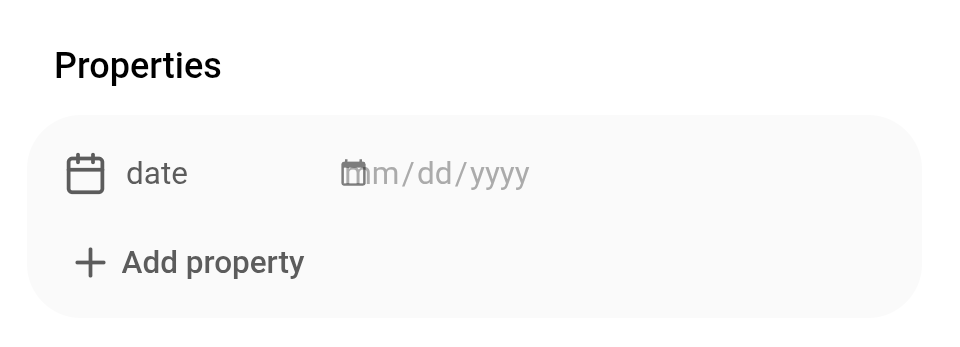
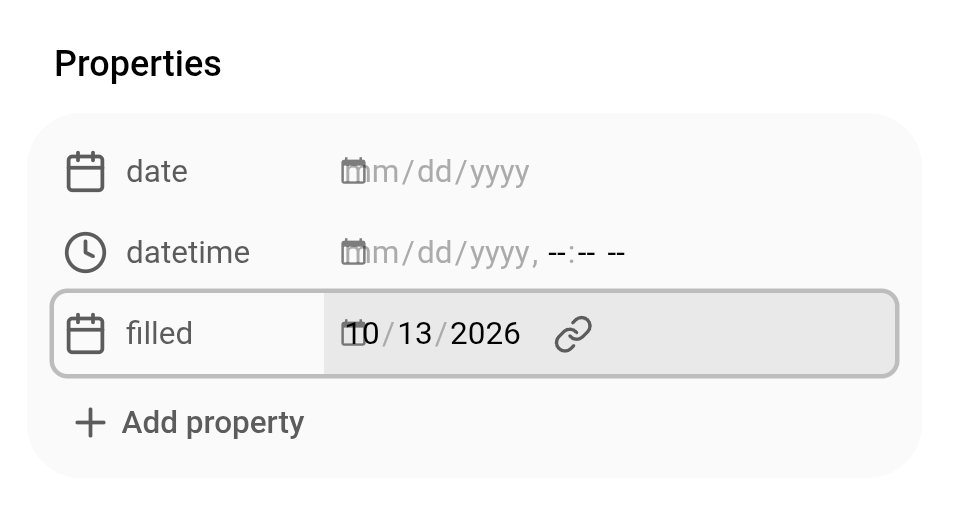
Same for datetime. And same when a date is filled in.
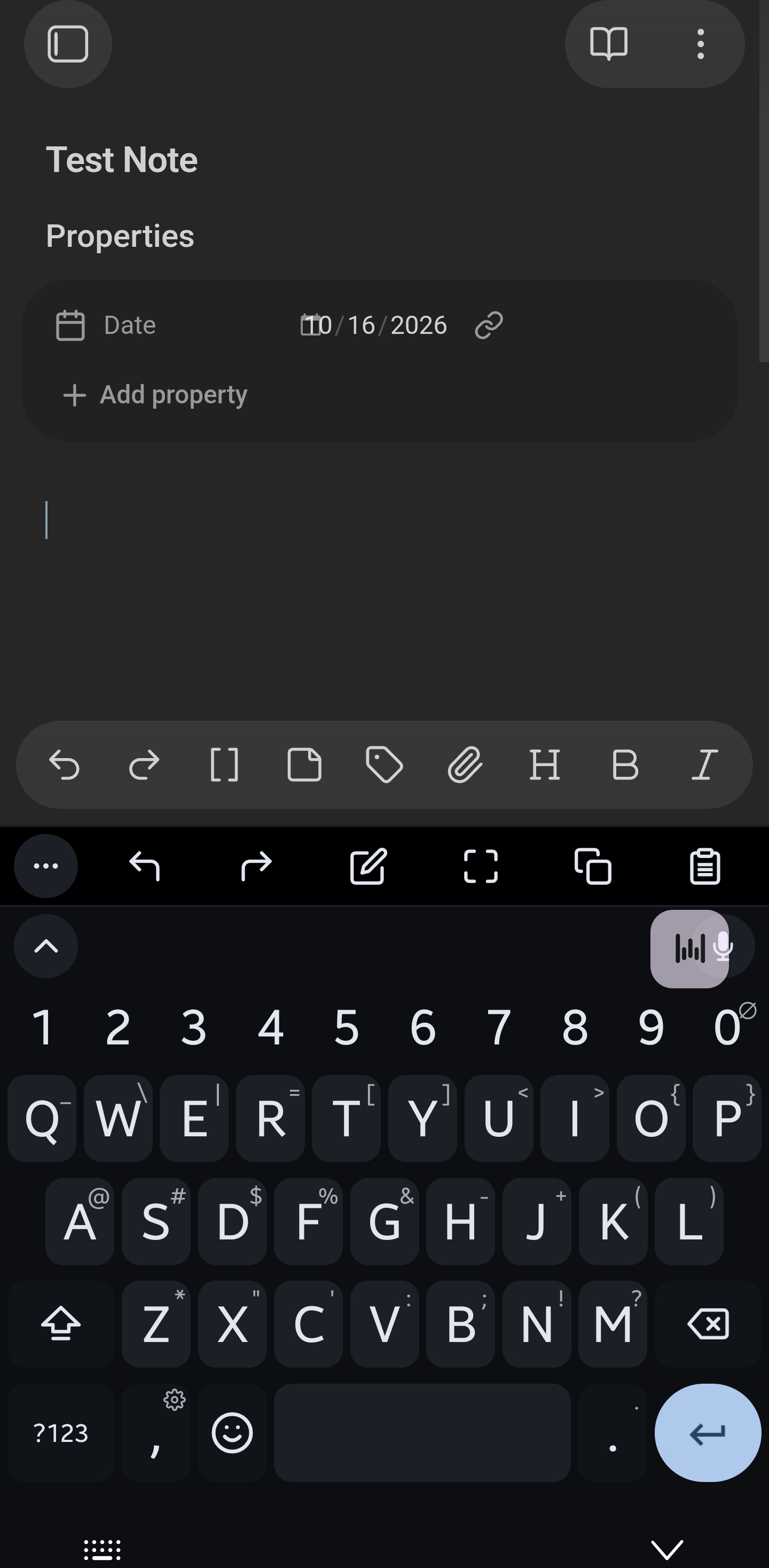
I do think it’s only Android. Several Androiders (that’s what we’re called?) on reddit and one on Discord had it but no other OSers chimed in. My other devices don’t have it.
Shortly after I posted this (coincidentally, not consequentially, I think), kepano told someone somewhere that the team is looking into it.
I appreciate your reply not only for your help and diligent testing but also because I forgot something… What’s a bug report without a workaround?
It’s still present for me in 1.15.0 Mobile Catalyst.
SYSTEM INFO:
	Obsidian version: 1.15.0 (396)
	API version: 1.15.0
	Operating system: Android 16
	Webview version: 155.0.8059.43
	Login status: not logged in
	Language: en
	Live preview: on
	Base theme: adapt to system
	Community theme: none
	Snippets enabled: 0
	Restricted mode: on

RECOMMENDATIONS:
	none
SYSTEM INFO:
	Obsidian version: 1.15.0 (396)
	API version: 1.15.0
	Operating system: Android 17
	Webview version: 156.0.8078.47
	Login status: not logged in
	Language: en
	Live preview: on
	Base theme: adapt to system
	Community theme: none
	Snippets enabled: 0
	Restricted mode: on

RECOMMENDATIONS:
	none