This post will take you 1 min to read 
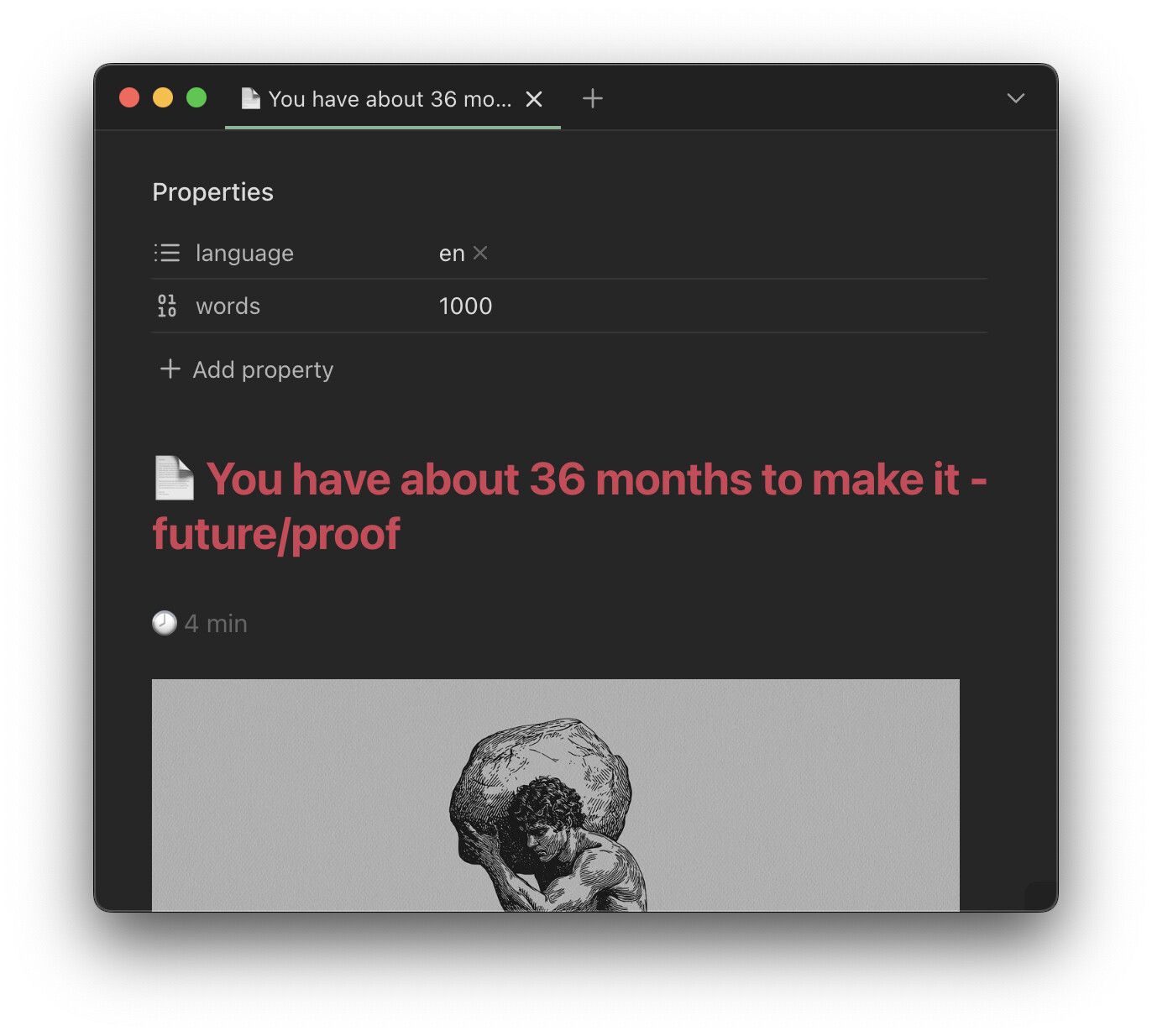
I clip lots of articles with the Web Clipper. Its variable {{content|strip_md|split:" "|length}} outputs the word count of what I’ve clipped into the words property:
---
words: 1000
---
Now, I could use a filter like this to calculate how many minutes it would take me to read, if my reading speed is at 250 words per minute:
{{content|strip_md|split:" "|length|calc:"/250"|round}}
But that would be too easy. What about future proofing? What if future me learns to speed read? Or installs a neural interface that greatly enhances reading speed? The bottom line is: my reading speed may change during my lifetime. So let’s be prudent.
Also, I’m bilingual so the time to read will depend on the value of the language property, which I instruct Interpreter to populate via this prompt:
{{"Determine the language of the material. Either output 'en' or 'ru'. If neither, output nothing."}}
So I’ve created a note titled My reading speed properties, which contains my reading speed for both the languages I speak:
---
en: 250
ru: 210
---
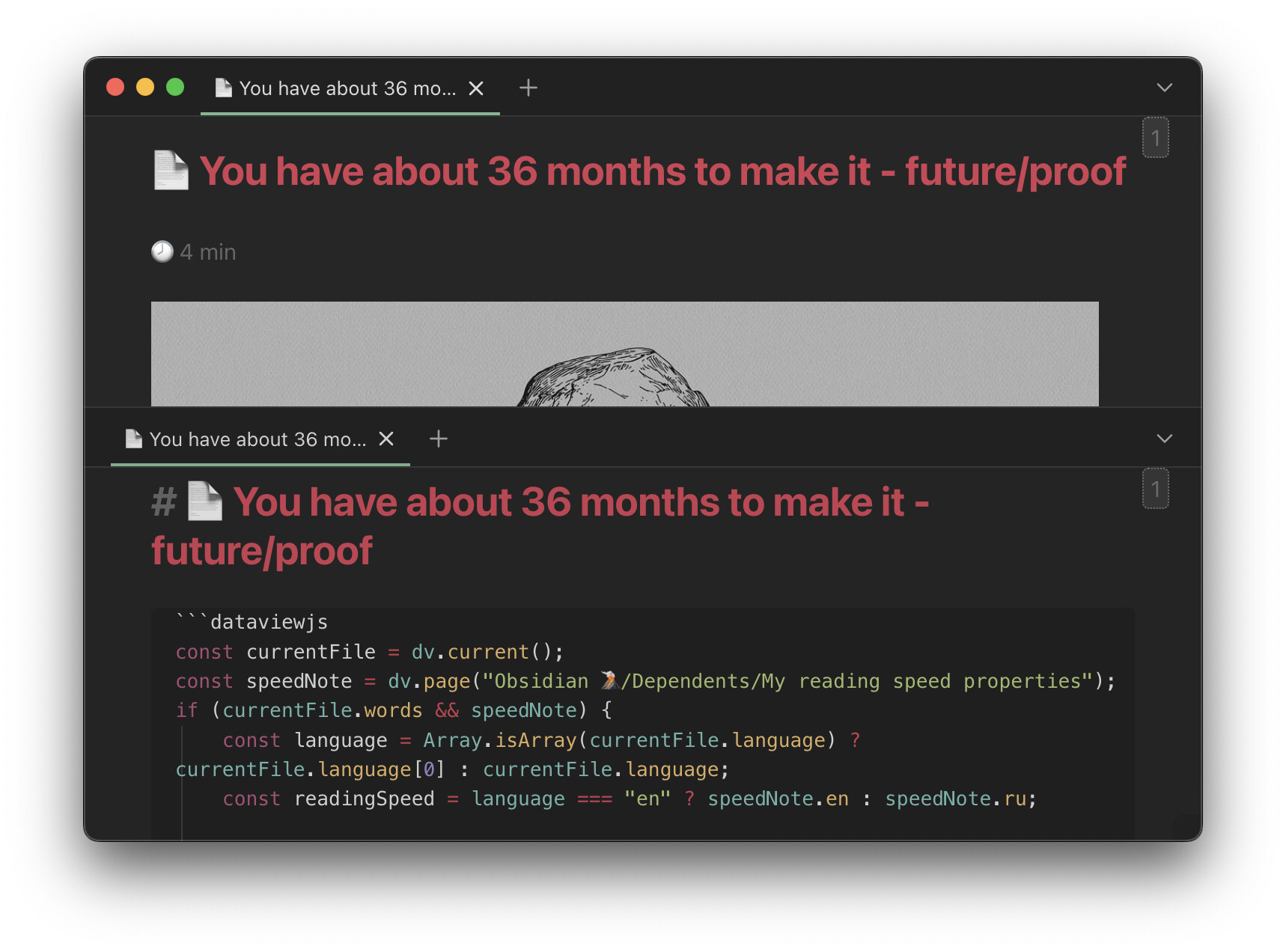
This DataviewJS block that I place in my Web Clipper template determines the value of language, grabs my current reading speed for that language from the note above, and, finally, calculates how many minutes it will actually take me to read the article:
const currentFile = dv.current();
const speedNote = dv.page("Obsidian 🌋/Dependents/My reading speed properties");

if (currentFile && currentFile.words && speedNote) {
    const language = Array.isArray(currentFile.language) ? currentFile.language[0] : currentFile.language;
    const readingSpeed = language === "en" ? speedNote.en : speedNote.ru;

    if (readingSpeed) {
        let output = `🕗 ${Math.round(currentFile.words / readingSpeed)} min`;
        dv.span(`<span class="reading-time-span" style='color: var(--tx3);'>${output}</span>`);
    }
}
It then outputs an inconspicuous duration right under the title:
This CSS snippet adds a margin under the Dataview block in Reading view—to make it look like it does in Live Preview:
.markdown-reading-view .reading-time-span {
    display: block;
    margin-bottom: 1em;
}
Now that’s more like it.

