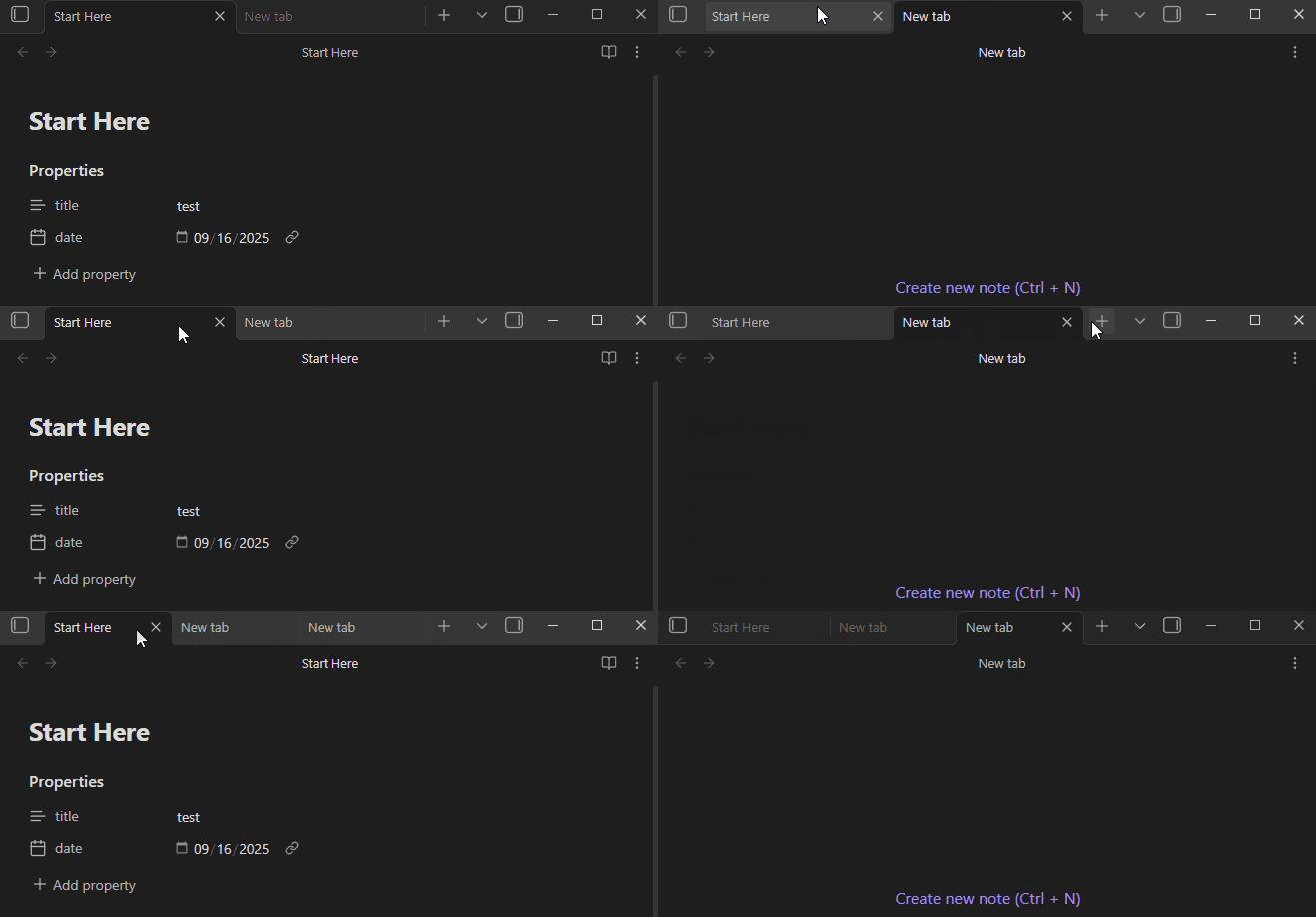
Steps to reproduce
Opening notes, bases, graphs, and canvases “view-header” icons are at one height, namely the icons within the “view-header-left” and “view-actions” containers while the “new tab” screen has them shifted up by one pixel or so.
I opened a brand new vault with no plugins and it persisted, the only vault I have that doesn’t seem affected is the “Obsidian Sandbox” and some of my older vaults where that doesn’t happen. Any of my “newer” vaults have this issue.
Did you follow the troubleshooting guide? [Y/N]
Yes
Expected result
No shifting.
Actual result
Shifting.
Environment
SYSTEM INFO:
Obsidian version: v1.10.5
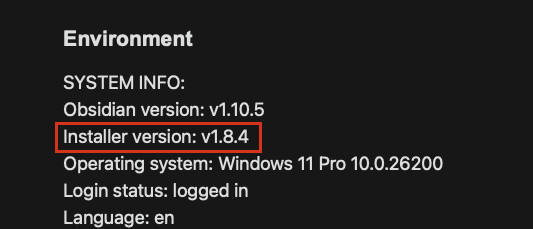
Installer version: v1.8.4
Operating system: Windows 11 Pro 10.0.26200
Login status: logged in
Language: en
Catalyst license: insider
Insider build toggle: on
Live preview: on
Base theme: adapt to system
Community theme: none
Snippets enabled: 0
Restricted mode: on
RECOMMENDATIONS:
none
Additional information
Here’s the shift happening (my newer vaults, and brand new, completely blank vault):
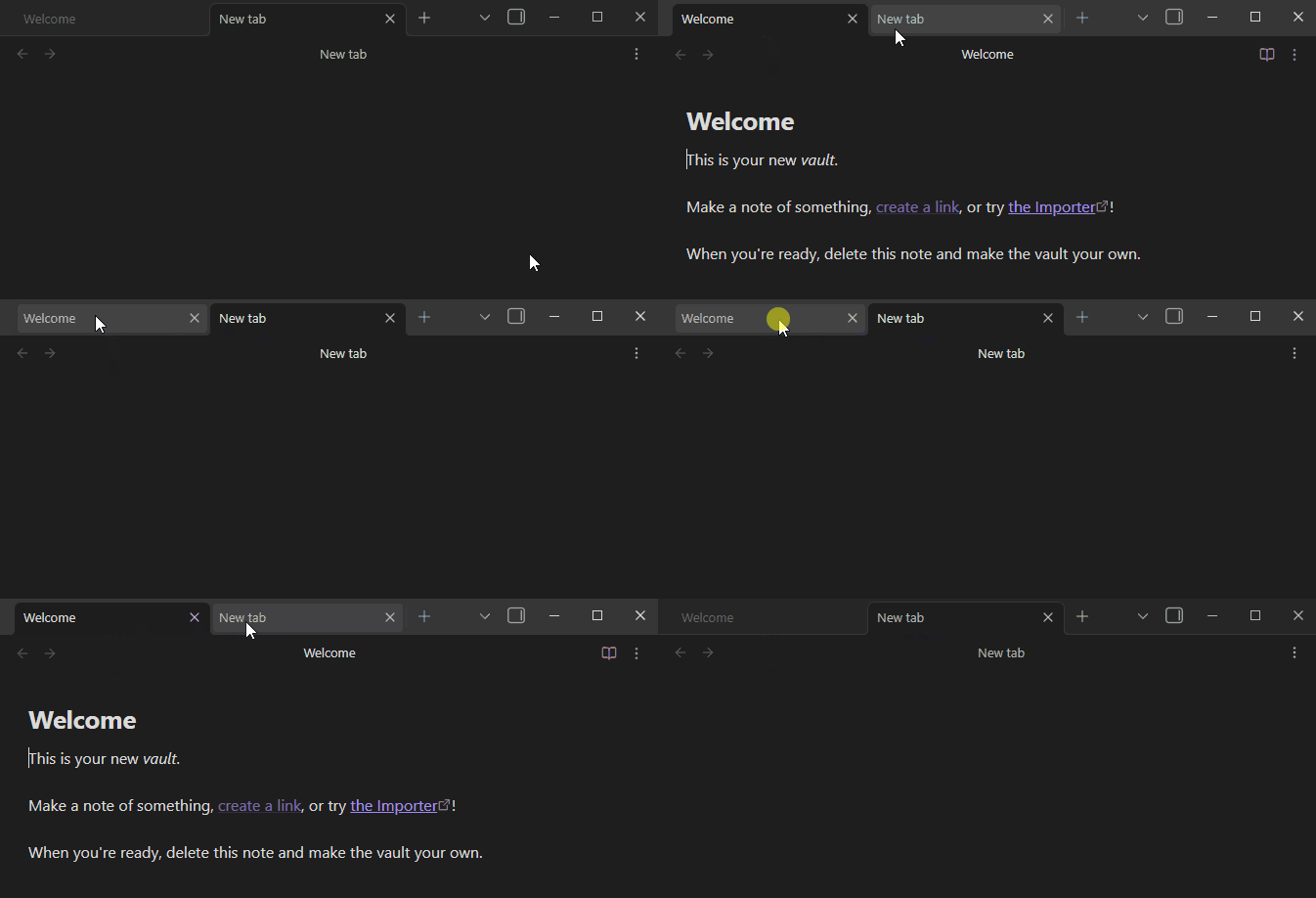
Here’s where the shift isn’t happening (older vaults and sandbox):