TLDR: ALT+Q (Q = quick) allows faster access with less hand movement, while avoiding other system hotkeys.
Back when I began to use Obsidian three years ago, “Ctrl+O” for quick switcher gave me a very clunky experience. It was one of the most frequently used hotkey, but to reach it, I either move my left hand across half the keyboard or move my right hand from the mouse (if I wasn’t typing ) and bend my right thumb 90° to press Ctrl.
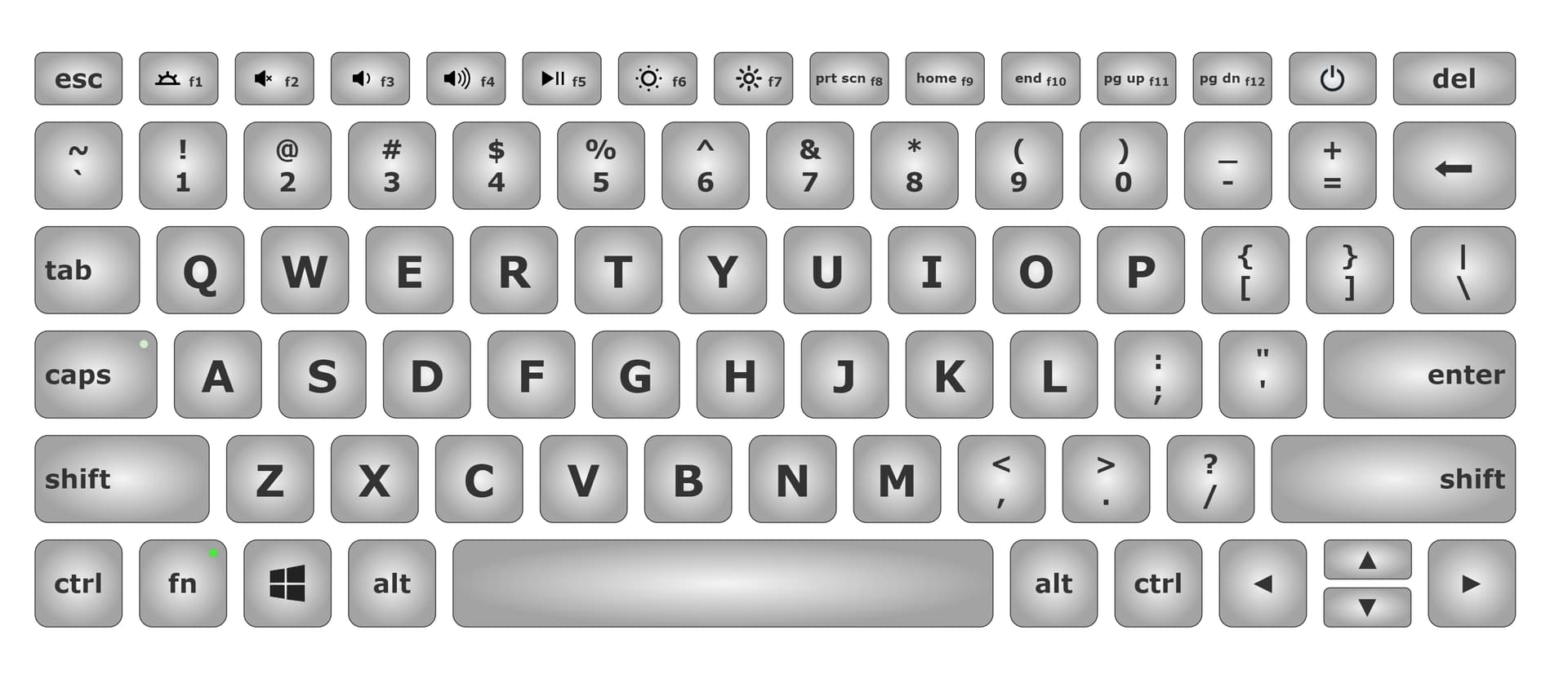
I felt left-handed hotkey would be more efficient because my left hand can do it while my right hand was moving from the mouse (same reason why Ctrl+Z/X/C/V was intuitive), so I targeted “QWERASDF”. I also figured that to press Ctrl, my left pinky needed to bend over 150⁰, plus it was already busy (with Ctrl+Z/X/C/V). Moving my left thumb 30° to ALT was much easier. In the end I settled for ALT+Q, which also did not collide any common hotkeys.
Frankly, I don’t expect this discussion to change anything. Established users already have their muscle memory, the default setting won’t change for precisely that reason and the chance of new users finding this is slim. I just want to share this interesting idea.
notes
- I suppose you can press “Ctrl+O” two-handed, but I found that even less intuitive.
- I use Windows.
- My notes are Zettlekastan-like. That is, I try to split everything namable into a page, and replace “Search” with “quick switcher” whenever possible. I now have 14k notes, that’s why efficiency of quick switcher is so important to me.
 … I was laughing and all those detailed descriptions of bending and angle measurement …


