Dataview obviously, not sure specifically which options need to be enabled. I think I have all the inline options enabled, but not sure if they are needed for this specific instance. Nothing else should be required.
I use a #noteable-quote hashtag, or have a document [type:: Quotes] for my collections of quotations. I have huge libraries organized by topic. They are used when I’m writing as context. I look for them by context, not by tag alone.
I need to revisit this after I’m done file the 15k notes that I imported a month or so ago from previous note systems. I’m down to 1555 notes but it’s still a slog.
I like the ideas of either collecting quotes as a page or adding a tag to the quote line to be able to find it later. Currently I only want to know the quote and who it is attributed to.
So the line might be “TIme in the market is better then timing the market.” - Unknown #quote
Which is great for one-liner.
Then you have multi-line ones , like a well know exchange between 2 people.
“I offer you my honor” - Mary
“I honor your offer” - William #quote
where #quote search will not return both lines. It’s this second case that I want to handle.
The quote:
“TIme in the market is better than timing the market.”
… is attributed to Warren Buffet and Keith Banks, former chairman and CEO at Vanguard.
I collect quotes as a page because they are source to a report about using quotes in copywriting. Within the page I group quotes by situation.
If I do a second revision of the report, I’ll add a LaTeX index so that when compiled with Pandoc it will have an easy to use index.
Think about how you use the tag or store the quote before you commit. You’ll find something that works.
Great point. Logseq also has inline hashtags. When you drill down into them you get a new set of blocks plus all references of the tag. Every tool seems to have a slightly different implementation.
I tackled this one a while back
Created an Index Folder Note in my 02 Cards Folder
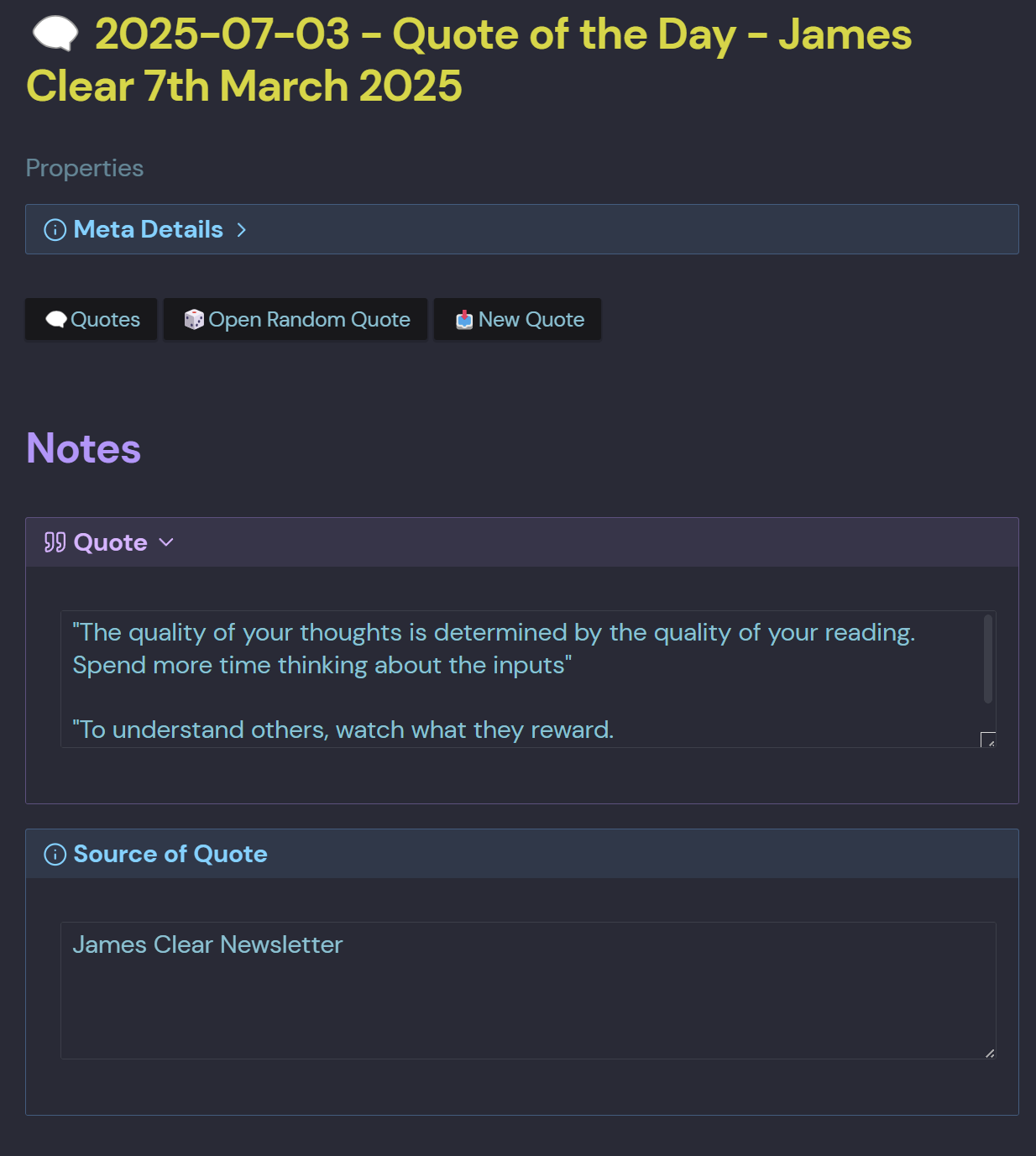
Added three Meta Bind Buttons
- Quotes
- Open Random Quote
- New Quote
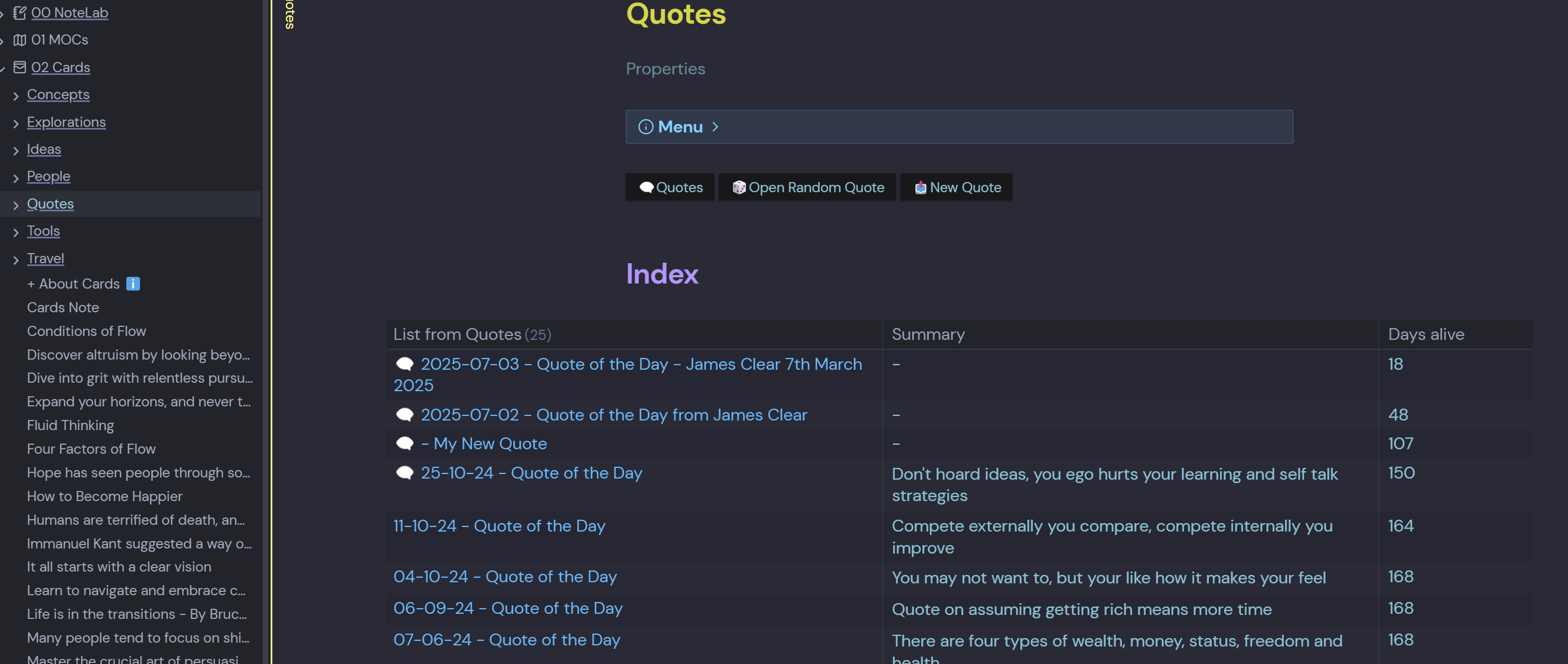
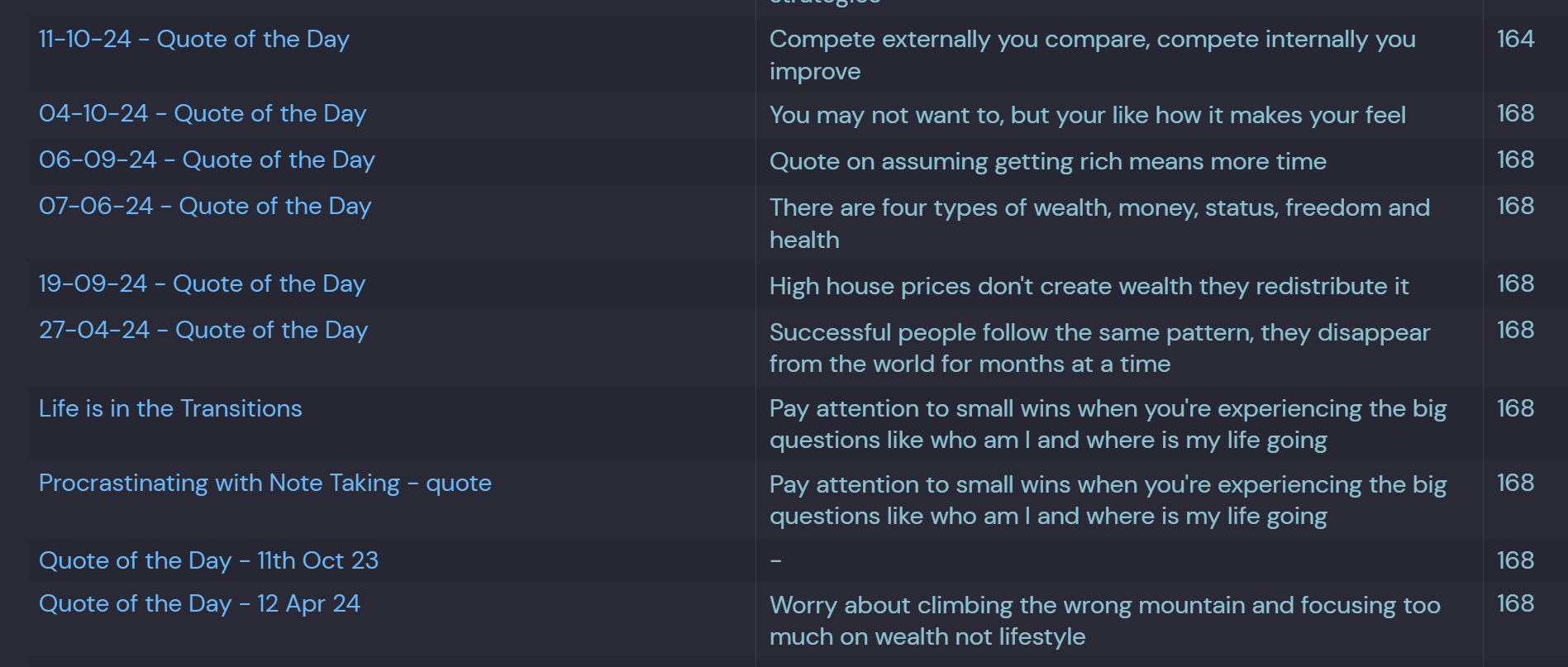
Then just enter the Input Fields when a new quote is captured then spin the dice to flush em out
``` dataview
TABLE WITHOUT ID
  file.link AS "List from Quotes",
  aliases as "Summary",
  (date(today) - file.cday).day as "Days alive"
FROM "02 Cards/Quotes"
SORT file.cday DESC
LIMIT 100
I feel like I could improve the overall look but it’s really just a catch all location atm
Days alive shows I haven’t been too active in here
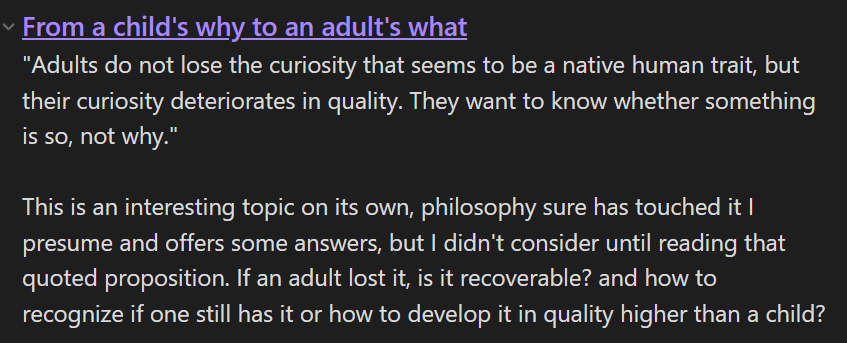
I don’t believe what I do configures a system, however whenever I see something worth highlighting in my reads I make a Heading under the current chapter and write what I think about it, then later make a note with the topic further developed, as the picture illustrates:
How to you run that?
And how do the quotes need to be stored (data format ) to be retrieved by that query?