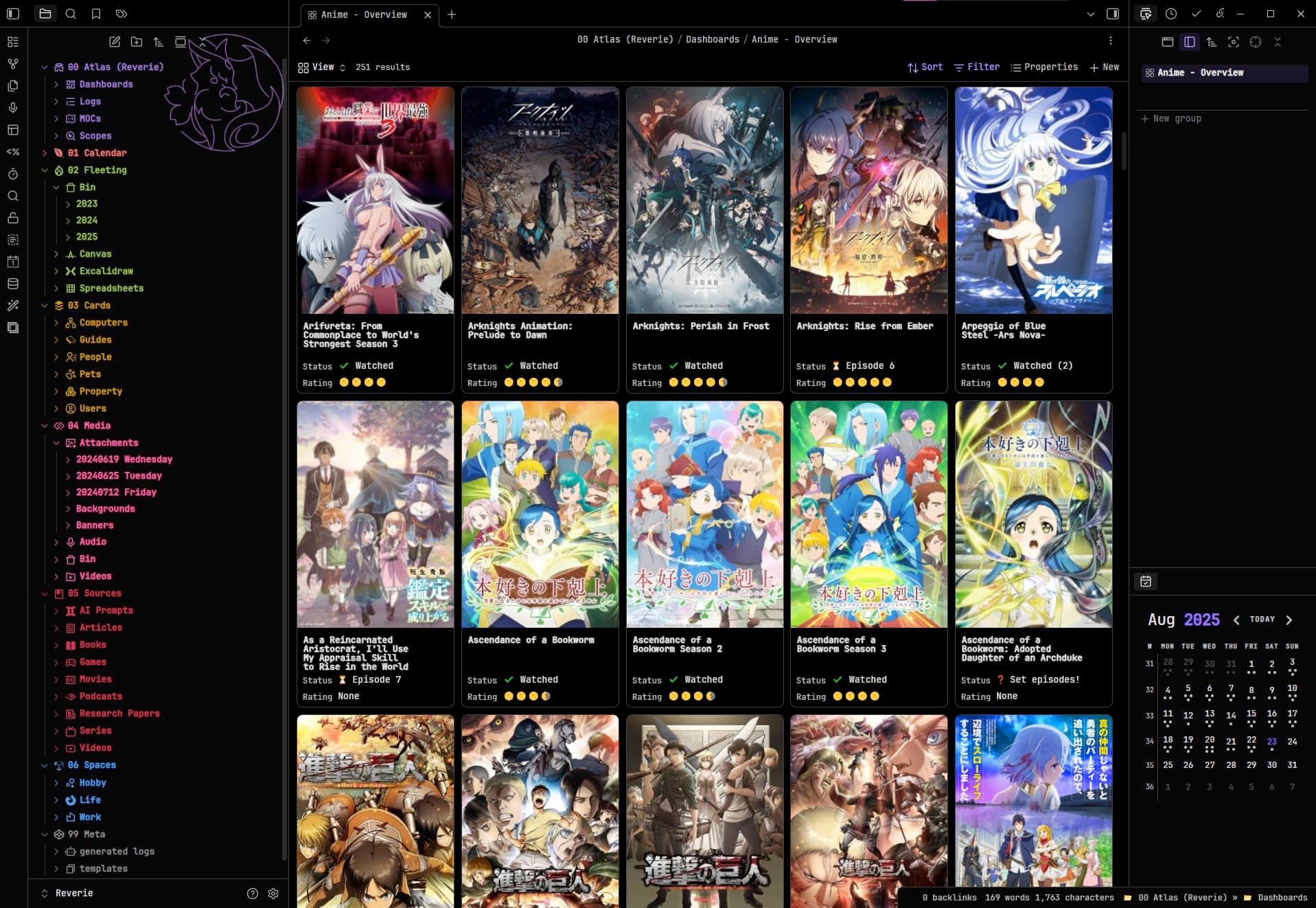
A solution was shared on Discord:
CSS snippet
bases - modifications v1.css (1.8 KB)
/* ---
USER MODIFY SECTION
--- */

/* REQUIRED stretches the entire height of the card for more title text lines. */
.bases-cards-property:nth-child(2) > div:not(.bases-rendered-value) {
  /* USER MODIFY - Adjust this until titles no longer oddly clip. */
  margin-top: 3.7ch;
}

/* OPTIONAL - Controls the title font size. */
.bases-cards-property.mod-title > .bases-cards-line.bases-rendered-value {
  /* USER MODIFY - Adjust this to modify the size of the title text. */
  font-size: 0.85em;
}

/* ---
Other card changes
--- */

/* REQUIRED for making additional lines display for the title card. */
.bases-cards-line.bases-rendered-value {
  /* Ensures the title text goes to new lines evenly. */
  text-wrap: balance;
  /* Prevents clipping issues with the title card. */
  height: fit-content !important;
}

/* OPTIONAL - Modifies label and value positions. */
.bases-cards-property {
  /* OPTIONAL - Places property labels and values on the same line. */
  display: flex;
}

/* OPTIONAL - Spaces each title exactly 1 character to avoid clipping issues. */
.bases-cards-property.mod-title {
  /* Combo-1 - Spaces the title from the sides which is undone by the padding-inline-start value below.*/
  padding-left: 1ch;
  padding-right: 1ch;
}

/* OPTIONAL - Fixes spacing for line items. */
.bases-cards-line {
  /* Combo-1 - Places the property values closer to the property status.  */
  padding-inline-start: 0;
}

/* Optional: Fixes label positioning */
.bases-cards-label {
  /* Forces the property labels to center vertically. Otherwise each one appears placed too high on the card. */
  align-content: center;
}

/* OPTIONAL - Condenses list items together. */
.bases-cards-item {
  /* Places the list items closer together. */
  gap: 0;
}