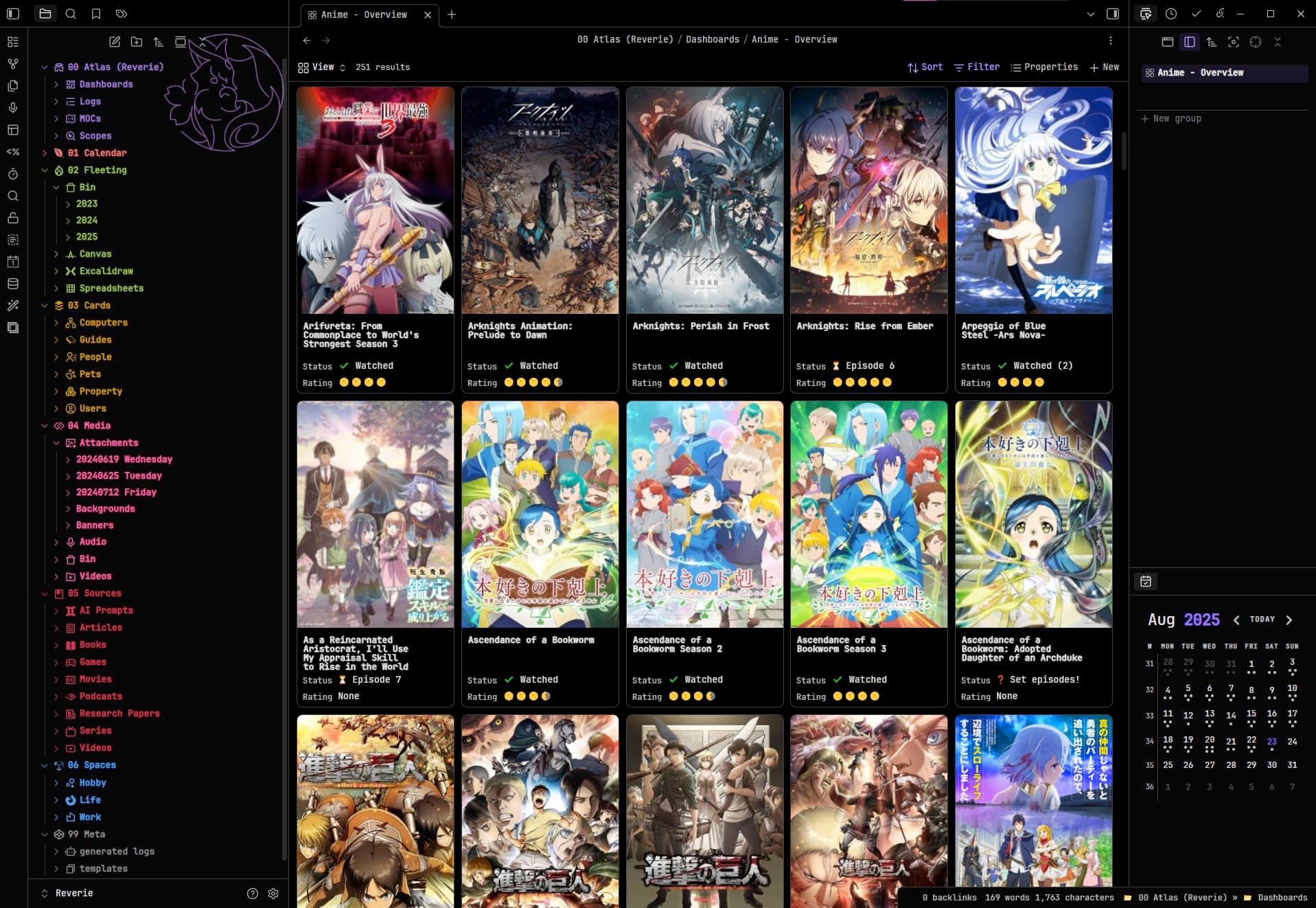
Similar to the Bases: Word wrap in tables request, there is also sometimes a need to word wrap property values in Card view. For example in a quotation database, the quotation gets cut off:
/* ---
USER MODIFY SECTION
--- */

/* REQUIRED stretches the entire height of the card for more title text lines. */
.bases-cards-property:nth-child(2) > div:not(.bases-rendered-value) {
  /* USER MODIFY - Adjust this until titles no longer oddly clip. */
  margin-top: 3.7ch;
}

/* OPTIONAL - Controls the title font size. */
.bases-cards-property.mod-title > .bases-cards-line.bases-rendered-value {
  /* USER MODIFY - Adjust this to modify the size of the title text. */
  font-size: 0.85em;
}

/* ---
Other card changes
--- */

/* REQUIRED for making additional lines display for the title card. */
.bases-cards-line.bases-rendered-value {
  /* Ensures the title text goes to new lines evenly. */
  text-wrap: balance;
  /* Prevents clipping issues with the title card. */
  height: fit-content !important;
}

/* OPTIONAL - Modifies label and value positions. */
.bases-cards-property {
  /* OPTIONAL - Places property labels and values on the same line. */
  display: flex;
}

/* OPTIONAL - Spaces each title exactly 1 character to avoid clipping issues. */
.bases-cards-property.mod-title {
  /* Combo-1 - Spaces the title from the sides which is undone by the padding-inline-start value below.*/
  padding-left: 1ch;
  padding-right: 1ch;
}

/* OPTIONAL - Fixes spacing for line items. */
.bases-cards-line {
  /* Combo-1 - Places the property values closer to the property status.  */
  padding-inline-start: 0;
}

/* Optional: Fixes label positioning */
.bases-cards-label {
  /* Forces the property labels to center vertically. Otherwise each one appears placed too high on the card. */
  align-content: center;
}

/* OPTIONAL - Condenses list items together. */
.bases-cards-item {
  /* Places the list items closer together. */
  gap: 0;
}
Currently, the title is restricted to a single line. On mobile, this often cuts off longer titles, making them hard to read.
Instead of wrapping text within one line, it would be better if the title box itself allowed for two lines of text.
This would improve readability and presentation, especially for longer titles.
and I think a 2 line title would look so much better than one line
Proposed solution
have setting for the card view titles how there is one for the tables that you can make them short and long