Once you’ve done the above, delete everything above this line.
Steps to reproduce
- Create a base
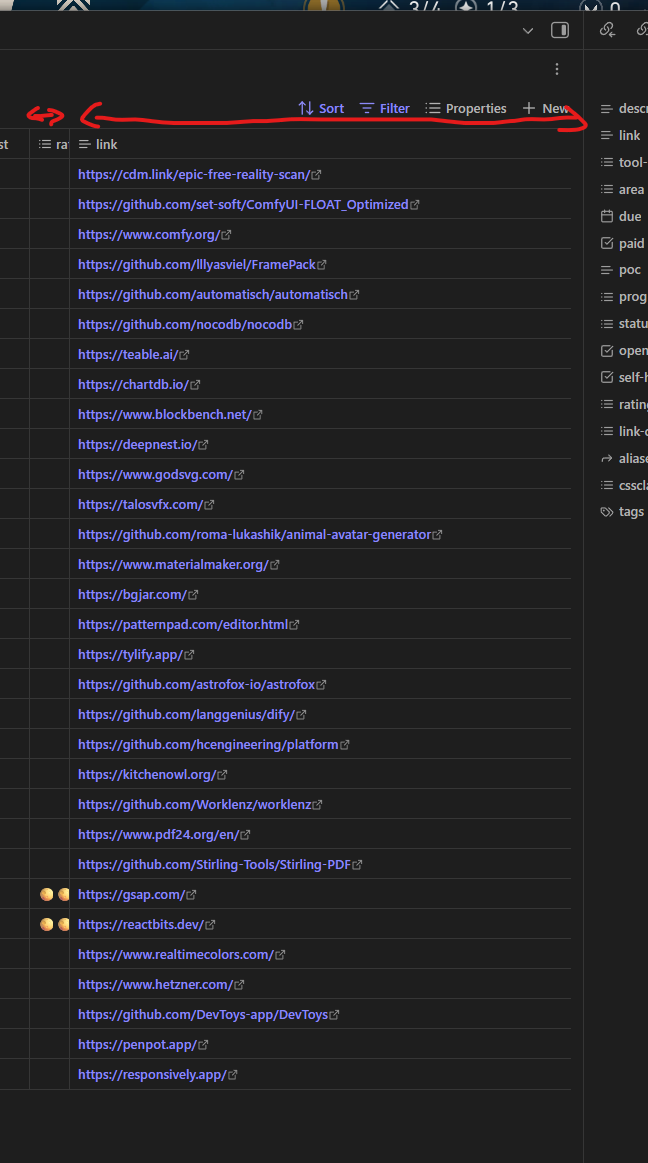
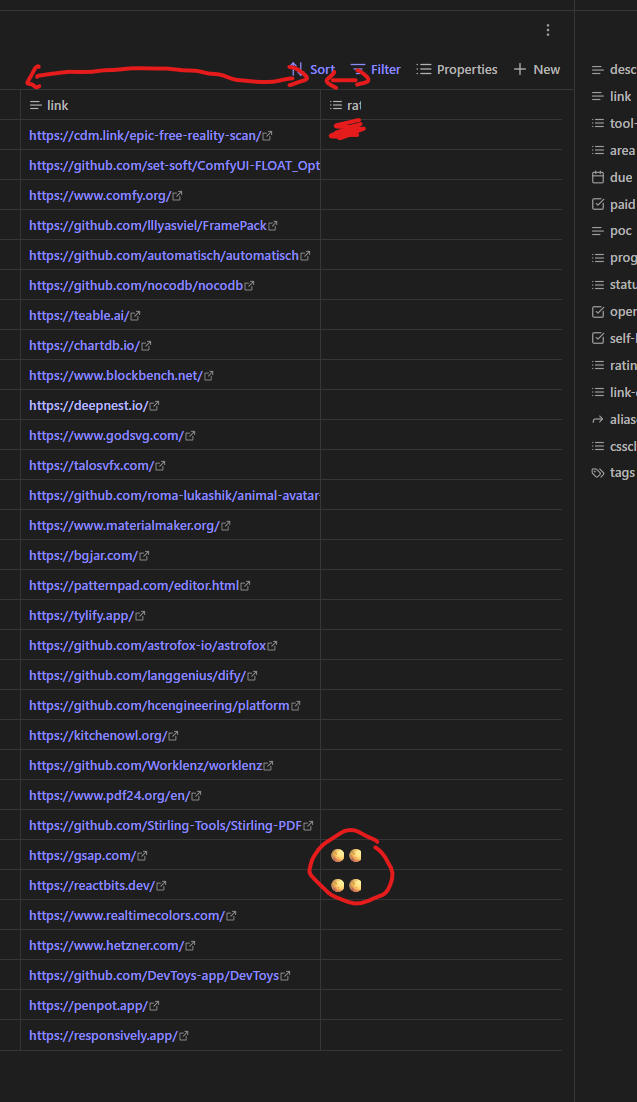
- Add some columns many enough to come out of the screen or make columns wider
- No horizontal scroll bar appears nor Shift + Mouse Wheel works
Did you follow the troubleshooting guide? [Y/N]
Y
Expected result
To be able to horizontally scroll wide-enough bases
Actual result
Cant view the columns hidden by overflowing to the right of the view
Environment
SYSTEM INFO:
Obsidian version: v1.9.10
Installer version: v1.9.10
Operating system: Windows 11 Pro 10.0.26100
Login status: not logged in
Language: en
Insider build toggle: off
Live preview: on
Base theme: dark
Community theme: none
Snippets enabled: 4
Restricted mode: off
Plugins installed: 3
Plugins enabled: 3
1: Settings Search v1.3.10
2: Outliner v4.9.0
3: Link Favicons v1.8.4
RECOMMENDATIONS:
Custom theme and snippets: for cosmetic issues, please first try updating your theme and disabling your snippets. If still not fixed, please try to make the issue happen in the Sandbox Vault or disable community theme and snippets.
Community plugins: for bugs, please first try updating all your plugins to latest. If still not fixed, please try to make the issue happen in the Sandbox Vault or disable community plugins.