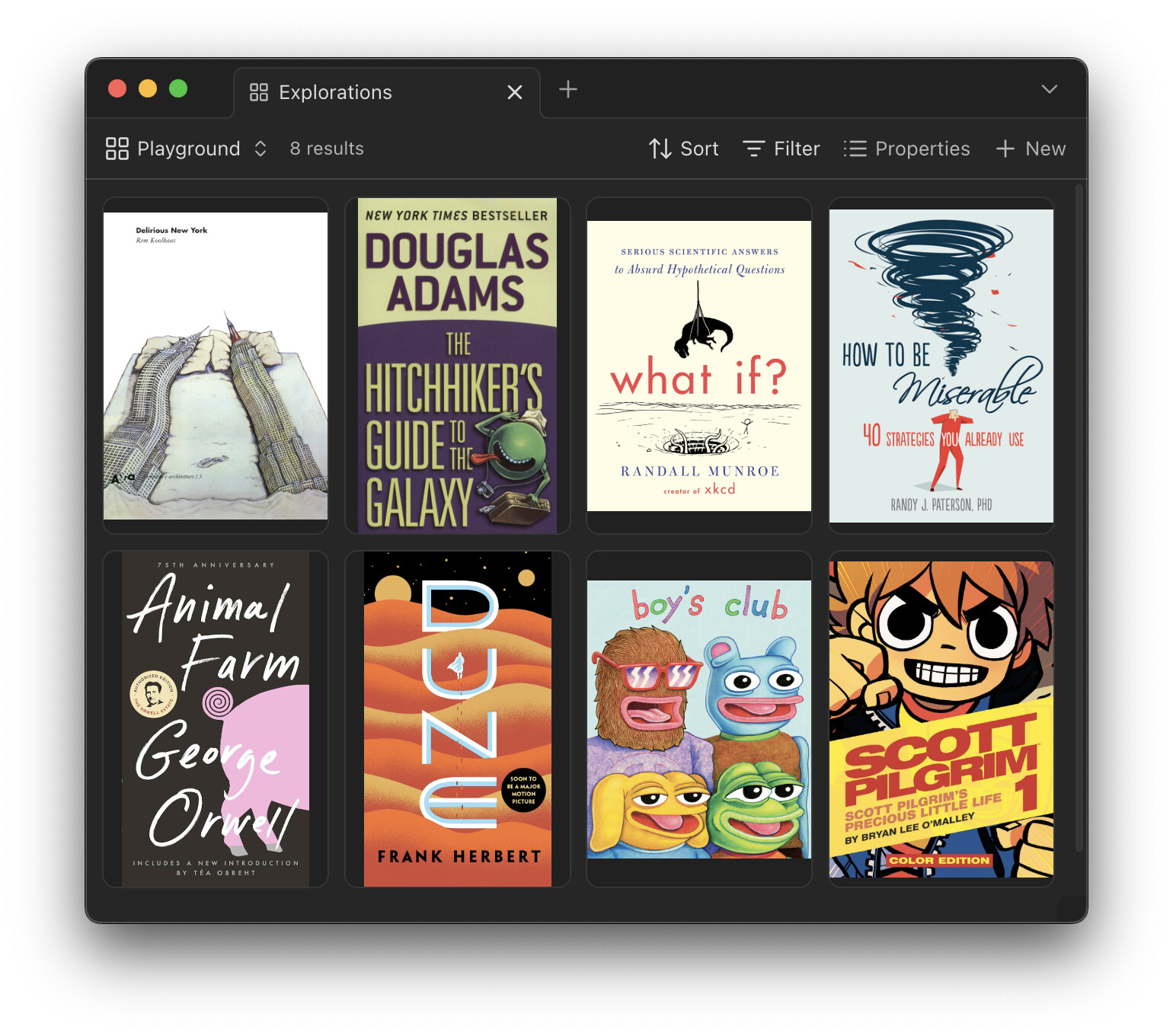
Add a view option that hides letterboxing bars, so that each card is sized to the dimensions of the image. Row height would be determined by tallest card. Like how Apple Books does it:
I’d be open to a custom CSS solution. I showed Claude the CSS but its solutions didn’t work. It says “CSS attempts fail due to Bases’ JavaScript overriding styles”
The “scroll” method to move the background image maybe can be a good solution (not the only one), but, at this time, the background is cached and encoded in base64, well, this solution, at this time cannot be apply.
A proof of concept of this idea (like Notion in fact):
(animated gif)
Move the background with the mouse for each card, or define a value for all cards (like 0, -20, …)
Here is a very basic css solution to remove the background and border from the covers. It worked for me at least, it shouldn’t conflict with any themes. A good way to figure out css is to use the inspector (ctrl + shift + i on windows), and then the selector to inspect an element. Gives you all the information needed to edit something.