While obisidian is (and always has been) great for Text-Notes - I have always felt like the Attachment-Management-Capabilities are lacking, causing me to mostly avoid adding images to my vault. I see the following issues that could be adressed by this Feature Request:
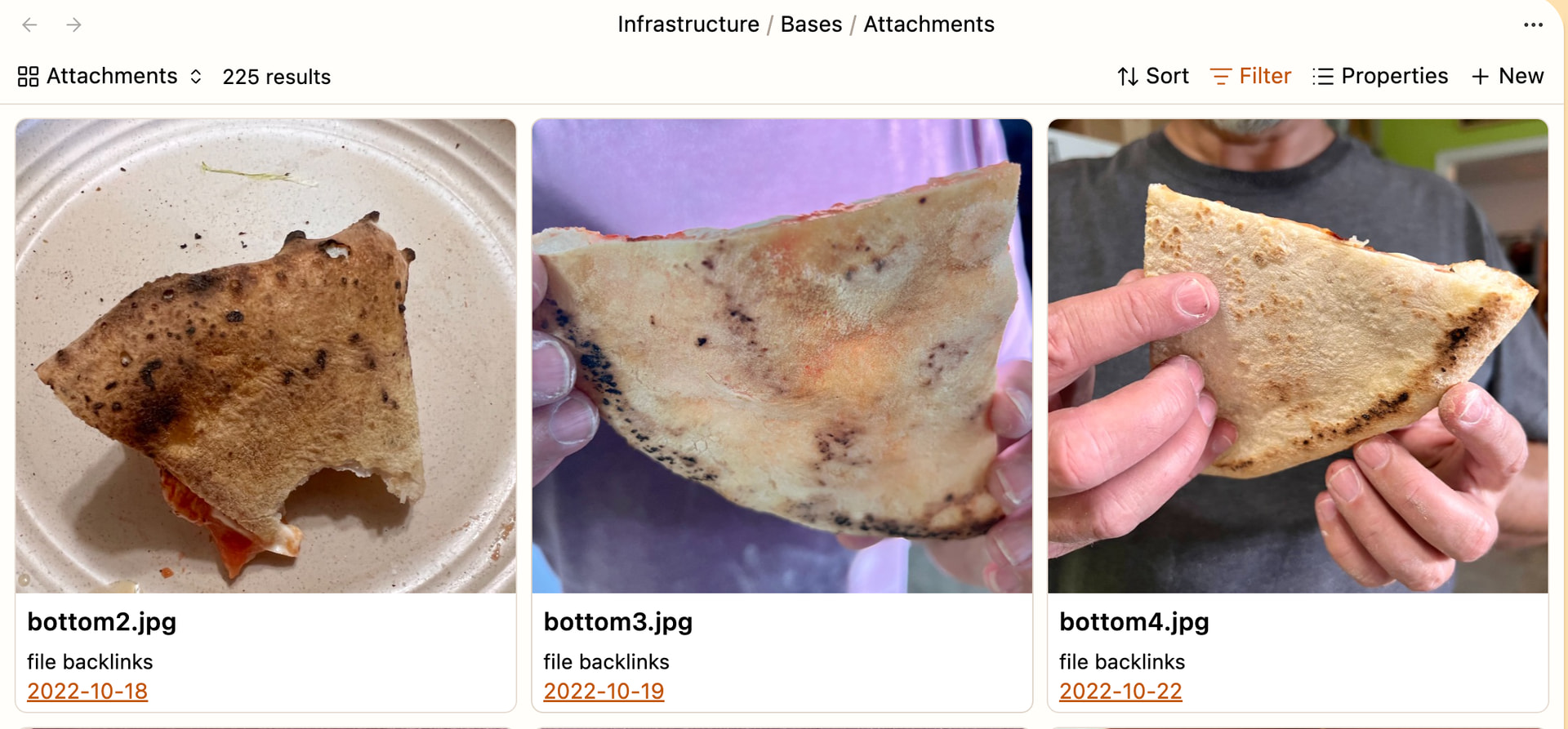
An easy, visual overview over all attachments. Something like a gallery-view (I know there are plugins in that direction, but I personally prefer native solutions)
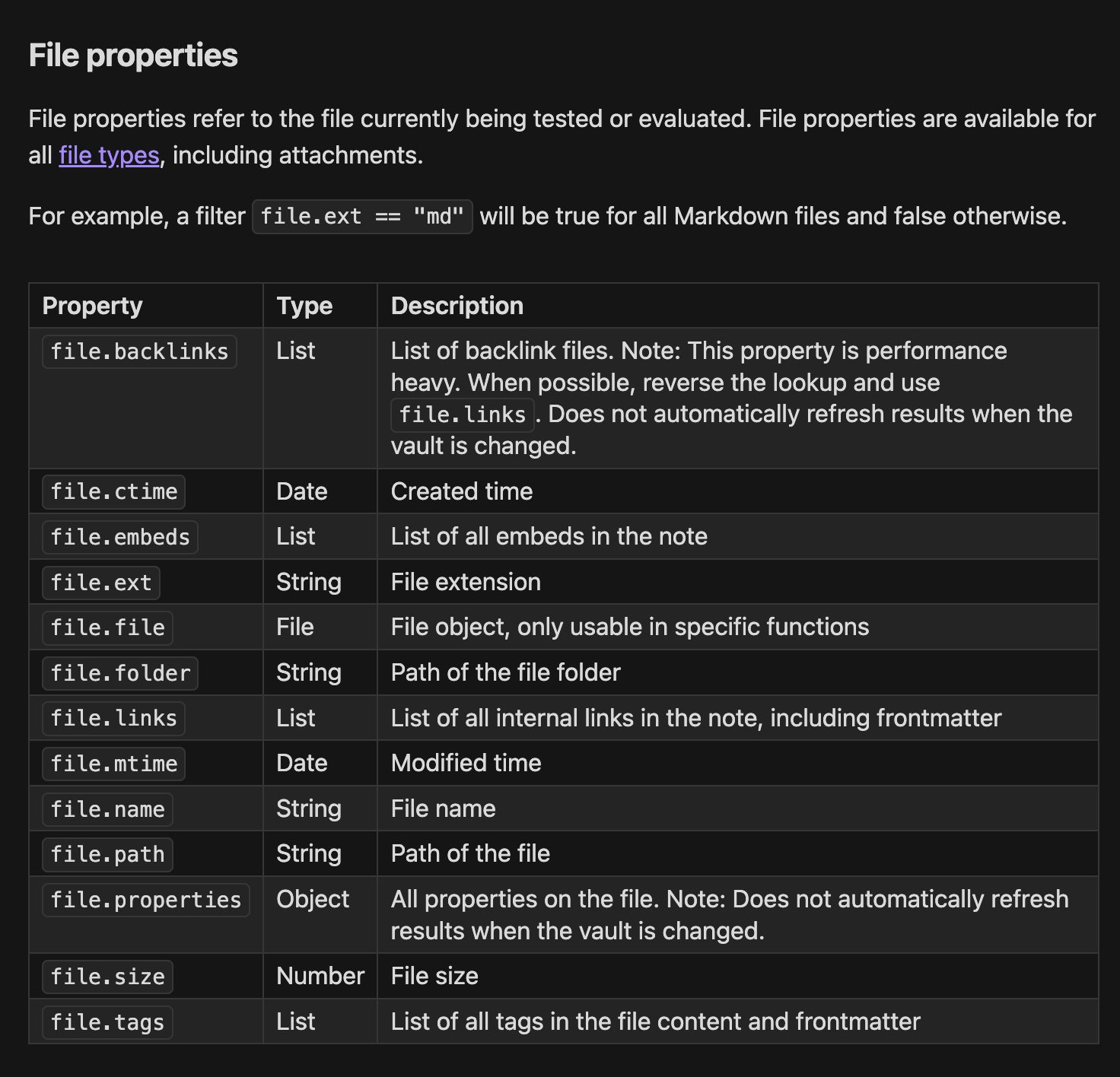
An easy way to tell which attachments are used in which notes (and how many notes)
An easy way to group/organize attachments and read/display their meta-data
Proposed solution
I was thinking that it would be nice to extend the Bases-Feature to Attachments to help with Attachment-Management. I already use a central attachment-folder so I would love to have an Attachment-Base filtered to all files in that folder (sadly that does not yet work for non markdown-files (because they lack the Frontmatter-Properties I guess). This Base could then be used to:
Create Views that show all linked files → aka all Notes where the Attachment (Image) is used (linked to) and the number of files that use the Attachment (helping with vault-cleanup)
Create a Gallery-View of the Images
Create Views that show additional Metadata (Date-Created, etc.)
Create filtered-gallery-views that could be embedded as Picture-Grids into notes (could be nice for visual notes)
Maybe this could even be implemented to work with the Maps-Base-Plugin enabling us to see the Geolocation of pictures (if the picture has that information in it’s metadata)
Based on the information where an Attachment is used (which notes include a link to the attachment) it would be nice to have Bulk-Edit-Options, like replacing an Attachment with a new one (new link) in all Notes that use it etc.
I am not sure if that is at all possible, but if it is it would be (imo) an elegant solution to use the already known Bases-Functionality and extend it for Attachment-Management in Obsidian.
No thats not what I meant - I want to create a base that shows all my attachments with their file properties - as far as I know that is not currently possible
If I create a base with a filter on my attachment-folder it just shows nothing.
And I do not want to manage photo collection but specifically the pictures I chose to include (as attachments) in my notes!
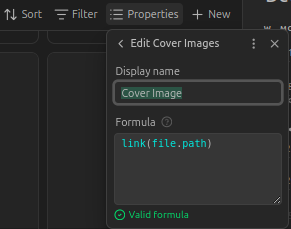
I don’t know if this is what you want, but in your base, go to “properties/Add Formula.” Add this to the formula: link(file.path). Call the formula “Cover Image” or whatever you want. While in properties, select “file backlinks.”
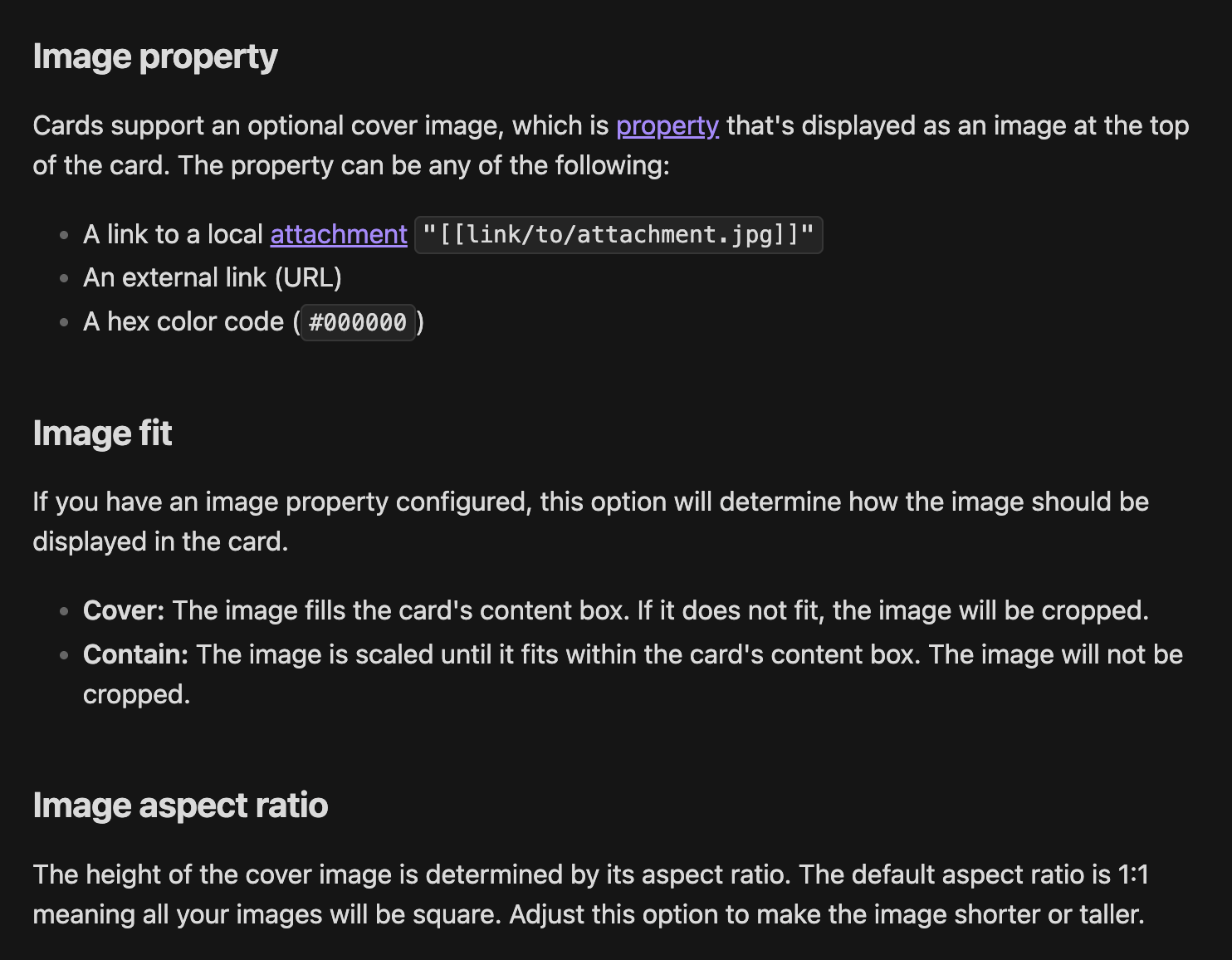
Go over to Configure View, select Cards layout, and for “Image property” select the formula name you created in properties. You should see your images and links to the notes they’re attached to.
hmm that looks great, but I dont think it works for me? Am I missing something?
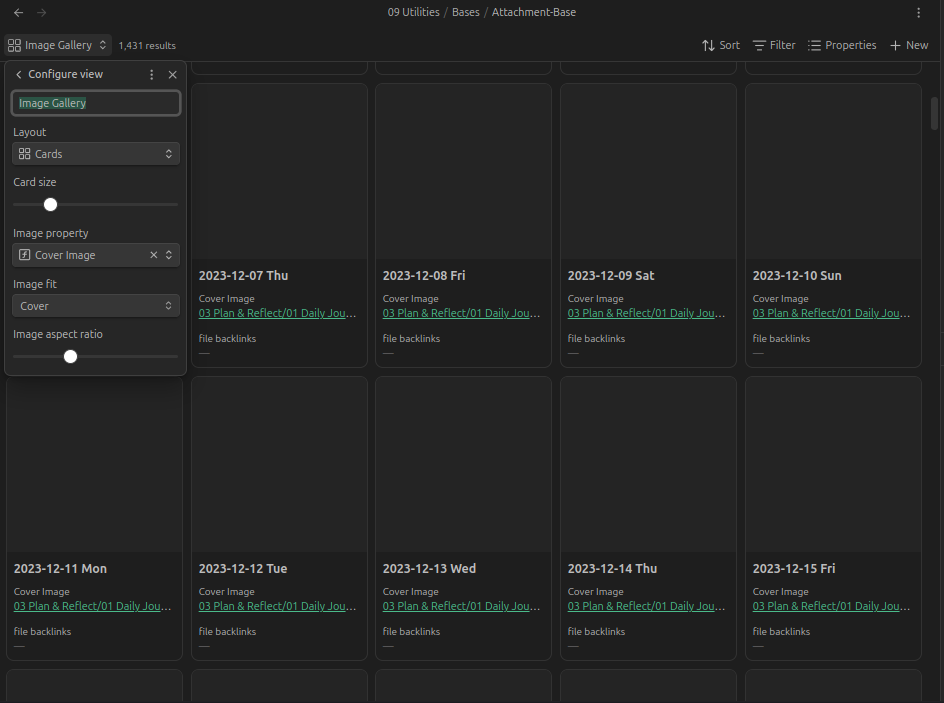
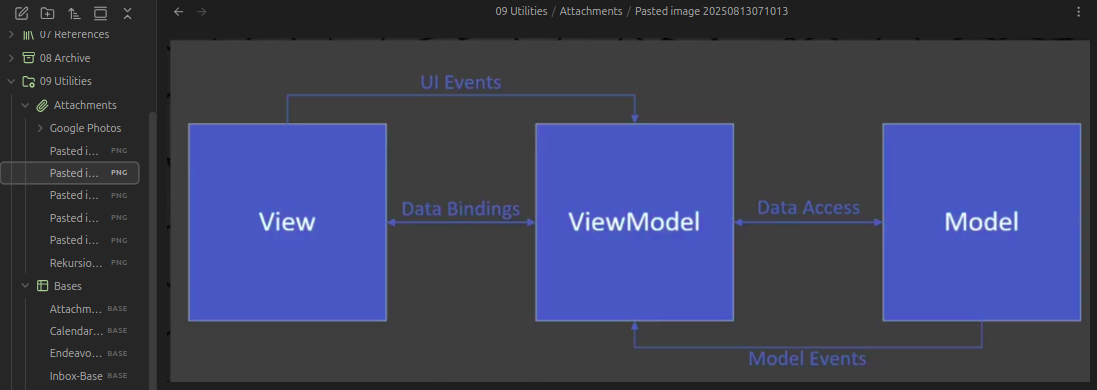
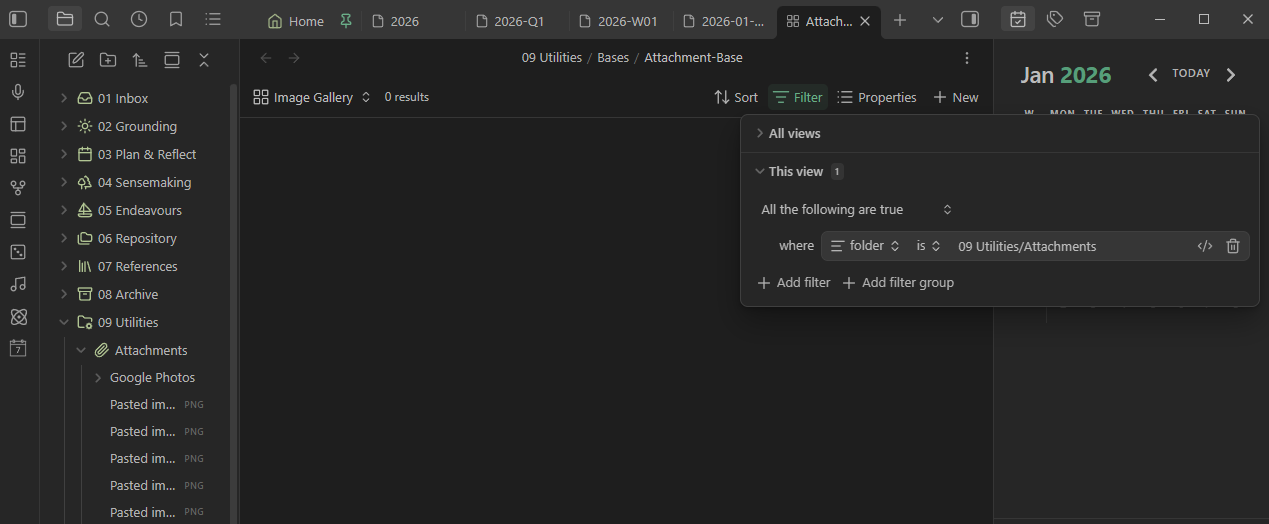
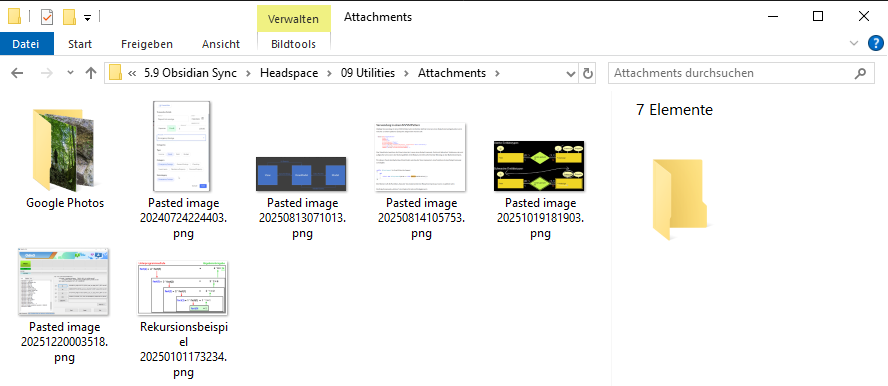
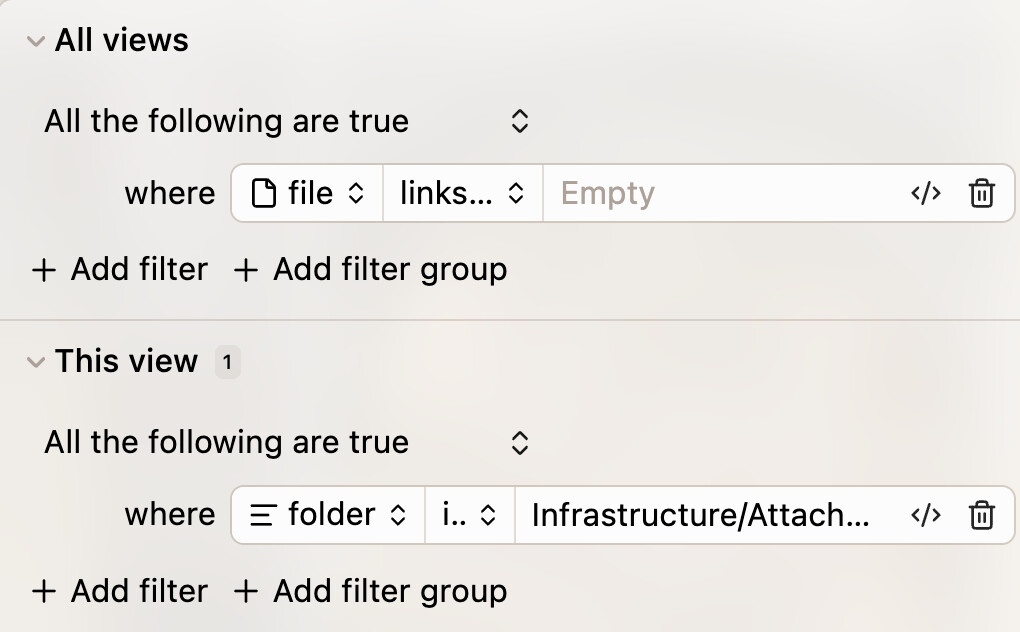
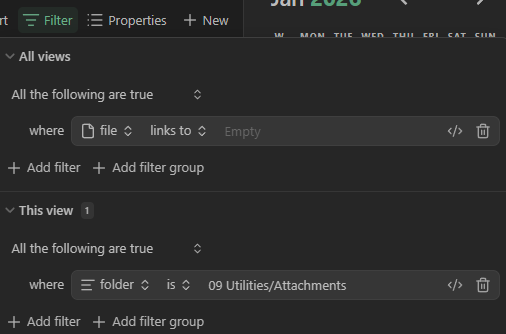
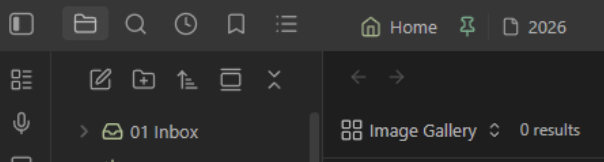
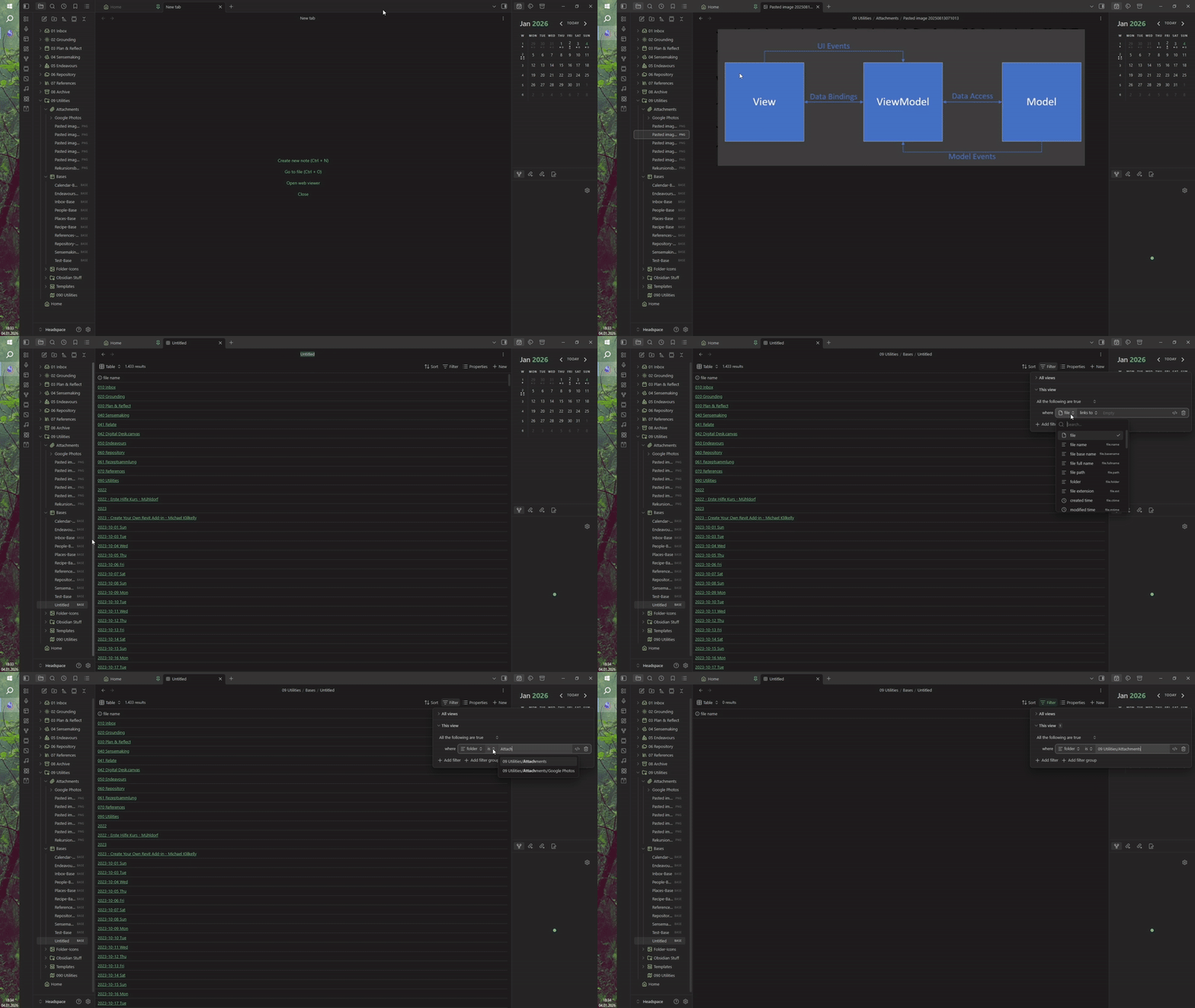
I will post screenshots of my attempt to implement this as well as a screenshot of my attachment-folder with the few pngs I currently have:
Your Image Gallery base shows 1,431 results. You mention that you have a few images. I’m guessing that your Image Gallery base isn’t filtering for where you’re images reside.
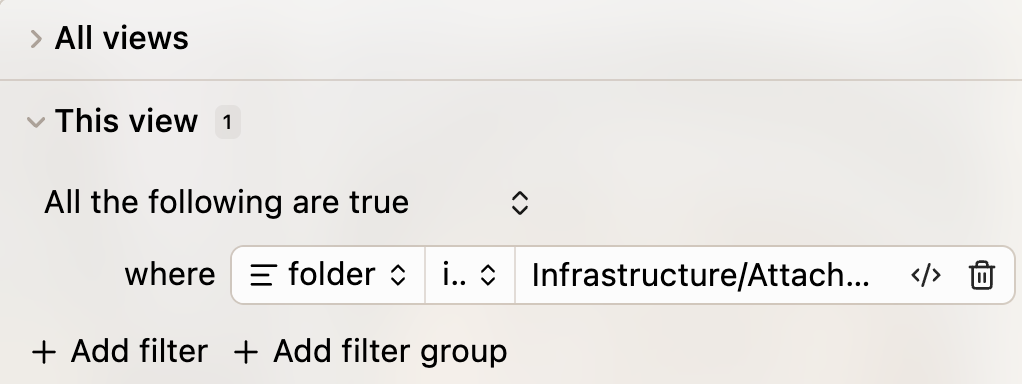
Try adding a filter under “This view.”
All the following are true
where folder is path/to/your/image/folder
In the main “Attachments-Folder” (Root) I currenlty just have five pngs (see Screenshot):
And in the “Google Photos”-Subfolder there are a couple of lower resolution JPGs that come from a time where I used the Google-Photos-Plugin
Everything looks good to me, except you have “0 results” showing next to “Image Gallery.” What I would do is delete the base and start over. First thing you need to do is make sure your base is seeing your image files. You should be able to do that by creating a new base (the results counter should show a high number), stick with the Table view. Just change the “This view” filter to “folder” “is” “choose the path to your attachments folder.” The results counter should have changed to a 5 or whatever number of files/images you have in Attachments folder. Once you’re there, you should be able to create the custom property, and change to a Cards layout.
Hmm interesting - they just don’t show up for me. I created a very short video of my process, maybe this will help us troubleshoot (if you rightclick the GIF you can open it in a new tab and zoom in to see it larger):
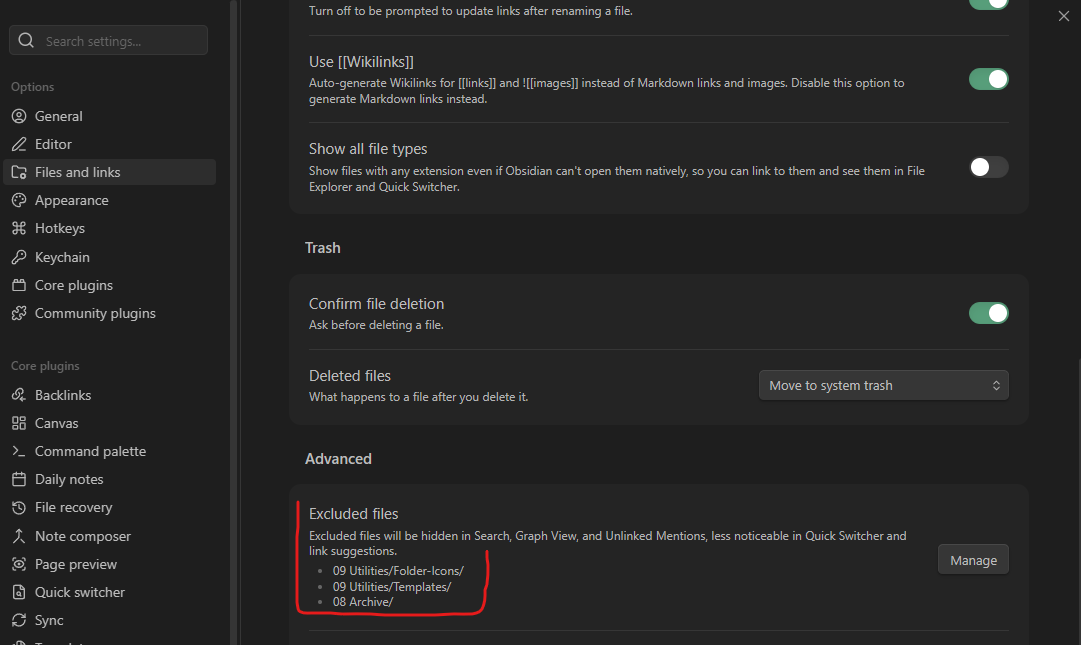
Well, that’s crazy. Are those icons in front of the folders part of the folder name? If they are, that might be an issue with the path. You could create a top-level folder (without icon), put a couple images in it, and see if bases can see them. I’m reaching the end of my “helpfulness” I think.
Now everything works as it did for you and I love it, thank you for your help. I will now setup my Attachment-Base with the views I desire for Attachment-Management