Steps to reproduce
-
Create a new vault (or use a clean one)
-
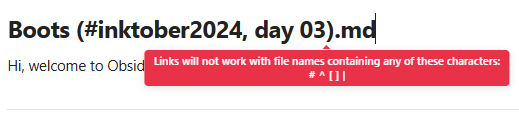
In any folder, create a note named: Boots (#inktober2024, day 03).md
Not sure that frontmatter properties matter:status: Inktober 2024
tracknumber: 3
year_of_creation: 2024 -
Create a Base that includes this note (any view type)
-
Click on the file name cell in the Base
Did you follow the troubleshooting guide? [Y/N]
Y
Expected
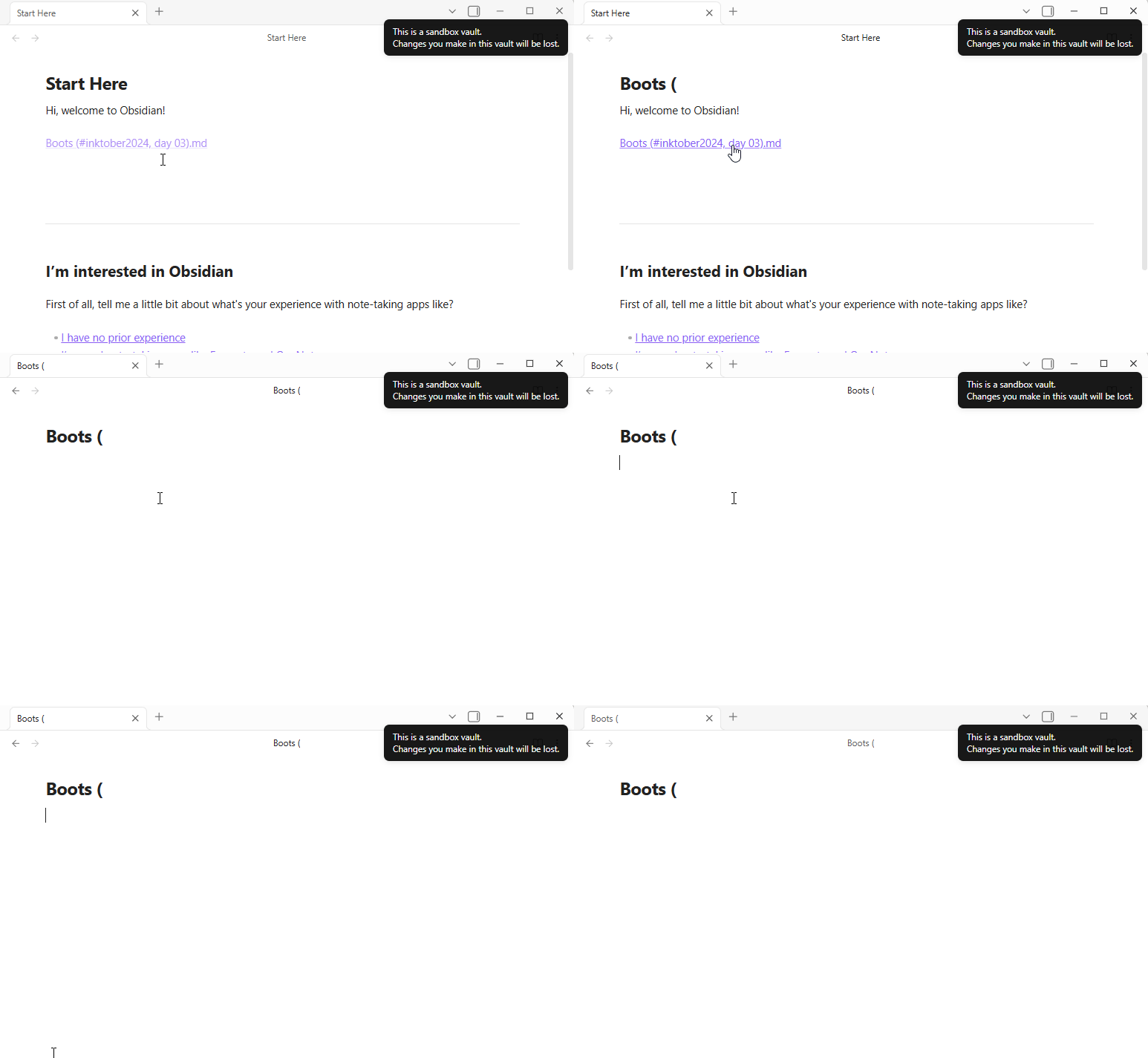
The existing note Boots (#inktober2024, day 03).md opens.
Actual
A new empty note is created with the name Boots (.md (everything after
the first # is stripped from the new-file name).
Environment
- Obsidian version: 1.12.7
- OS: Windows 10
- Bases core plugin: enabled
- No third-party plugins needed to reproduce
- I also disabled every third-party plugin just to be sure.