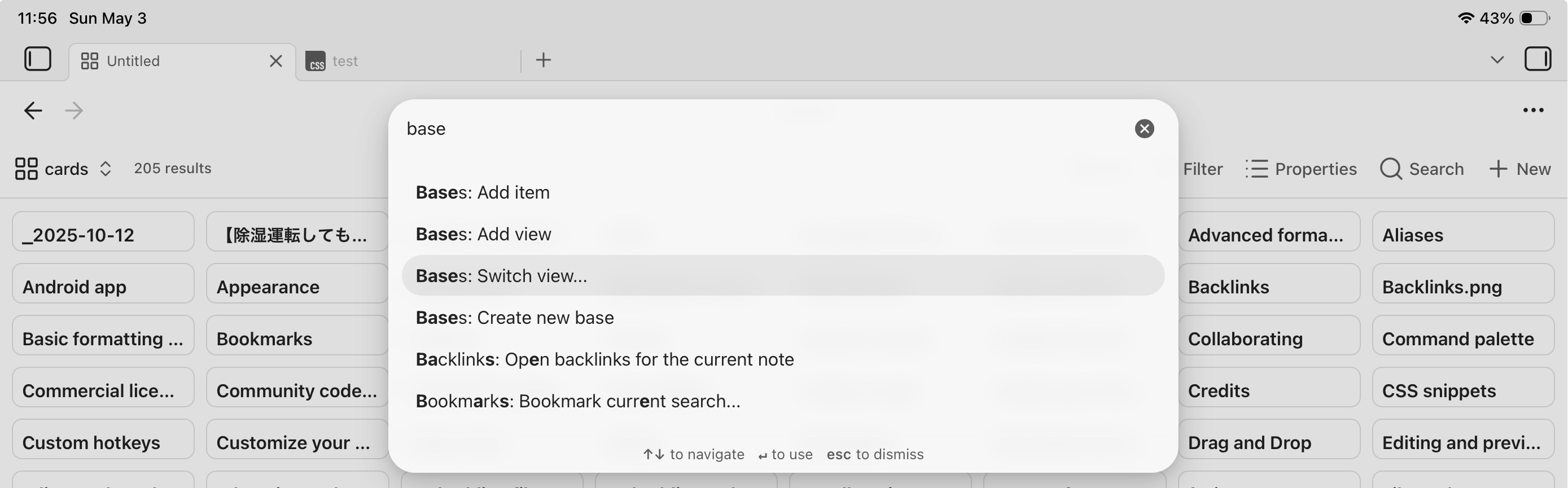
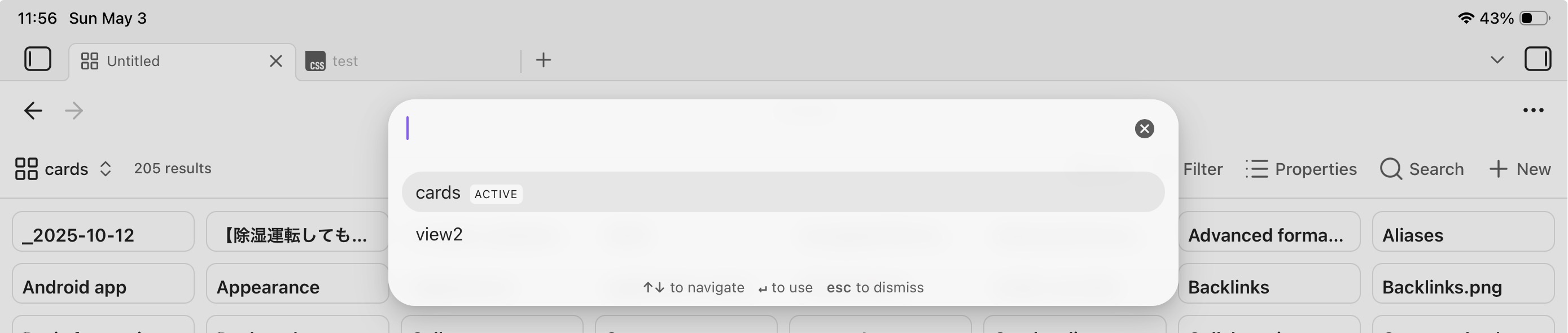
I’d like to be able to change the view is a base using a Bluetooth keyboard connected to an iPad. And/or, by using the command palate.
Things I have tried
In Hotkeys, I can see that there is the following command: Bases: Change view
However, if I set a keyboard combination for this, it doesn’t work. Neither does this command show itself when I open and search in the command palate.
I am using Obsidian on an iPad.
Is this option – to change the view of a base using a keyboard forget or via the command palate – only available on the desktop version? Or am I perhaps missing something in not being able to make it work on iPad?
All my bases are embedded as I’m using the a file property to ‘group’ similar bases and then ‘linked mentions’ essentially as menus.
I’ll have to have a think and see if I can do this slightly differently using bases directly (which I’d love to do for the extra keyboard functionality).
In many ways this reply is now a message to my future self…
After having a ‘fiddle’, the keyboard shortcut to change the view of a base works really well. That combined with the Cmd+F (on Apple devices) shortcut for triggering the search within a base, makes me really want to use bases directly, rather than having bases embedded in files - something I’ve done for the ability to use properties on those files, much more.
The change view hotkey makes the approach of using a ‘base of bases’ as a way to quickly access a ‘menu’ of different bases – in my case mainly based on different subjects or on different ‘collections’ (such as books, files, birds), etc – a really appealing one.
It’s taken me a while, and more fiddling than I’d admit to, but I think I’m pretty close to have a really great setup and organisation that is simple, elegant, and really incredibly useful. And, importantly for me, quick to get around using just the keyboard.