While I have already successfully replaced most my dataview-queries with Bases (I personally prefer native functions aka core plugins over community ones), I noticed that I currently cannot access the number of incoming/outgoing links of a file.
This was quite a cool function in dataview where I could sort files by the number of links the file contained via this syntax:
length(file.inlinks) as "in", length(file.outlinks) as "out"
Another cool function in dataview was this code to display all files that link to a note but are not linked backwards: contains(this.file.inlinks, file.link) AND !contains(this.file.outlinks, file.link)
Proposed solution
I would love to have more information about the file such as the number of in-/outlinks available to us in Bases so that we can create even cooler Tables/Overviews!
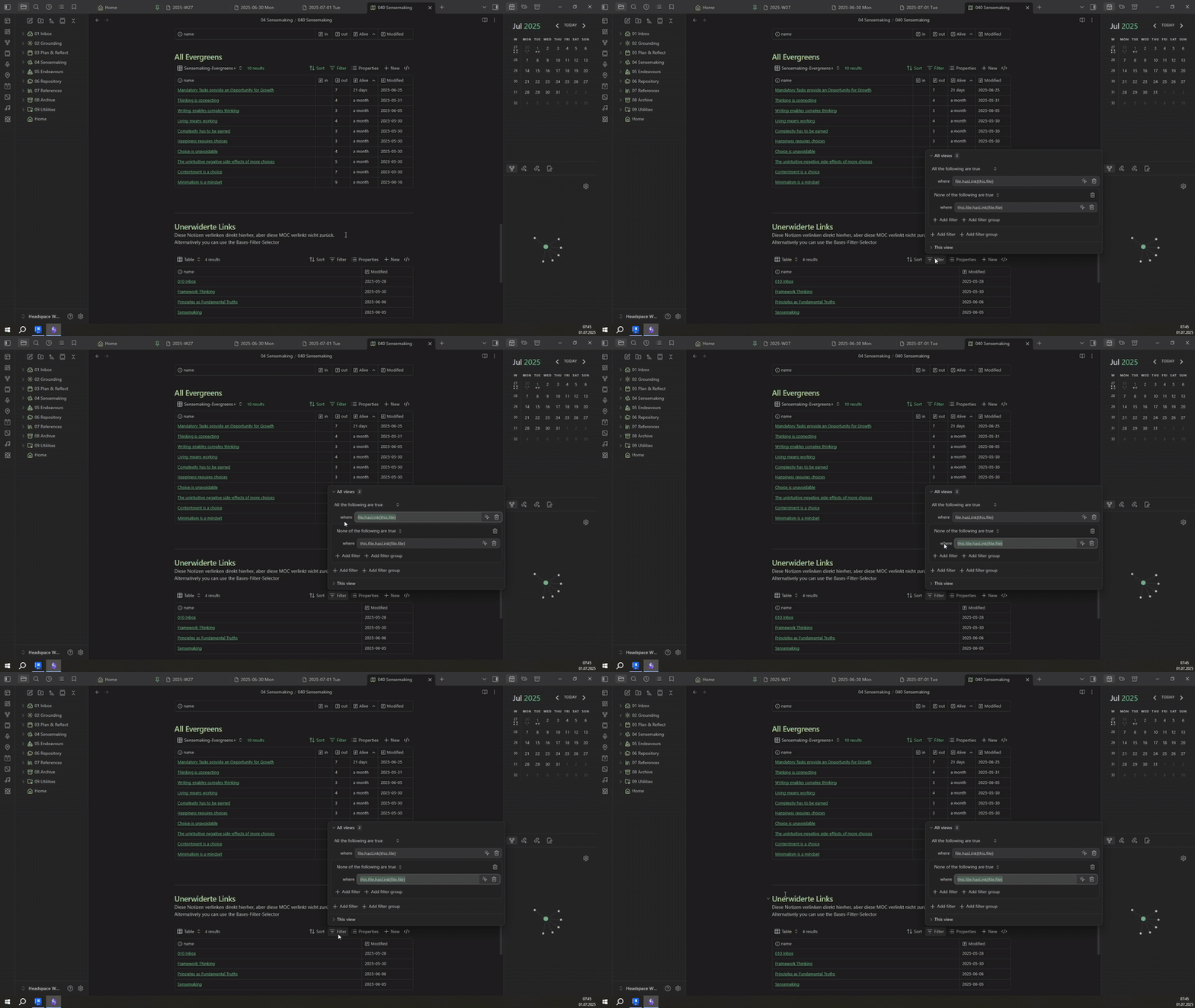
Okay, so I managed to find a filter to get all the files that link to the current-file (the base is embedded in), but that are not linked back from the current file:
All good, don’t worry! There are two ways you can create a base - one is through the “UI” and the other is as a “Code-Block” (similar to how we used Dataview all the time).
The “Code” I provided is copied from a base-codeblock:
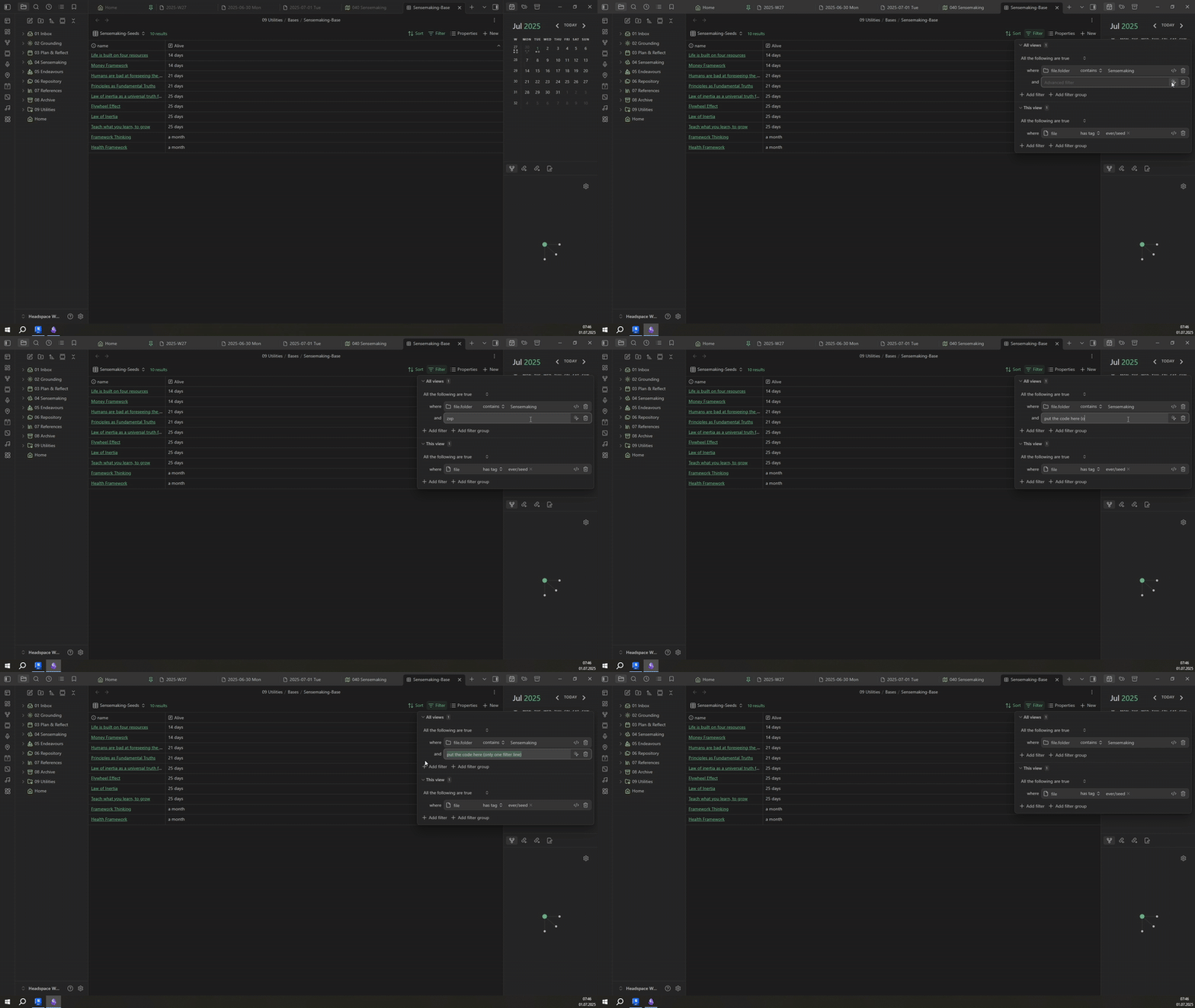
You can also simply paste the lines separately into the filter-UI of a Base by using the advanced formula editor:
Just make sure you select the All are true/None are true-Options to relate the filters:
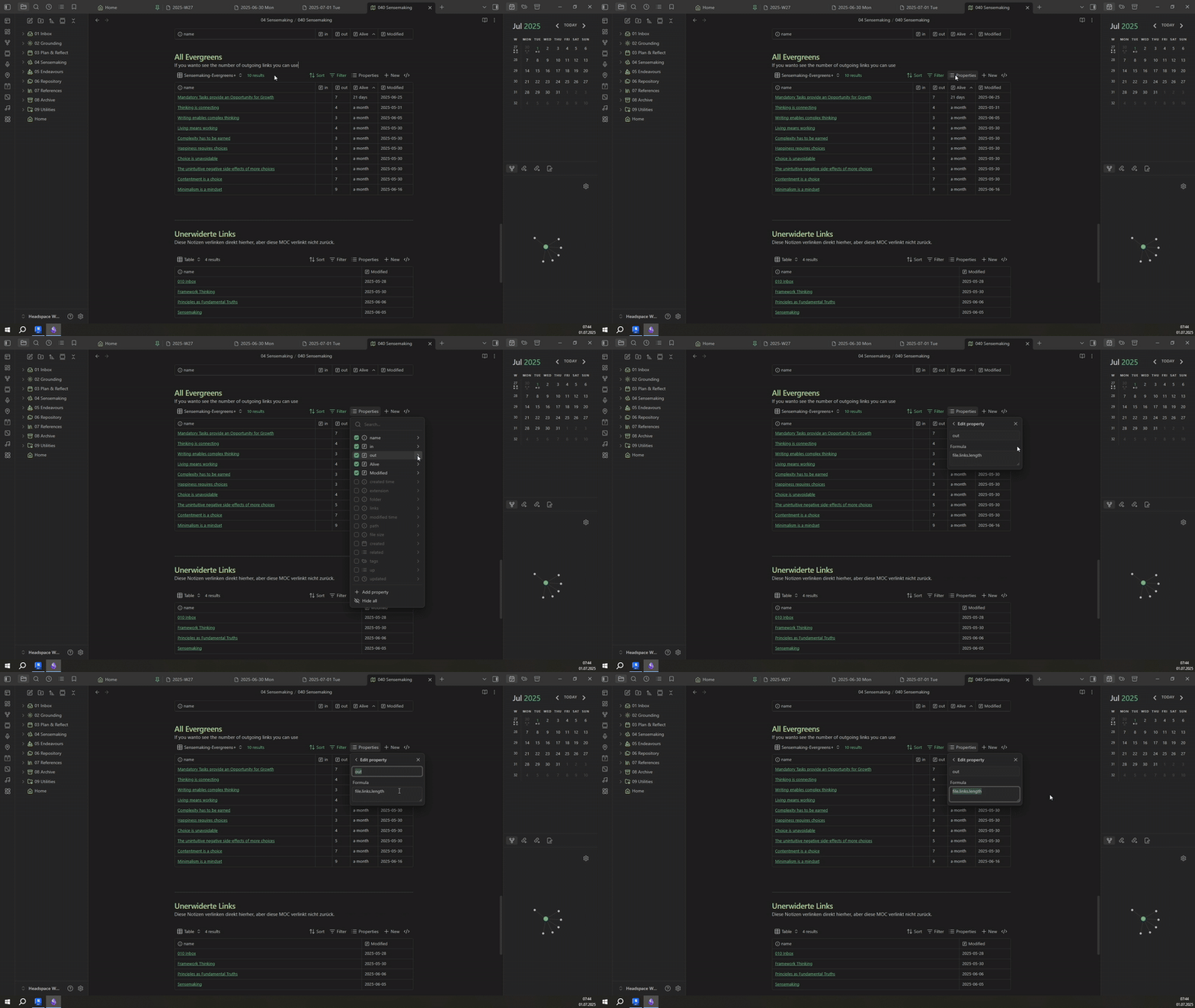
Regarding file.links.length - this is just a property-formula:
Yes exactly - I have personally already replaced all my Dataview-Queries with Bases and this is the only thing missing for me - sadly I really like to see both the number of incoming and outgoing links to get an overview “how well connected” a note is already
Hopefully the Obsidian-Team can figure out a good (performant) way to implement this - other than that I really enjoy Bases and love the direction Obsidian is going with them!
Am I missing something of the problem is more fundamental: it is not only impossible right now to show count of incoming links, but to display incoming links in Bases altogether? Intially I thought that file.links displays all links, but now I see that it displays only outgoing links
+1 for this, the actual list of incoming links is far more versatile and is what I would need for my use-case. Not sure about opening an additional feature request, since to me it seems like the most reasonable way to implement this feature request would entail just offering access to the whole list. And without ever having used the dataview plugin, the provided reference makes it look like that is exactly how it is handled there. But it is technically not what was asked for in the initial post.
file.backlinks will be introduced in Obsidian 1.9.7. No ETAs.
Be aware that this variable has a performance impact on the table and the table itself is not automatically refreshed in case of changes to the backlinks in the underlying notes. You will have to manually reload the table.
Now I am wondering if it would be possible to add a filtering criteria on the backlinks…
For example I will use the formula file.backlinks.length a lot and I would love to count only the backlinks which are in a specific folder or have a specific property.
I don’t think you necessarily need the map() here …
I mean, you can also coerce value as a File within Filter() :
(As Filter() will already read and use each backlink (stored/passed as value) to know if it needs to discard it or not)
(assuming aliveness is a number… otherwise, you might need to coerce the “whole thing” (value.asFile().properties.aliveness) into a number first… although, this is just an assumption as I didn’t test any of this )
You can only get the implicit properties of a file (file.name, file.ext, etc…) directly from the File object, as in, for example:



 …
…
