Hi,
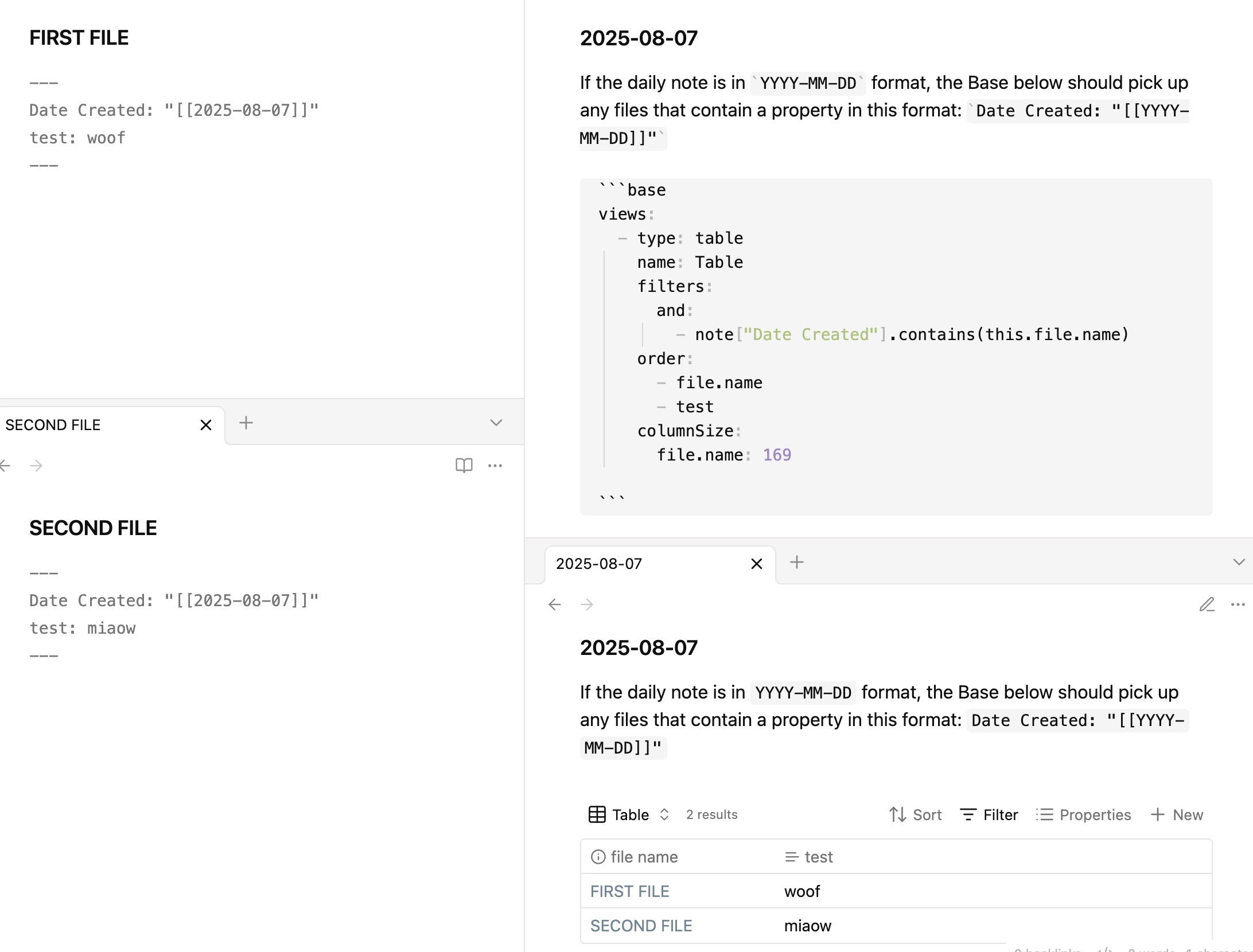
I use Templater to automatically populate a field I created called “Date Created” with today’s date in a format that contains double brackets like this: [[2025-08-07]]. This takes place for every new note that I create, and the Date Created is a hyperlink to the daily note page for the appropriate date.
Now, I need to figure out how to create a Base that shows me all the files “Created today” and it seems easy but I can’t seem to figure it out.
My temporary workaround is as as follows:
- created a base
- created a match formula property in the base with this logic - if(file.hasLink(this.file.name), this.file.name, “”)
Result:
This is a temporary workaround because what it does it it will find any file that has a link to today’s date (regardless of whether it was created today or created on another day) and it will display those results.
This means that everything created today will appear here, but a few other items might appear here too if they referenced today’s date.
Is there a cleaner way that I can set my base filters to only show me what was created today based specifically on my Templater-populated field called “Date Created”?
For example, in my Base filter, I would ideally like to just say “Where DATE CREATED” → “IS” → and then put in a value that always references the name of the file where the base is being shown (since I include the base on the template for my Daily Notes page)