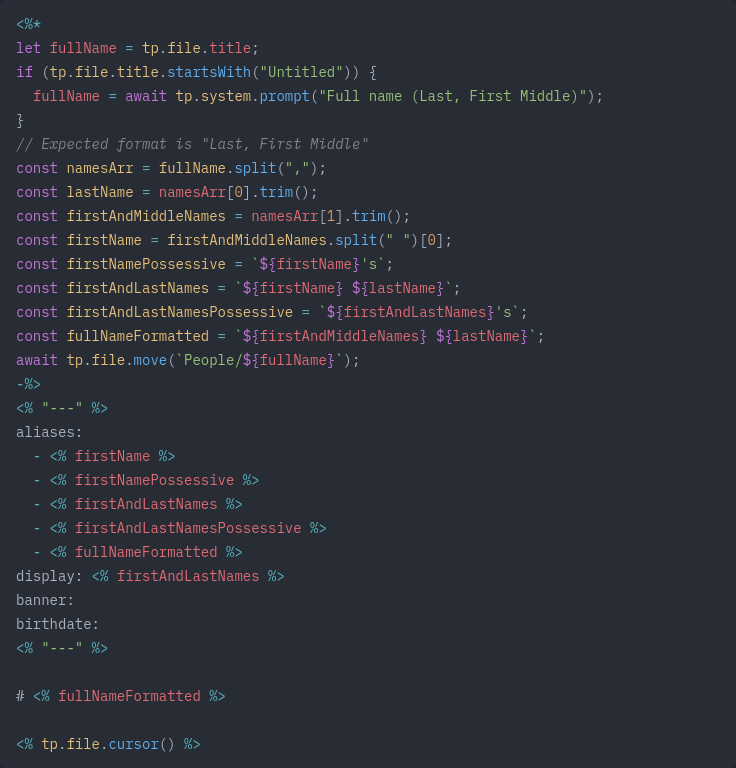
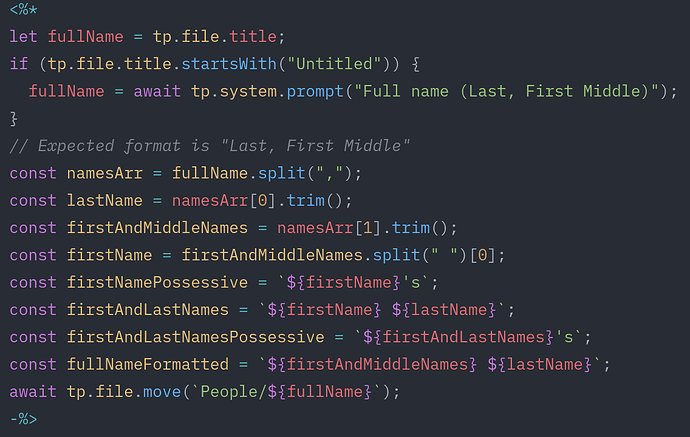
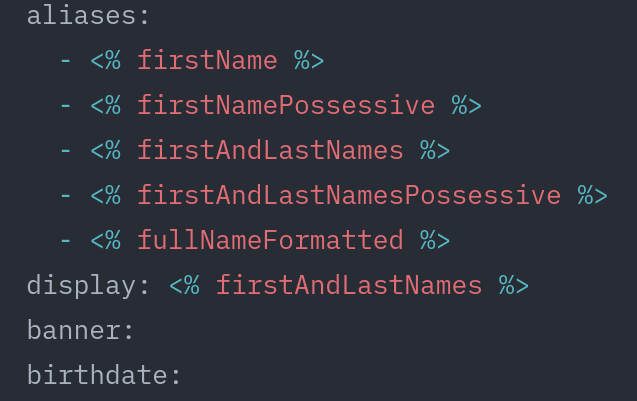
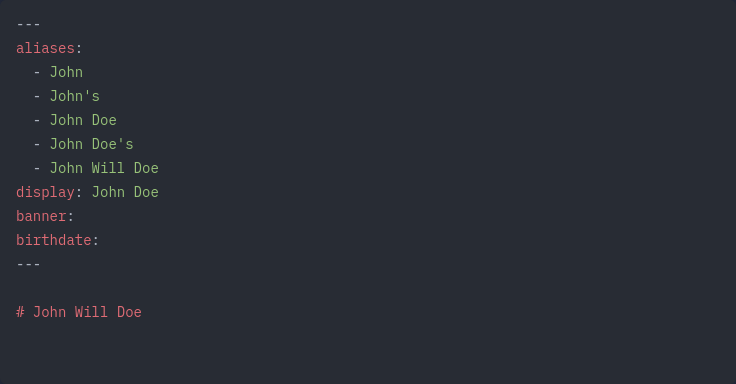
Works great, only downside is that the properties I added won’t automatically update when I for instance change their name. No problem with only 1 template to manually make the changes, but I’d like to create other templates based on / inspired by this one. Therefor I’d prefer to split it into a separate .js user script (with alias code) and a template (with yaml properties], and then create a quickadd macro to create a new note from script/template. I’ve been trying for days now to make it work but as a newbie to user scripts, I can’t figure out how to set this up. Any suggestions?
Things I have tried
I checked the forum and obsidian/templater/quickadd/javascript documentation for tips on how to set up user scripts
I created a .js file (with the and placed it in my /scripts folder
I’m not sure I understand the goal here. Looking at your attempt, it looks like you have the “creating” of the aliases in the file in the /scripts folder and the template in the /templates folder is trying to use them but without having to create them?
If that’s what you want to do, then you need to return the relevant data from the script so it can be reused in the template. Something like this:
/**
 * Creates aliases for a person based on their full name.
 * @param {*} fullName Expected format is "Last, First Middle"
 * @returns {Object} An object containing various aliases for the person
 */
module.exports = function createAliases(fullName) {
  const namesArr = fullName.split(",");
  const lastName = namesArr[0].trim();
  const firstAndMiddleNames = namesArr[1].trim();
  const firstName = firstAndMiddleNames.split(" ")[0];
  const firstNamePossessive = `${firstName}'s`;
  const firstAndLastNames = `${firstName} ${lastName}`;
  const firstAndLastNamesPossessive = `${firstAndLastNames}'s`;
  const fullNameFormatted = `${firstAndMiddleNames} ${lastName}`;
  return {
    lastName,
    firstAndMiddleNames,
    firstName,
    firstNamePossessive,
    firstAndLastNames,
    firstAndLastNamesPossessive,
    fullNameFormatted,
  };
};
Then your template would look something like this:
Is that what you’re looking for? Or am I totally off base?
Note that I’ve never used QuickAdd before so I’m not familiar with QuickAdd at all, I’m using pure Templater in this example, using Templater user scripts for the .js file.