Steps to reproduce
- On Android, in a new, empty vault with no community plugins and default settings, open a new tab.
- Use the bottom bar + → New note,
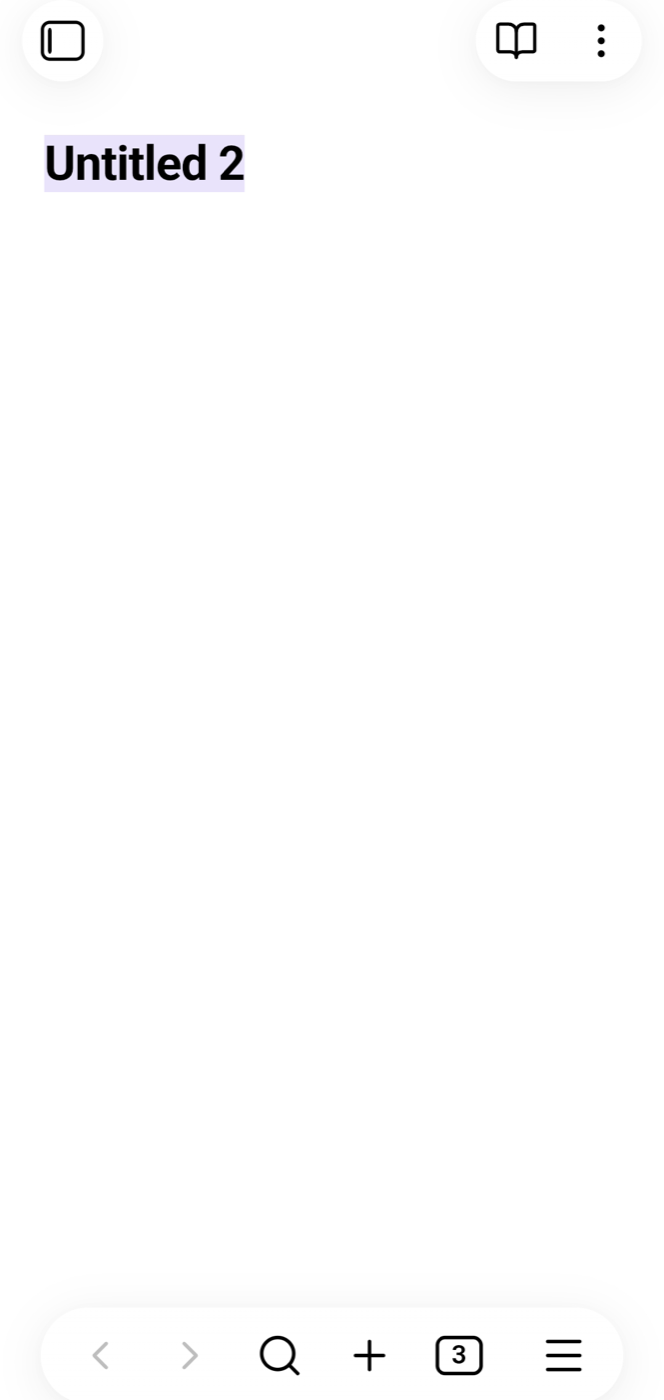
- A new note “Untitled N” opens with the filename selected, but the soft keyboard is not displayed.
Cropped screenshots below:

Another way:
- Kill Obsidian from app manager
- Long-press Obsidian app-icon shortcut “New note”.
- A new note “Untitled N” opens with the filename selected, but the soft keyboard is not displayed.
Interestingly a different behavior when Obsidian is already running in the background:
- I go the home scren
- Long-press Obsidian app-icon shortcut “New note”.
- A new note “Untitled N” opens with the filename selected, but the soft keyboard is displayed.
Did you read and follow the Troubleshooting Guide ? Yes
Expected result
When I start a new note the filename should be selected and the software keyboard open, so if I start typing then the title gets overridden with my text
Actual result
Under some circumstances the keyboard is not automatically displayed. I need to click the file name bar (Untitled X) to bring it up.
Environment
SYSTEM INFO:
Obsidian version: 1.14.4 (389)
API version: 1.14.4
Operating system: Android 15 (samsung SM-G991B)
Webview version: 153.0.8010.39
Login status: not logged in
Language: en
Live preview: on
Base theme: adapt to system
Community theme: none
Snippets enabled: 0
Restricted mode: on
RECOMMENDATIONS:
none