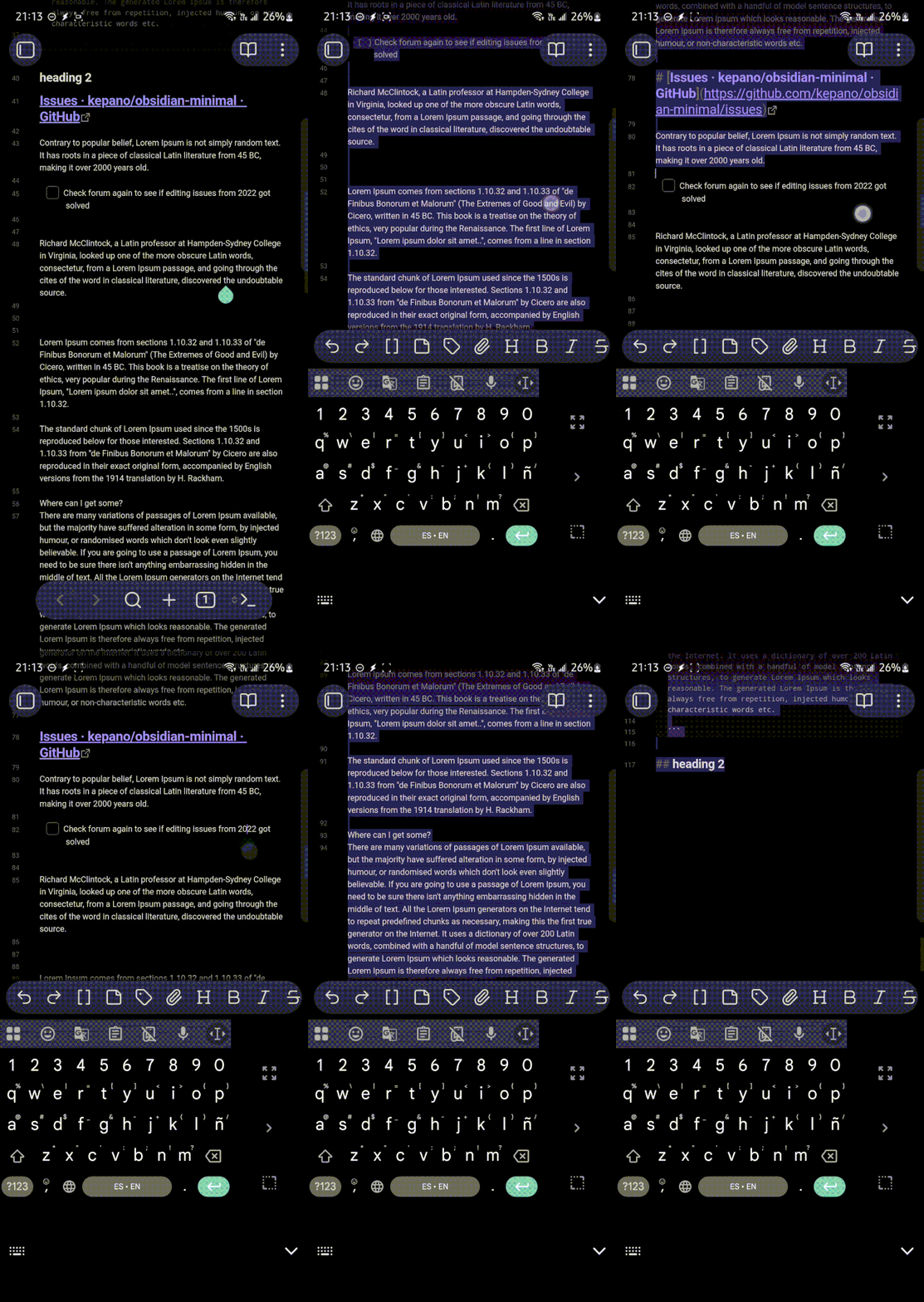
Try to select all text using the “Select all” function.
Observe that text is only selected up to the next break between blocks/paragraphs.
Did you follow the troubleshooting guide? [Y/N]
Y
Expected result
The “Select all” option should select the entire note content at once.
Alternatively, there should be a “Share” or “Copy all” feature to easily copy all text from a note on mobile.
Actual result
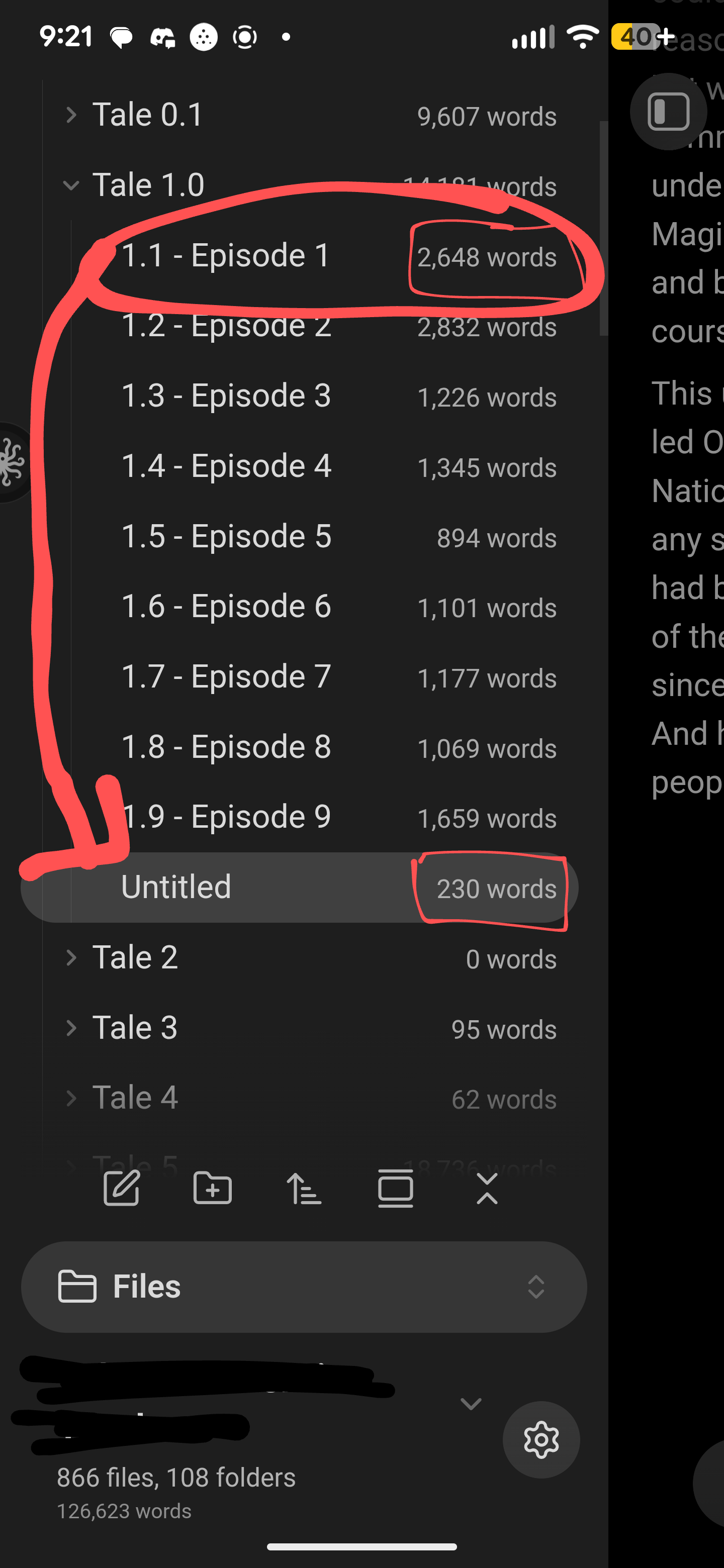
“Select all” only selects text up to the next block/paragraph break.
No option exists to copy or share the entire note in one step.
Environment
Samsung Galaxy A56, Android 15
Samsung Galaxy A22, Android 13
Poco X7 Pro, Hyper OS 2
Obsidian (latest mobile version at time of writing)
Additional information
This issue occurs consistently across all three devices.
The limitation makes it very difficult to copy and transfer text from Obsidian notes on mobile, which impacts workflows where large text needs to be moved elsewhere.
A “Copy all” or “Share note” option would provide a useful workaround if fixing text selection is not feasible.
From a new vault I can reproduce consistently (if the “Select all” is triggered after selecting one or more words in live preview) and it seems pretty erratic, not “up to the next break between blocks/paragraphs.”
In source mode it has happened in the past but can’t reproduce consistently.
If the “Select all” is triggered without selecting one or more words in live preview, then the selection seems to work.
Hello all! This is also a problem for me. However, there’s a temporary workaround if your file has no code boxes: Wrap the file in a code box and then copy it in read view.
I write long fanfics in Obsidian, so I tried everything until this worked