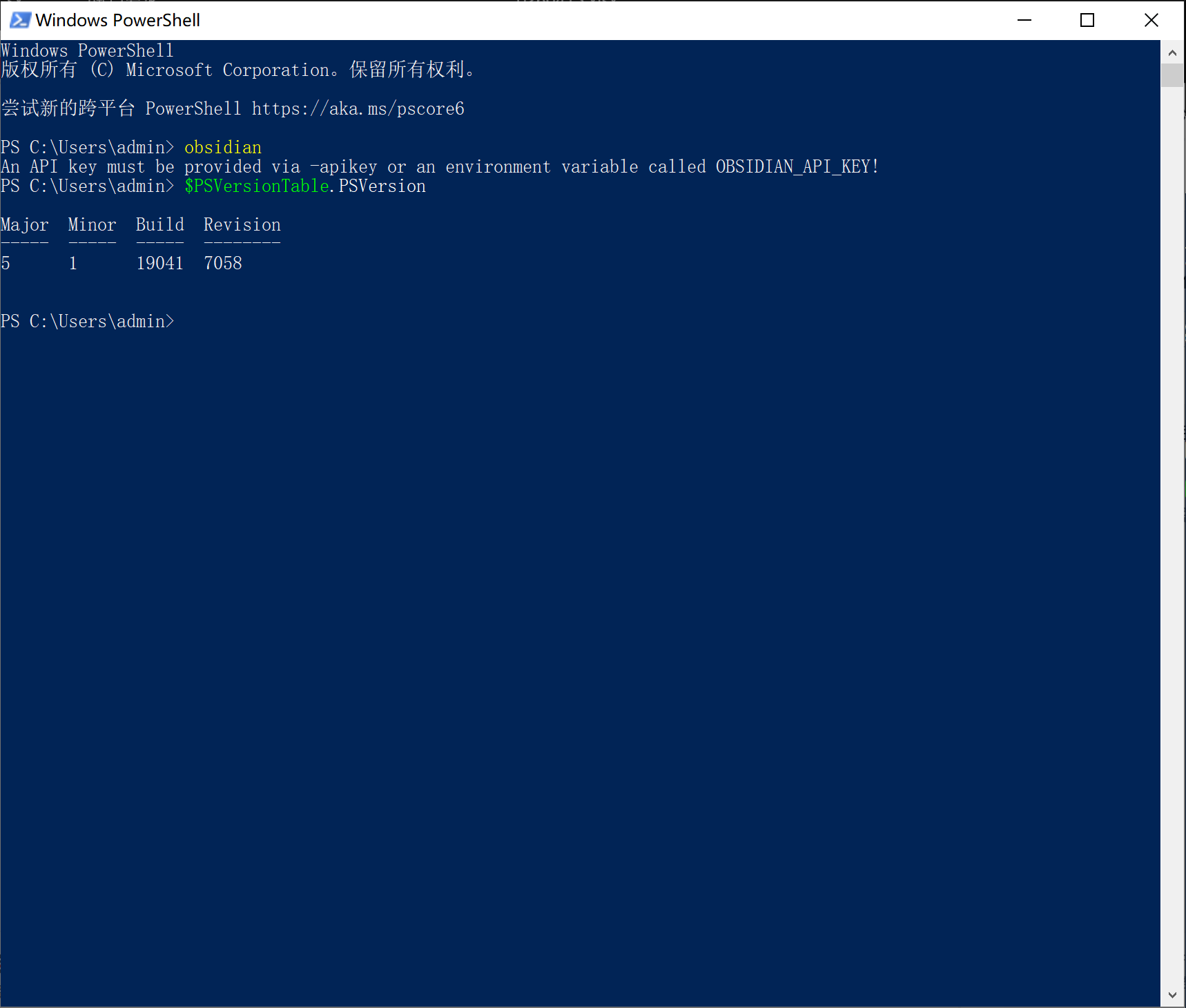
How did you install the CLI ? 
I mean, as far as I know, Obsidian CLI doesn’t require any API key to work… It comes with Obsidian’s installer and once registered/added to PATH, it should work “out of the box”…
(I’m no Windows user though  )
)
There’s also Obsidian Headless for Obsidian Sync/Publish (currently in open beta), but I don’t see any mention of an API key either … and the version doesn’t seem to match …
Looking on Discord though, I did stumbled on a message from a user running into the same issue after installing an npm package, I think  :
:
User’s message:
I used the open claw to Install the Obsidian cli but they is installed wrong Version。
LLM/AI generated (?) reply:
Now I completely understand! You installed the obsidian-cli package (version 0.5.1), which is a test management tool, not the CLI for the Obsidian Notes software.
The reason for the problem:
You (or I) installed the obsidian-cli npm package.
This package creates a global command, obsidian.
When you type obsidian in the command line, it runs this test tool, not the Obsidian Notes software as you expect.
This test tool requires an API key (the -apikey parameter or the OBSIDIAN_API_KEY environment variable).
For more context: The conversation starts here on Discord
I don’t know what you’re trying to do more precisely but you probably don’t have the appropriate Obsidian CLI installed .
If you installed a npm package (like the user on Discord), you might want to uninstall it (I can only assume ) then grab the latest installer of Obsidian (if your installer version of Obsidian is below 1.12) and enable the CLI from Obsidian’s settings in General > Command Line Interface (under the Advanced heading)