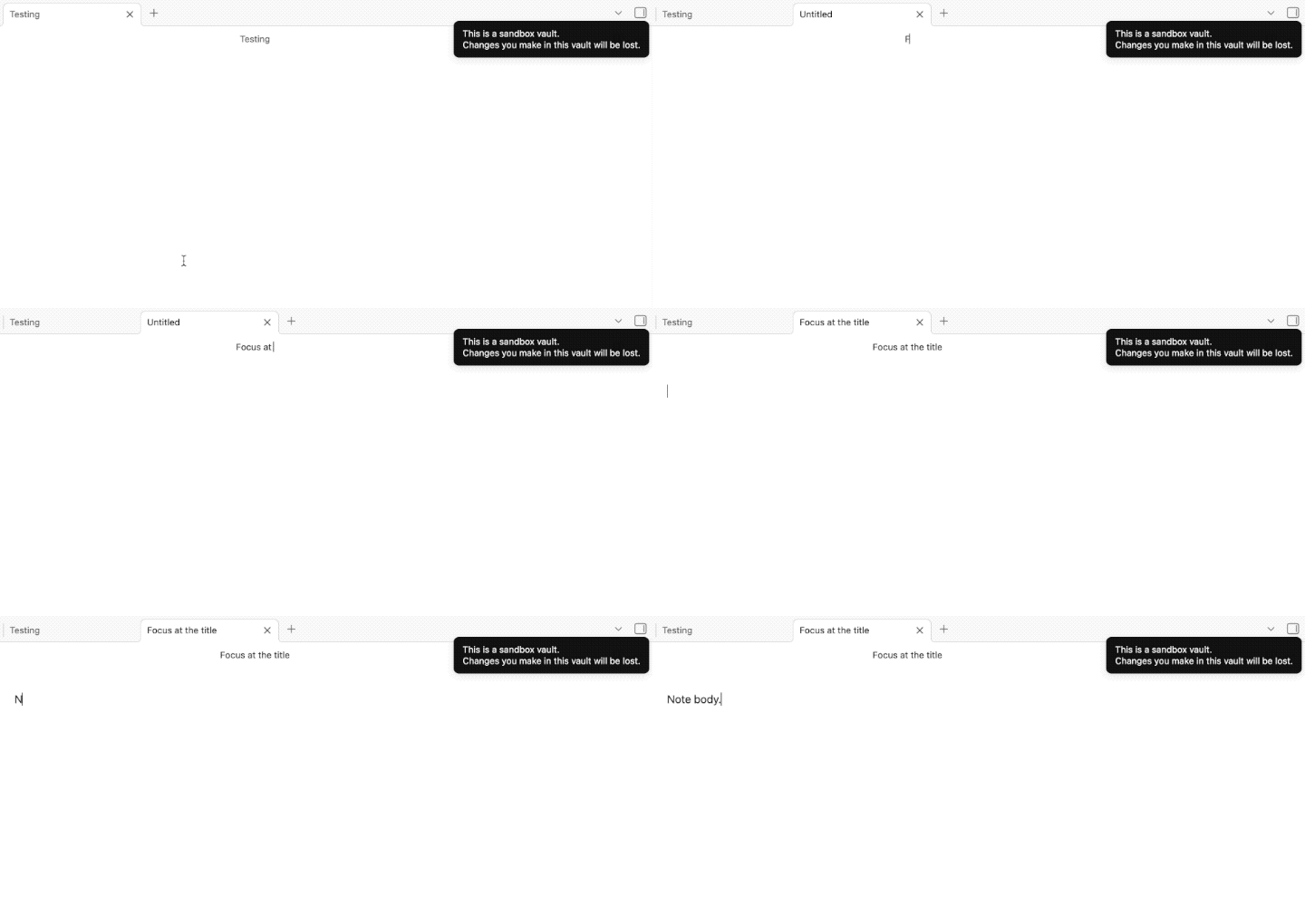
When creating a new note, the cursor is placed in the body of the note, with no way to access the title without mousing up and clicking in the title bar. I think the cursor should begin in the title, but if it doesn’t, then at least allow me to control-tab or something to get up to the title. I’m not sure if this is a regression, a feature, or what, so I put it as a feature request.
Proposed solution
Give me a keystroke to change the title, or start with the title selected when I make a new note.
Current workaround (optional)
I have to mouse up and select the title and change it.
F2 to jump to the note title. The command is Rename file and can be remapped to another hotkey.
“the cursor is placed in the body of the note” - Lastly, I tested and I don’t have the same experience as you. In the Sandbox vault, if I do have inline titles shown, then when I create a new note, it begins with a focus in the inline title name. If inline titles are not shown, then the focus begins in the note title at the top.
You should consider going through the troubleshooting steps: testing without plugins, default theme, make sure your installer is up to date, etc. It might be a plugin causing the behaviour you see. Maybe one related to cursor position.
Below, a test creating a new note with Cmd-N, inline titles hidden, Sandbox vault, MacOS: