If you’re like me and don’t want to use the popular AI models available on your Mac for whatever reason, or you’d like to use a local LLM that doesn’t turn your Mac into a space heater, you might want to take a look at Apple Foundation Models CLI.
It’s installed by default in the latest version of macOS ‘Golden Gate.’ FM is a functional LLM that runs locally on your Mac: no tokens, no registrations, no logins, etc.
It’s pretty basic, so you’re not going to be able to do complex operations with it, but I’ve tested it with Obsidian to rename files, restructure files, move things around, and standardize YAML. It works great.
Here’s how you enable it:
- Open a terminal and type
fm - You should now get some text (in red) saying you need to accept a license
- In your terminal type
sudo fm license - Accept the license and you’re good to go.
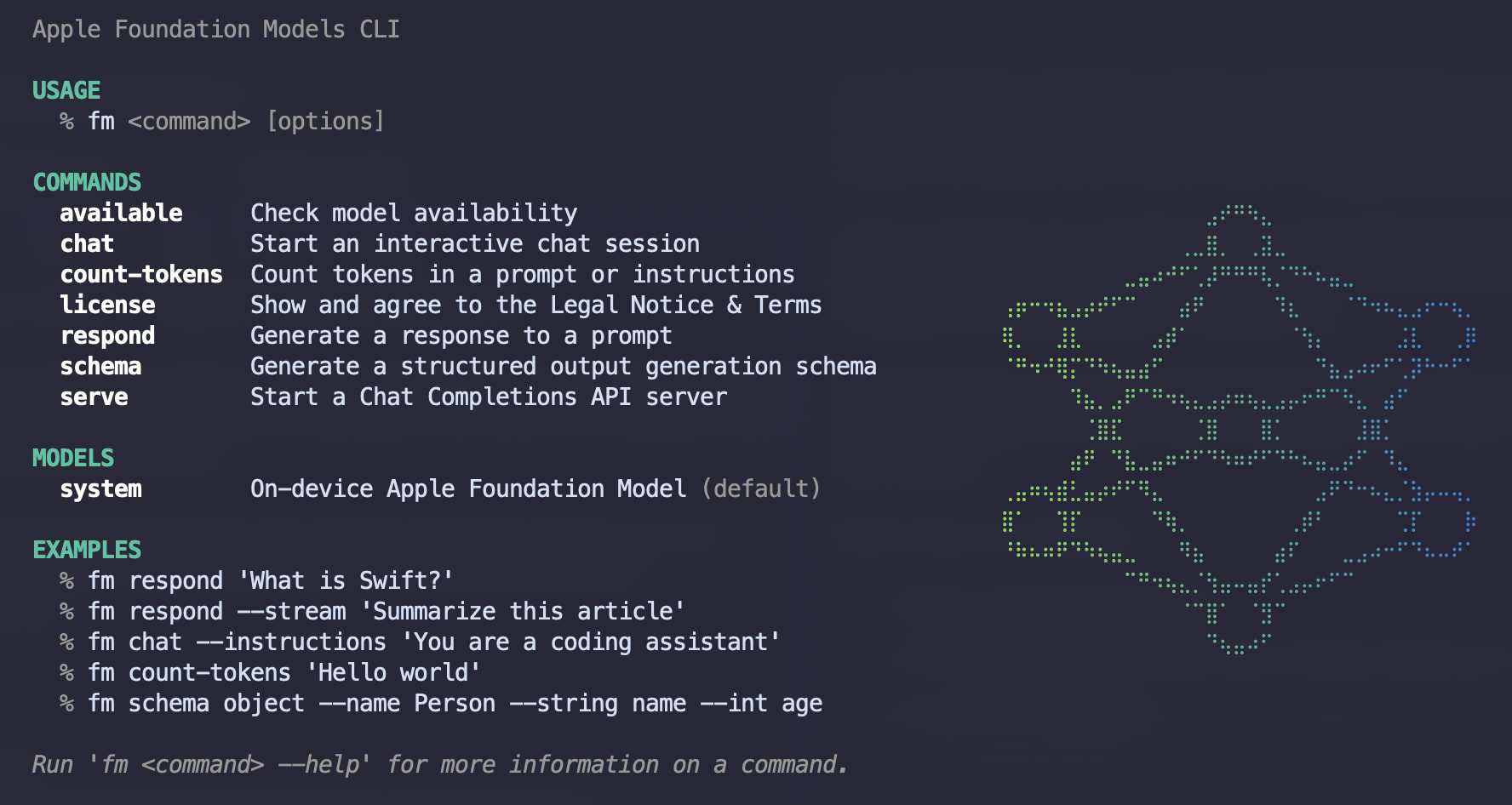
To use it, open a terminal and type fm.
Apparently, it also allows you to connect to other models like OpenAI by using an API token, but I’m not interested in that, so I haven’t tested it. From what I can gather, it’s used by Apple Intelligence, which is why it’s installed.
Here’s a screenshot:
So if you’re looking for a simple AI tool, I think this is a pretty nice little alternative for Mac users.