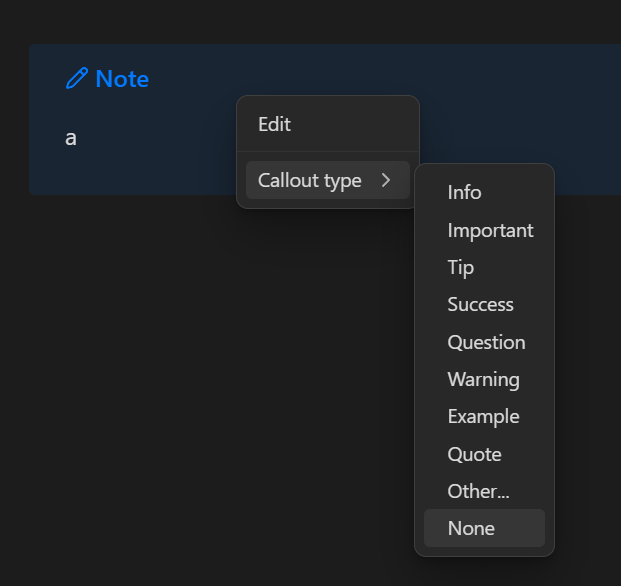
Problem
Currently, Obsidian has an Insert Callout command that allows you to wrap selected text in a Callout.
However, Obsidian does not have a command for removing selected text from a Callout.
You can remove a Callout by using the Toggle blockquote command, but in that case, the top part of the callout remains (for example, [!NOTE]-)
You can also remove a Callout using the Clear formatting command, but this deletes not only the Callout but also any other formatting that was present inside it.
As far as I know, there is no native, convenient way to remove Callouts.
Proposed solution
It would be nice to have a Toggle callout / Remove callout command that would remove all markup associated with the callout in the selected text or in the callout where the cursor is located.
Current workaround
Third-party plugins, for example, Text Format.
Related feature requests
−