Add "Reveal file in system explorer" option on mobile!

Currently, it’s impossible (or very difficult) to edit a PDF or image in Obsidian mobile (see related feature requests below), because we can’t access the original file, and open it (and not a copy as on iPad) in the app we want.

A quick workaround would be to add an option to reveal the file (image, pdf, etc…) in the system explorer : thus we could quickly access the original file in our favorite PDF reader / image editor, or use iPad’s markup option (or Android equivalent) to directly annotate.

Of course it would be better if we could access the “Markup” option or “Open with…” directly from Obsidian, but “Reveal file in system explorer” is maybe easier to implement as a workaround ?
Thank you !

Platform

iOS / iPad OS
Android

Obsidian Mobile version: v1.1.0

Related features request

https://forum.obsidian.md/t/bug-ipad-when-an-image-is-opened-in-obsidian-share-menu-does-not-have-markup-option/32683

10 Likes

Seconded. This is a crucial feature.

This should obviously be a feature, but in the meantime it could be worked around with Shortcuts and the Shortcut Launcher plugin.

Not sure if this is feasable the way mobile os work, especially iOS.

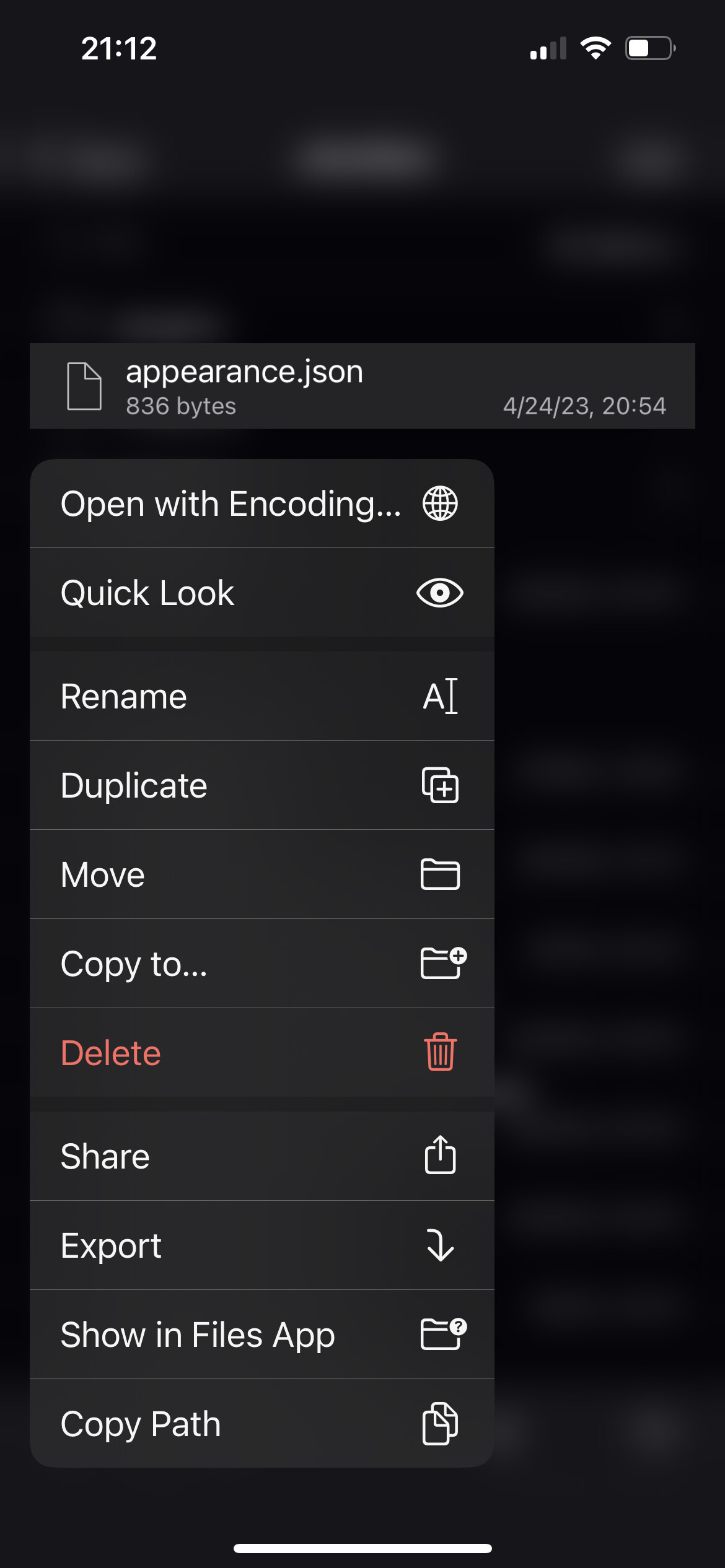
Looks like it’s possible — Textastic on iOS has it (next to last in the list):

2 Likes

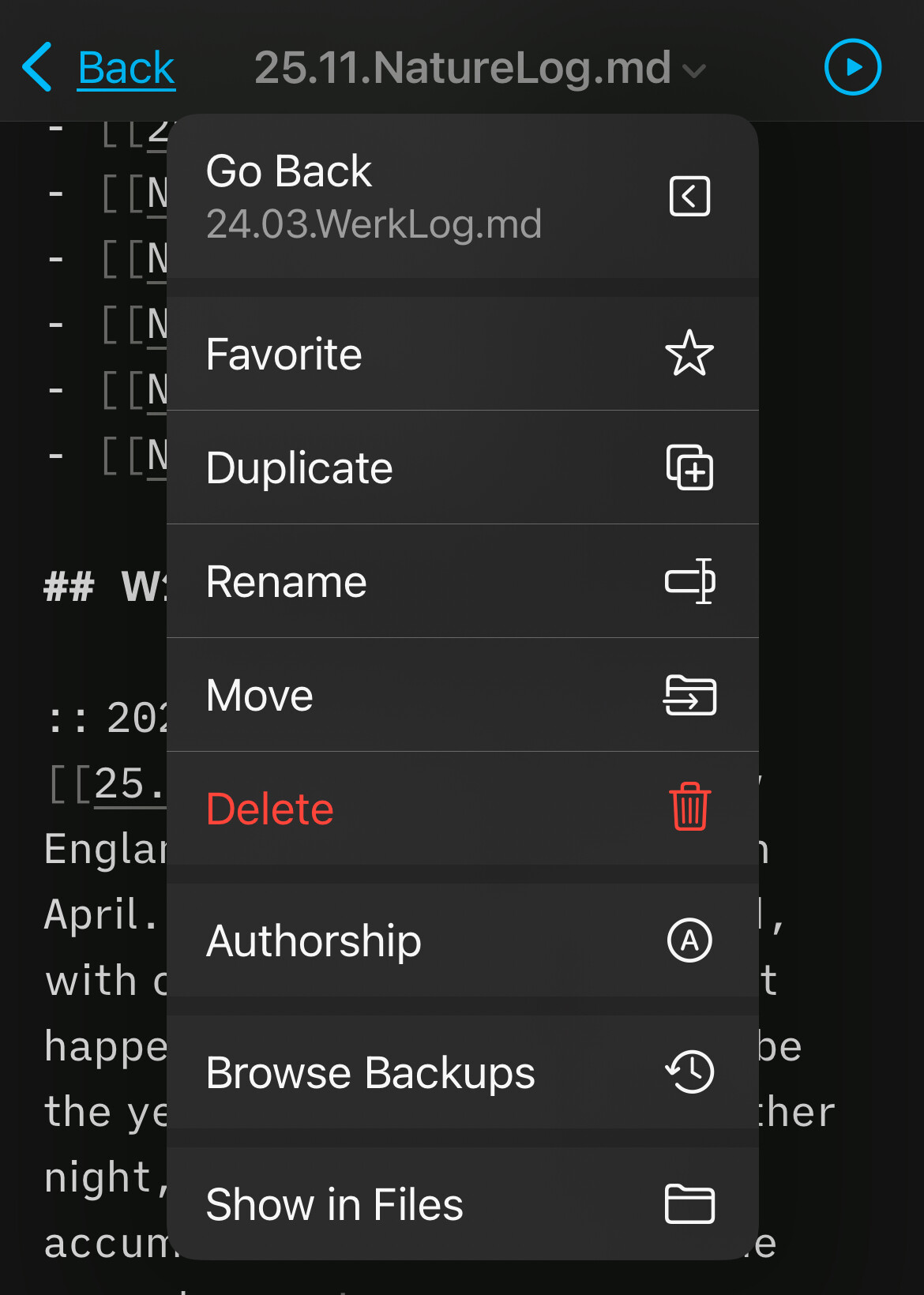
IA Writer on iOS has it, too (last menu item,'“Show in Files”.

1 Like

The Reveal Active File Button plugin achieves this.

I don’t think it’s what being asked here.

I see. The request here is for the ability to to open a file in the files app, not to locate it in the file explorer in Obsidian, as I had assumed.

1 Like

BTW, there’s no need for Reveal Active File Button plugin anymore.

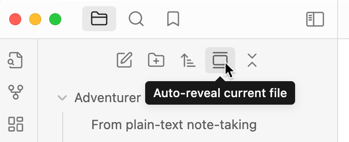
Obsidian 1.8.10 now has a built-in button Auto-reveal current file:

1 Like